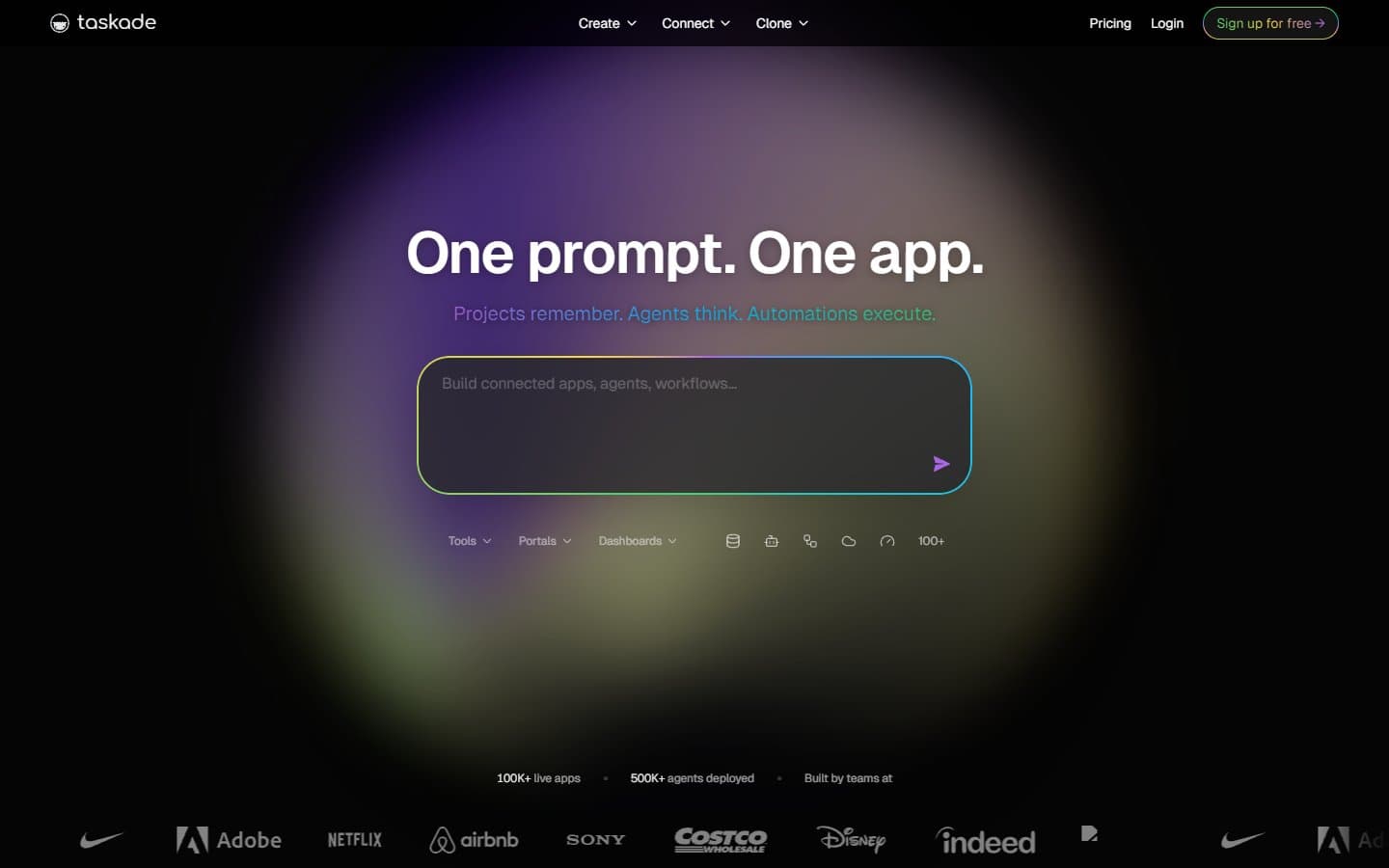
Taskade delivers what it promises: a project workspace where AI agents actually help with research, planning, and task execution. The AI features work well and the interface is clean, but team pricing jumps significantly. It's worth considering if you're a freelancer or small team that wants project management with built-in AI assistance.
Who Taskade Is Best For
Taskade works best for freelancers and small agencies managing client work with AI support. Content teams will find the research and writing agents particularly useful.
Small teams wanting an all-in-one workspace with AI built in will appreciate not juggling multiple tools. The mind mapping and documentation features complement the project management core well.
Avoid Taskade if you need deep CRM integrations or enterprise security controls. Technical teams building custom agent workflows will find the platform too limiting.
What Taskade Actually Does
Taskade combines traditional project management (tasks, timelines, collaboration) with AI agents that can research topics, summarize information, and help plan projects. You create custom agents for different purposes and feed them knowledge bases specific to your work.
The platform includes mind maps, task lists, and documents in a unified interface. Video calls and async video messaging handle team communication. Over 500 AI-powered templates cover common business scenarios.
The AI agents distinguish Taskade from basic project tools. They can research competitors, draft project plans, and summarize meeting notes. The quality depends on the underlying AI models, but the integration feels natural rather than tacked on.
Taskade Pricing
Taskade offers a functional free tier with 1,000 AI credits monthly and unlimited projects. This works for light usage but you'll hit the AI limits quickly with regular use.
The Pro plan at $8/month gives unlimited AI credits, custom agents, and knowledge bases. This represents good value for individual users or freelancers.
Business plans jump to $16/user/month for team workspaces and advanced permissions. A five-person team costs $80 monthly, putting it in premium territory alongside tools like Monday.com or Asana.
What We Like
The AI integration feels thoughtful rather than gimmicky. Agents actually complete useful tasks like research and summarization instead of just generating generic content.
Custom knowledge bases per workspace mean agents understand your specific business context. This makes their outputs more relevant and actionable.
The interface balances simplicity with functionality well. You can switch between mind maps, task lists, and documents without losing context. The learning curve is reasonable.
Video integration works smoothly for both live calls and async messages. Having everything in one workspace reduces tool switching.
What We Don't Like
Team pricing escalates quickly and puts Taskade in premium territory without offering premium integrations. You pay more than Asana but get fewer third-party connections.
The AI agents, while useful, aren't as powerful as dedicated AI research tools or writing assistants. You're trading specialized capability for convenience.
Mobile apps lag behind the web experience significantly. Managing projects on phone or tablet feels clunky compared to desktop.
Customization options are limited compared to tools like Notion or ClickUp. You get templates and basic formatting but can't build complex workflows or databases.
How Taskade Compares to Alternatives
Against Monday.com or Asana, Taskade offers better AI features but weaker integrations and automation. Choose Taskade if AI assistance matters more than connecting your existing tool stack.
Compared to Notion, Taskade provides better project management structure but less flexibility for custom workflows. Notion users who want more AI features might consider switching.
Versus dedicated AI tools like Claude or ChatGPT Plus, Taskade offers weaker AI capabilities but better project context and team collaboration. It's about integrated convenience versus specialized power.
ClickUp offers more features and customization at similar price points, but without integrated AI agents. The choice depends on whether you value AI assistance over advanced project management features.
Should Your Business Use Taskade?
Choose Taskade if you're a freelancer or small team that regularly needs AI for research, planning, and content work. The Pro plan at $8/month offers solid value for individual users.
Skip it if you're managing a larger team on a budget. The $16/user pricing puts it in premium territory without premium integrations or advanced features.
Consider alternatives if you need extensive third-party integrations or custom workflows. Taskade prioritizes AI integration over traditional project management depth.
Try the free tier first to test whether the AI agents actually help your workflow. The value depends heavily on how much you'll use the AI features.
FAQ
How good are Taskade's AI agents compared to ChatGPT?
Taskade's agents use similar underlying models but with less power and flexibility. They're more convenient for project work but less capable for complex tasks.
Can Taskade replace Monday.com for project management?
For basic project management, yes. But Monday.com offers better automation, integrations, and advanced features. Taskade trades those for AI capabilities.
Is the free plan usable for real work?
Yes, but the 1,000 AI credits limit means you'll hit restrictions quickly with regular AI usage. Fine for testing, limiting for daily work.
How does team collaboration work in Taskade?
Basic collaboration works well with real-time editing, comments, and video calls. But advanced team features like detailed permissions and workflow automation are limited compared to dedicated project tools.