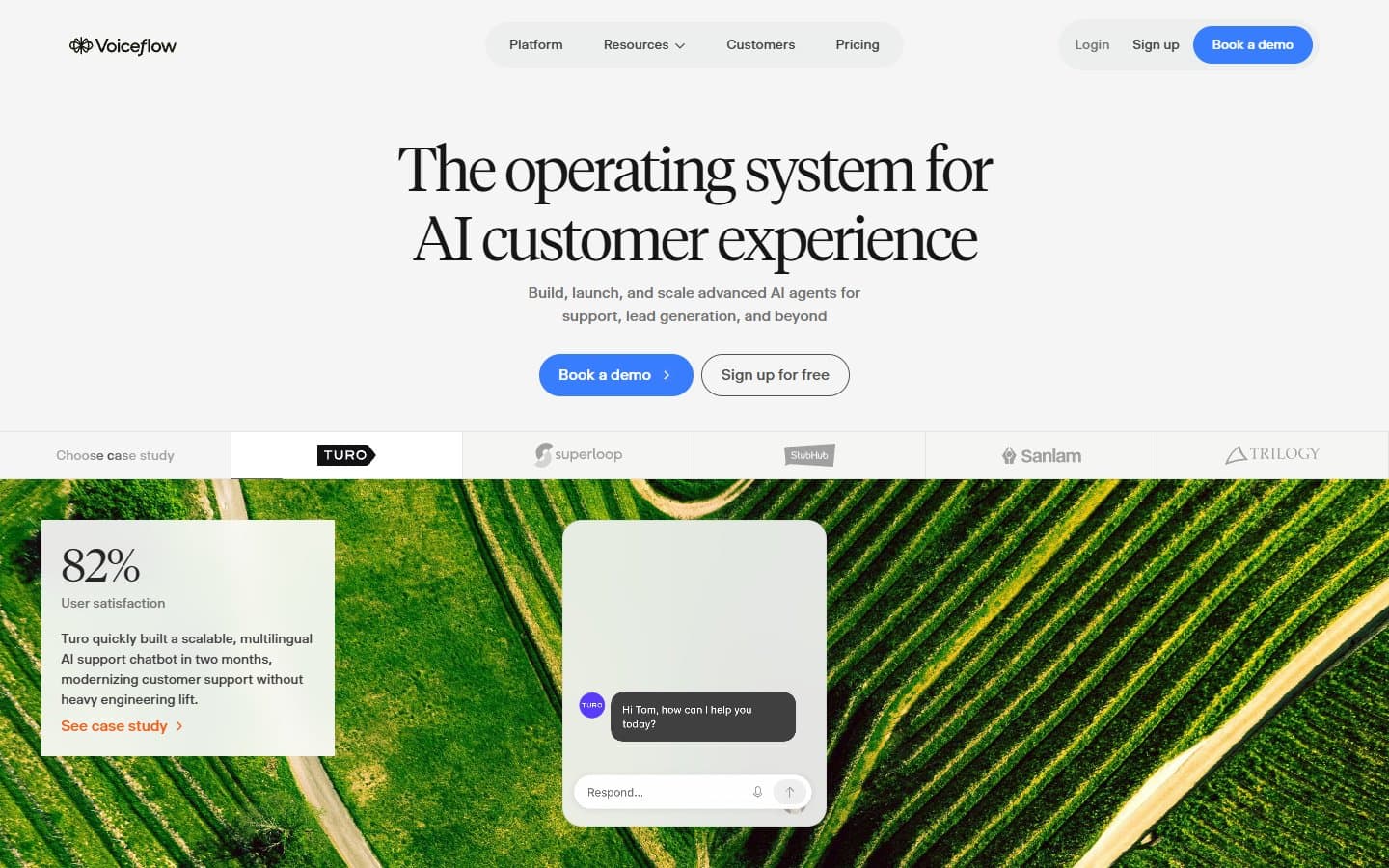
If you need to build AI customer support agents without coding, Voiceflow delivers. The visual interface works well and you can deploy across multiple channels. But you'll pay premium prices once you outgrow the basic plan.
Who Voiceflow Is Best For
You should consider Voiceflow if you're running customer support for a product company or agency. It's particularly good if you want to replace live chat with AI agents. It also works well when you need to prototype conversational interfaces quickly.
CX teams will appreciate the analytics and conversation replay features. Agencies building AI solutions for clients get white-label options and collaboration tools.
Skip Voiceflow if you need back-office automation or prefer code-first development. It's built for customer-facing conversations, not internal workflows. Also skip it if you want deep CRM integration.
What Voiceflow Actually Does
Voiceflow lets you build AI agents using a visual drag-and-drop interface. You design conversation flows, connect AI knowledge bases, and deploy the finished agent to websites, SMS, or voice channels.
The platform handles the technical complexity of natural language processing. You focus on mapping out conversation paths and training the AI on your business information.
You get pre-built templates for common use cases like customer support and lead qualification. The system includes human escalation workflows when the AI can't handle requests.
API integrations let you connect external data sources. Team collaboration tools help multiple people work on agent development together.
Voiceflow Pricing
The free Sandbox plan gives you 2 editors, 1 agent, and 1,000 AI tokens monthly. That's enough for basic testing but not real business use.
Pro costs $50 monthly for 3 editors, unlimited agents, and 100,000 tokens. You also get analytics and conversation insights.
Team jumps to $125 monthly for 5 editors, unlimited tokens, white-label branding, and priority support.
The token limits matter more than you think. Customer conversations can burn through tokens quickly. This happens especially with complex queries.
What We Like
The visual conversation designer actually works well. You can map complex conversation flows without writing code. The interface feels intuitive once you spend time learning it.
Multi-channel deployment is genuinely useful. Build once, deploy everywhere - web chat, SMS, voice calls. Most competitors force you to rebuild for each channel.
Analytics give you real insight into agent performance. You can replay conversations to see where the AI struggles. Then you can improve responses accordingly.
The knowledge base integration works smoothly. Upload documents, connect databases, and the AI pulls relevant information during conversations.
Pre-built templates save significant time. Instead of starting from scratch, you can customize proven conversation flows for your business.
What We Don't Like
Pricing escalates quickly once you need real functionality. The jump from $50 to $125 monthly feels steep. You're paying a lot just to add two more editors and unlimited tokens.
Token consumption is unpredictable. You might burn through your monthly allowance faster than expected. This happens especially during busy periods.
The platform focuses heavily on customer support scenarios. You need agents for sales, marketing, or other use cases? You'll find fewer relevant templates and features.
Learning curve is steeper than advertised. Yes, it's visual, but creating effective conversation flows requires understanding AI behavior. You also need conversation design principles.
Limited customization for advanced users. Developers wanting fine control over AI behavior will hit walls quickly. The same goes for complex integrations.
How Voiceflow Compares to Alternatives
Chatfuel costs less but offers fewer features and channels. Good for basic Facebook Messenger bots, weak for business applications.
Dialogflow provides more technical control and better Google integration. But it requires more development knowledge. It also lacks Voiceflow's visual simplicity.
Intercom's Resolution Bot integrates tightly with their support platform. Choose it if you already use Intercom. But it's limited outside that ecosystem.
Botpress offers open-source flexibility and lower costs. You'll need technical skills to set up and maintain it properly.
Voiceflow sits in the middle. It's more accessible than code-first platforms, more capable than simple bot builders.
Should Your Business Use Voiceflow?
Choose Voiceflow if you handle significant customer support volume and want to automate common queries. The time savings and 24/7 availability justify the cost for most product companies.
Also choose it if you're an agency building conversational AI for clients. The white-label options and collaboration features support client work well.
Skip it if you're a small business with simple needs. The pricing quickly exceeds what basic customer support automation is worth.
Also skip it if you need complex business process automation. Voiceflow excels at conversations but struggles with workflow automation.
Start with the Pro plan if you decide to move forward. The Sandbox is too limited for real testing. Team features aren't necessary initially.
FAQ
How hard is Voiceflow to learn?
Expect 2-3 weeks to build effective agents. The visual interface helps, but conversation design requires practice and iteration.
Can Voiceflow integrate with my CRM?
Basic integrations work through APIs and webhooks. Deep CRM automation requires custom development or third-party tools like Zapier.
What happens when I hit token limits?
Your agents stop working until the next billing cycle or you upgrade plans. Monitor usage closely, especially during launch periods.
Does Voiceflow work for voice assistants like Alexa?
Yes, but the focus is clearly on text-based chat and SMS. Voice features exist but aren't as polished as the chat experience.