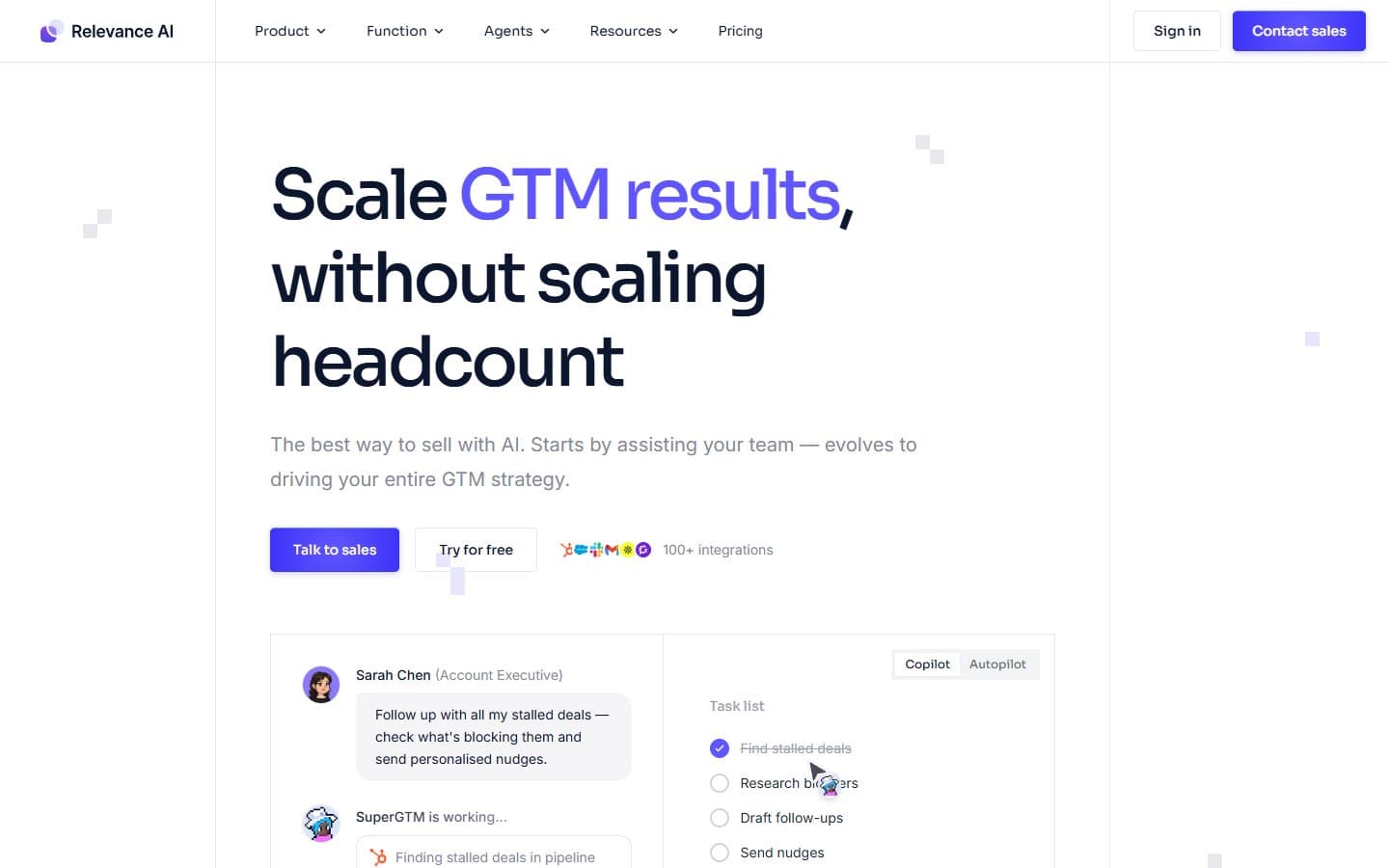
Relevance AI is a powerful no-code platform for building AI agent workflows that can handle complex, multi-step business processes. It shines when you need multiple AI agents working together to solve intricate problems, but it's unnecessarily complicated for basic automations. If you're running an agency or managing complex operations, it's worth the investment.
Who Relevance AI Is Best For
You should consider Relevance AI if you're an agency building AI products for clients, especially if you need white-label deployment options. Operations teams dealing with complex multi-step workflows will find real value here.
It's also ideal for businesses wanting to build sophisticated internal AI assistants without hiring developers. Teams that need enterprise-level agent capabilities but lack technical resources will appreciate the drag-and-drop interface.
What Relevance AI Actually Does
Relevance AI lets you build AI agents that can work together on complex tasks. Think of it as creating a team of digital workers, each with specific skills and knowledge bases.
You can drag and drop components to create workflows where one agent researches information, another analyzes it, and a third generates reports. The platform includes over 100 pre-built tools for common business functions.
The multi-agent orchestration is where it gets interesting. You can have agents hand off tasks to each other. They can escalate to humans when needed and process work in bulk. It's like having a virtual operations team.
Relevance AI Pricing
The free tier gives you 100 credits daily and 3 agents, which is enough for testing but not real business use. The Pro plan at $19/month offers unlimited agents and 10,000 monthly credits.
For most small businesses, the Pro tier works well initially. The Team plan at $99/month adds unlimited credits and multi-user workspaces. This becomes necessary as you scale.
The credit system can be confusing at first. Each AI interaction costs credits, and complex multi-agent workflows burn through them quickly.
What We Like
The drag-and-drop builder actually works well once you understand the logic. Unlike many no-code tools that feel limiting, Relevance AI gives you real flexibility in designing complex workflows.
The tool library saves significant time. Instead of building integrations from scratch, you get pre-built connections to popular business tools and APIs.
Multi-agent orchestration sets it apart from simpler automation tools. You can create sophisticated workflows where agents specialize in different tasks and collaborate effectively.
The human escalation controls are well-designed. When an agent encounters something it can't handle, it can smoothly hand off to a human team member.
What We Don't Like
The learning curve is steep, especially if you're new to AI workflows. The interface assumes you understand concepts like agent orchestration and knowledge bases. Many small business owners don't.
Credit consumption is unpredictable. Complex workflows can burn through your monthly allowance faster than expected. This makes budgeting difficult.
The platform sometimes feels over-engineered for simple tasks. If you just need basic automations, the multi-agent approach adds unnecessary complexity.
Documentation could be better organized. Finding specific information about features or troubleshooting takes longer than it should.
How Relevance AI Compares to Alternatives
Zapier is simpler and cheaper for basic automations. But it can't handle the complex multi-step workflows that Relevance AI excels at. If you need simple trigger-action sequences, stick with Zapier.
Make.com (formerly Integromat) offers more complexity than Zapier. But it still doesn't match Relevance AI's multi-agent capabilities. It's a middle ground option.
Custom development gives you unlimited flexibility. But it requires technical expertise and significant time investment. Relevance AI bridges this gap for teams without developers.
Should Your Business Use Relevance AI?
Yes, if you need to automate complex, multi-step processes that require different types of AI expertise. It's particularly valuable for agencies, consulting firms, and operations-heavy businesses.
No, if you just need simple automations or are looking for plug-and-play templates. The platform requires time investment to understand and set up properly.
Start with the free tier to test whether your use cases justify the complexity. If you find yourself wanting more sophisticated workflows than Zapier can handle, Relevance AI is worth exploring.
FAQ
How long does it take to build your first agent?
Expect 2-4 hours for a simple agent, longer for complex multi-agent workflows. The initial learning curve is significant.
Can it replace human workers entirely?
No. It's best for handling repetitive tasks and initial processing. Human oversight remains necessary for complex decisions.
What happens if I exceed my credit limit?
Your agents stop working until the next billing cycle or you upgrade your plan. Monitor usage carefully in your first month.
Is it suitable for non-technical users?
Yes, but you need patience to learn the concepts. The drag-and-drop interface is user-friendly once you understand AI workflow logic.