Who Should Use Synthesia
If you run HR at a 20-to-50-person company and still record the same onboarding video every three months because someone left or policy changed, Synthesia was built for you. Swap one script line, re-render in four minutes, done. No rebooking conference rooms, no waiting for presenters, no editing around coughs.
Five-person e-learning agencies producing corporate courses will find this genuinely useful. Clients want multilingual content but won't pay for full translation and re-shoots. Synthesia's 120+ language support means you render the same video in Spanish, French, and German without touching footage — the avatar handles it. That changes the economics of international course delivery.
Marketing gets trickier. Solo founders or small marketing teams can slash production time on product explainers, feature announcements, and social content. No videographer, studio, or camera-comfortable presenter needed. The caveat: this only works where a polished avatar is credible. Customer testimonials and founder stories still need real faces.
What It Actually Does
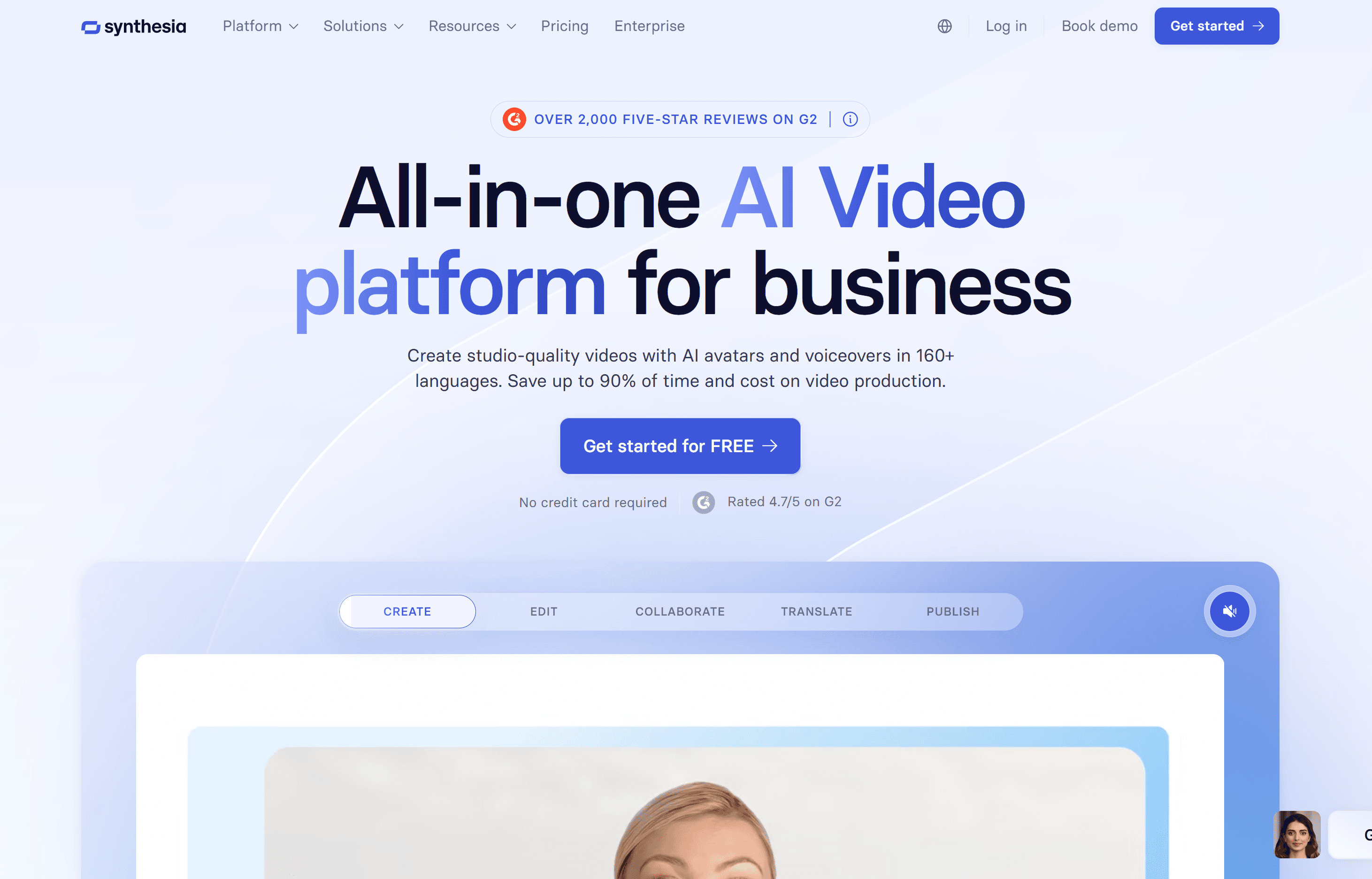
You type a script, pick an avatar from their library — or build a custom one from your footage — and Synthesia produces a finished video with a presenter speaking your words.
Import PowerPoint directly and your slide deck becomes a narrated video without touching camera or microphone. The screen recording feature handles software walkthroughs. Change the script later and you don't reshoot — edit the text and re-render. With 120+ languages, the same avatar presents your content in whatever language your audience speaks.
The output looks like professionally produced talking-head video. Not Hollywood, but comfortably above anything you'd record on laptop webcam in your home office. For internal training and e-learning especially, it clears the quality bar audiences expect.
Pricing
Synthesia starts at $29/month for the Starter tier. You get the core avatar library, basic templates, and enough monthly video minutes for light use — testing the tool or producing one or two videos monthly. The minute cap will frustrate anyone with real volume.
The Creator plan unlocks higher video output, more customization, and custom avatar creation. Most small businesses should start here. Custom avatars matter because branded content with generic stock presenters looks off once audiences see it repeatedly. The price jump from Starter is justified if video is regular workflow, not occasional project.
Enterprise pricing is custom for large teams needing advanced admin, SSO, and API access. For businesses under 50 people, it's unnecessary. Push back if salespeople try landing you here before outgrowing Creator.
What Works Well
PowerPoint import actually works. Most tools promising slide-to-video conversion produce clunky, embarrassing results. Synthesia's version is genuinely usable — slides import cleanly, timing is controllable, and results don't look like 2009 screencapture. Templates alone save most teams two hours per video compared to building from scratch.
Multilingual rendering is the real differentiator. Competitors like HeyGen offer similar avatar quality, but Synthesia's language breadth and lip-sync accuracy across non-English content is noticeably better in testing. If your business operates across multiple language markets, this feature changes what's possible at your budget.
Script edits don't require reshoots. This sounds small until you've produced a video, sent it for approval, received nine rounds of feedback, and had to start over. In Synthesia, you edit text. Video updates. That single workflow change removes most pain from video production cycles.
What Doesn't Work
Avatars still look like avatars. Synthesia has improved significantly over three years, but in 2026 there remains uncanny quality to eye movement and micro-expressions that viewers notice, even if they can't name it. For internal training this rarely matters. For brand videos you're proud of or customer-facing campaigns requiring warmth and trust, it matters considerably.
No free plan is a genuine barrier. Every competitor in this space — HeyGen, Pictory, even D-ID — offers some form of free access, even if limited. Synthesia doesn't. For small business owners trying to validate whether this fits their workflow before committing $29 monthly, that friction is real and annoying given the price point.
How It Compares
HeyGen is the closest direct competitor. Avatar quality is comparable; HeyGen's free tier gives you room to test before paying. Choose HeyGen if you're unsure whether avatar video fits your workflow, or if your volume is low and budget tight. Choose Synthesia if multilingual output is a genuine requirement — the gap in language quality is meaningful.
Loom is completely different use case. Loom records your actual face and screen for quick async communication. It's faster, more personal, and free to start. If you need authentic human presence or quick team updates, Loom wins. Synthesia wins when you need polished, scriptable, repeatable content at scale.
The Verdict
If you run training, onboarding, or e-learning content and currently spend hours in front of cameras or pay video producers for updates, Synthesia pays for itself quickly. Teams producing four or more videos monthly will recover subscription costs in the first week. If you need multilingual output, the decision is easier — nothing at this price point competes seriously on language breadth.
If you're a founder wanting to put your real face and personality into content, or you produce live video, customer interviews, or anything requiring visible authenticity, Synthesia is the wrong tool entirely. Use Loom for internal communication and hire videographers for brand content.
The no-free-plan policy means committing before properly evaluating, which is legitimate frustration. Take the trial seriously and test your actual use case, not demo scripts.
Synthesia is the most practical AI video tool available for high-volume, structured content — not magic, but genuinely useful.
Common Questions
Can I use my own face as an avatar?
Yes — custom avatar creation is available on paid plans. You record a short consent video and training clip, and Synthesia builds a digital version of you. Quality varies but is generally good enough for professional use.
Does it work for customer-facing content or just internal videos?
Both, but with caveats. Internal training and structured product explainers work very well. Customer testimonials, brand storytelling, or anything where emotional authenticity matters is better handled with real footage.
What happens if I go over my video minute limit?
You can purchase additional minutes or upgrade your plan. Synthesia doesn't cut off your video mid-render, but you'll hit a wall if producing at volume on the Starter tier. Budget accordingly before scaling.
Is the lip-sync accurate across different languages?
Better than most competitors, particularly for European languages. Some less common languages still show minor sync drift, but for Spanish, French, German, and major Asian languages, accuracy is good enough for professional use.