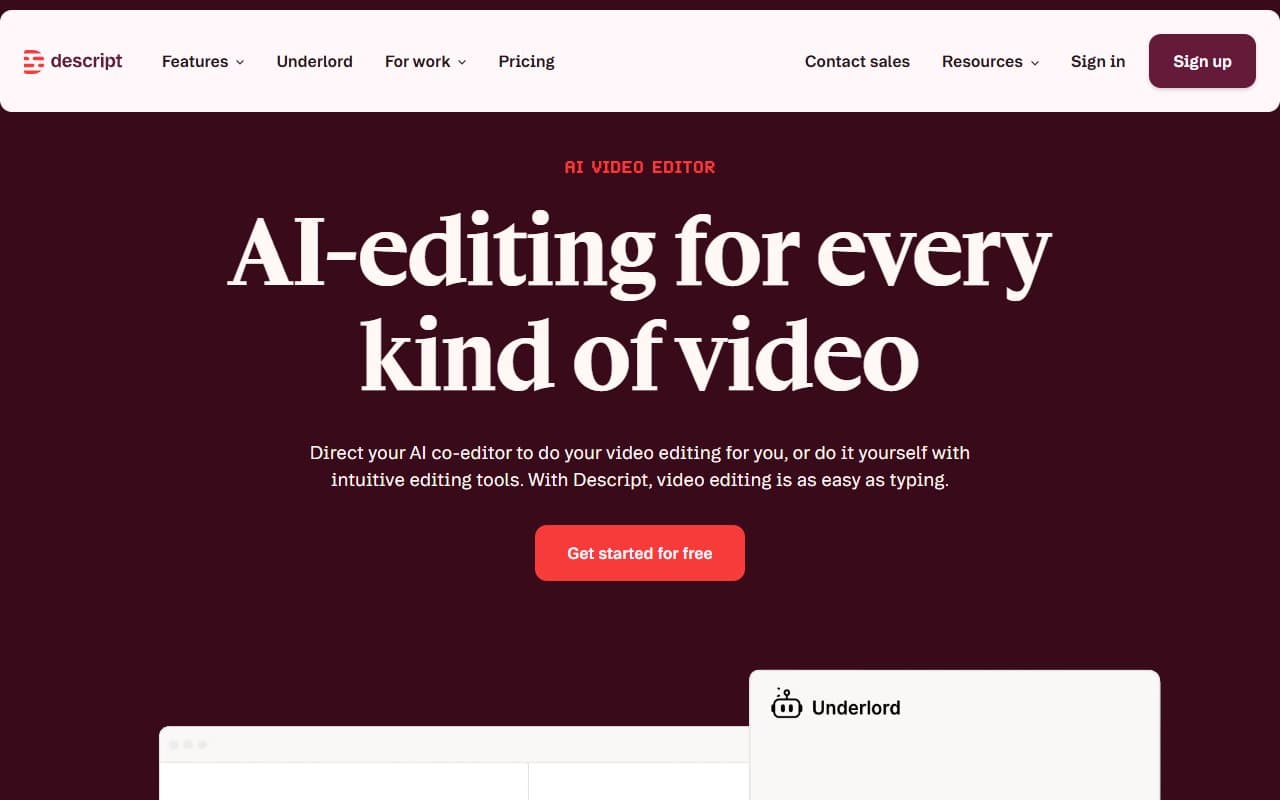
Who Should Use Descript
If you run a podcast alongside your business — financial advisor with a weekly show, five-person agency producing client videos — Descript beats anything at this price. The system assumes you know what to say but hate cleaning it up.
Course creators get the most value. If you record educational content on Loom or straight to camera, the time you spend scrubbing timelines to cut stutters becomes embarrassing once you see how Descript handles it. A consultant recording twelve modules cuts editing time in half.
Anything requiring serious production work is different. Wedding videographers, documentary filmmakers, multi-camera event coverage — this isn't your tool. Descript serves people who edit by necessity, not by trade.
What It Does
Descript transcribes your video when you upload it. Your edit lives in the transcript, not the timeline. Delete a word in text, that section vanishes from video. First use feels like a trick.
Filler words get flagged automatically — remove them in one click. The AI voice clone, called Overdub, fixes misspoken lines by typing the correction, then plays it back in your voice. Screen recording is built in. When done editing, you generate social clips from the same project without restarting.
Runs in a browser. Nothing to install.
Pricing
Free plan gives three hours of transcription monthly with watermarked exports. Useful for testing, unusable for public content. This is a trial.
Hobbyist ($12/month) removes watermarks and provides ten hours of transcription monthly. One podcast episode per week fits, but you lose Overdub and publishing features. Fine for personal use, frustrating for business.
Creator ($24/month) delivers the full product. You get Overdub, unlimited transcription, and social clip tools. Most small businesses should start here. At the cost of one hour of freelance editing per month, the math works.
Business ($40/month per user) adds collaboration and permissions. Worth it for teams of three or more. Overkill for solo operators.
What Works
Filler word removal works. Most tools oversell automation then miss half your verbal tics. Descript catches them consistently, and one-click removal doesn't clip surrounding audio.
Overdub earns its reputation. Re-recording a line because you mispronounced a client's name used to mean resetting camera, finding light, re-editing the clip. Now you type the correction. For anyone scripting content, this alone justifies the Creator subscription.
Social clip workflow is fast. Pulling a ninety-second highlight from forty minutes takes under five minutes. Templates handle captions and framing, saving real time for anyone publishing across LinkedIn, Instagram, and YouTube from the same source.
What Doesn't Work
Multi-track audio is clunky. Recording guest interviews with separate tracks — your mic and theirs on different channels — works, but not smoothly. You'll spend too much time aligning things that should align automatically. Hindenburg handles this better.
AI voice clone hits uncanny valley. Overdub impresses until it doesn't. Longer corrections sound slightly off — not wrong enough to alarm listeners, but noticeable to you. Use it for short fixes, not paragraph rewrites.
How It Compares
Riverside.fm wins on recording quality. Its remote recording infrastructure beats Descript's. Once you have files, though, Descript provides the better editing environment.
CapCut costs less and handles short-form social video well. It offers nothing resembling text-based editing. For longer content, the comparison dies at the price tag.
The Verdict
If you produce video or audio more than twice monthly and currently edit in iMovie or CapCut, Descript pays for itself immediately. The Creator tier at $24 is the obvious entry point for working small businesses. Professional editors needing frame-level control, color grading, or sophisticated multi-camera workflows should look elsewhere — Descript isn't pretending to be that tool.
Run a podcast alongside your business? Start the free trial this week. Professional post-production shop? Try DaVinci Resolve instead.
Descript makes video editing accessible to people who have no business editing video — and that's exactly the point.
Common Questions
Does Descript work for complete beginners?
Yes, and that's a strength. Learning curve measures in hours, not weeks. If you can edit a Word document, you can edit in Descript.
Is the free plan usable for small business?
Only for testing. Watermarked exports rule it out for public content. Budget for Creator tier from the start.
How accurate is the transcription?
Very accurate with clear audio — expect 95% or better with decent microphone in quiet room. Background noise and heavy accents reduce accuracy, though editing tools still work on whatever it produces.
Can multiple people work on the same project?
Yes, from Business tier up. Hobbyist and Creator plans limit collaboration. If an editor and content manager both touch projects, Business tier justifies the extra cost.