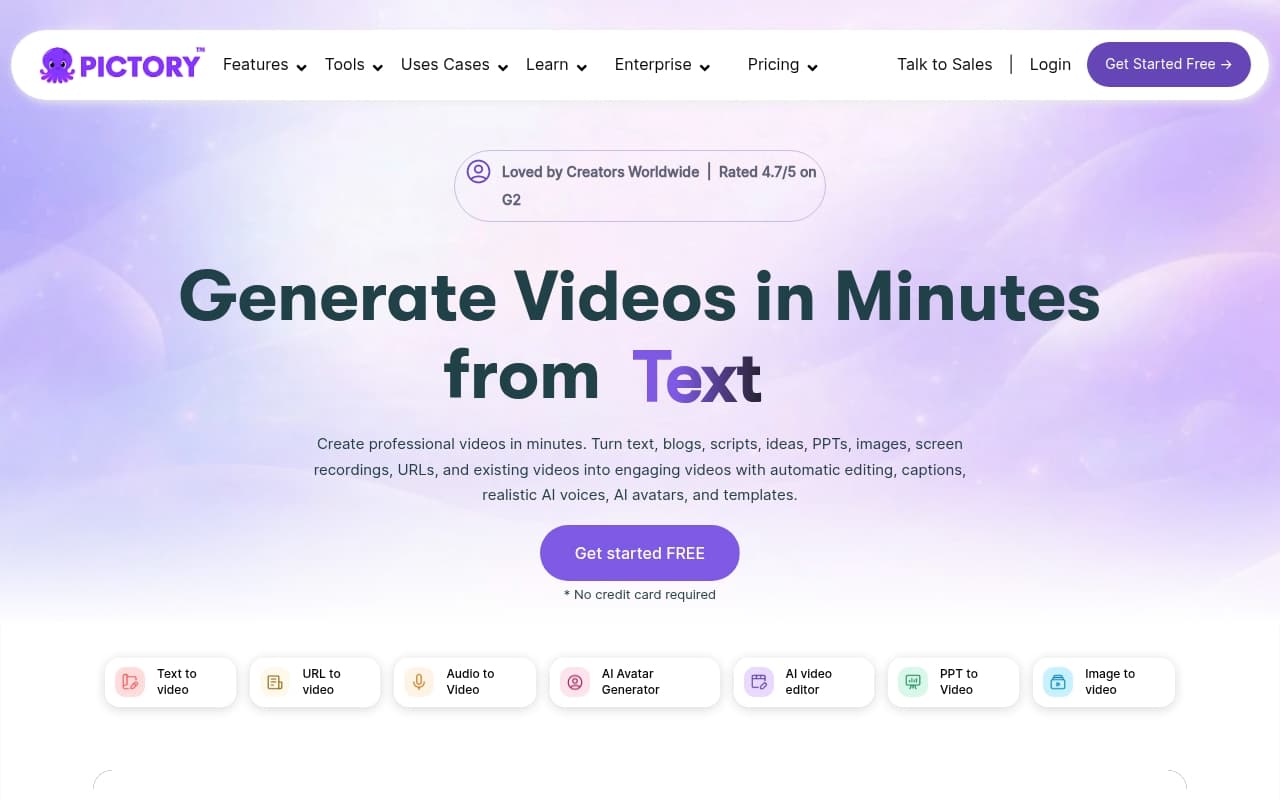
You write a blog post in three hours. Seventeen people read it. Your competitor posts a 60-second video on the same topic and gets 40,000 views. Pictory exists to close that gap.
Who Should Use Pictory
Pictory makes sense for one-to-five person content teams sitting on backlogs of unread blog posts. Solo consultants publishing weekly articles, small SaaS companies with content libraries, five-person agencies managing multiple clients — these operations get real value here. You're not producing broadcast-quality video. You're producing consistent social content at a pace that would otherwise require a full-time video editor.
Social media managers running LinkedIn or Instagram for service businesses will find it fits their workflow naturally. Paste in a script or URL, choose footage and tone, get something postable in 30 minutes. Most users report their first video takes under an hour, including learning the interface.
It doesn't work when your business depends on polished, filmed content — law firms producing client testimonials, personal brands requiring real faces on screen, any business where video quality directly signals credibility. Pictory is volume, not prestige.
What It Does
Feed Pictory a blog post URL or script. It breaks the content into scenes, pulls relevant stock footage, and matches visuals to your words automatically. You get burned-in captions, AI voiceover reading the script, and the option to add your logo and brand colours.
The finished video won't fool anyone into thinking you hired a production crew. But it looks clean, moves at decent pace, and the auto-generated captions are accurate most of the time. You can swap footage clips, adjust scene timing, change voiceover style, and export in different aspect ratios. Runs entirely in your browser.
Pricing
Buy the Professional tier at $47/month. You get 60 videos monthly, AI voiceover, and team features. The $23 Starter tier (30 videos, basic features) will frustrate you if you're producing more than one video weekly. The $119 Teams tier (3 seats, 90 videos) only makes sense for agencies — solo operators pay for seats they won't use.
What Works
Blog-to-video conversion is surprisingly accurate. Paste a 1,500-word article URL and Pictory identifies key points, structures scenes, and finds relevant footage. It occasionally misses, but saves about two hours per video compared to building from scratch in traditional editors.
Captions work properly. Most auto-caption tools produce embarrassing results — wrong words, bad timing. Pictory hits roughly 95% accuracy on clean audio and styles captions well enough for public posting.
Brand kit carries through consistently. Applying your colours, fonts, and logo takes four minutes and appears across every video you produce.
What Doesn't Work
Stock footage becomes repetitive fast. The library is large, but Pictory reuses the same visual styles. Produce 20 videos monthly and your audience will recognize familiar clips. No way around this without uploading your own footage.
AI voiceovers flatten everything. The voices are clear and professional, but they make urgent calls-to-action sound identical to product feature lists. Acceptable for B2B content. Inadequate for anything requiring personality.
How It Compares
Lumen5 costs less and offers a simpler interface for beginners, but produces lower-quality output with weaker brand customisation. Choose Lumen5 if you need simple. Choose Pictory for volume and brand control.
InVideo provides more editing flexibility and better avatar options if you need on-screen presenters. Steeper learning curve, longer production time per video. Pick InVideo if your content strategy requires human faces. Pick Pictory if speed and volume matter more.
The Verdict
If you have a content library gathering dust and need consistent social video without hiring an editor, Pictory earns its subscription cost. Most content marketers recover the Professional tier price within the first month by reducing video production time. Don't expect realistic avatars, custom filming, or broadcast quality — Pictory can't deliver that and doesn't pretend to. For turning words into watchable video quickly and reliably, this is the most practical tool in its price range.
Common Questions
Does Pictory require video editing experience?
No. The interface uses templates and automation handles scene selection, timing, and captions. If you can paste text and click buttons, you can use Pictory.
Can I use my own footage?
Yes. Upload your own video clips and images alongside the stock library. Worth doing if you have branded content — makes output significantly more distinctive than stock alone.
Is there a free trial?
No permanent free plan, but Pictory offers a limited trial letting you produce a few videos before paying. Enough to test whether the workflow suits you.
How long does one video take?
Expect 20-40 minutes for a standard 60-90 second social video from a blog post once you know the tool. Your first video takes longer while adjusting brand settings, but the learning curve is shallow.