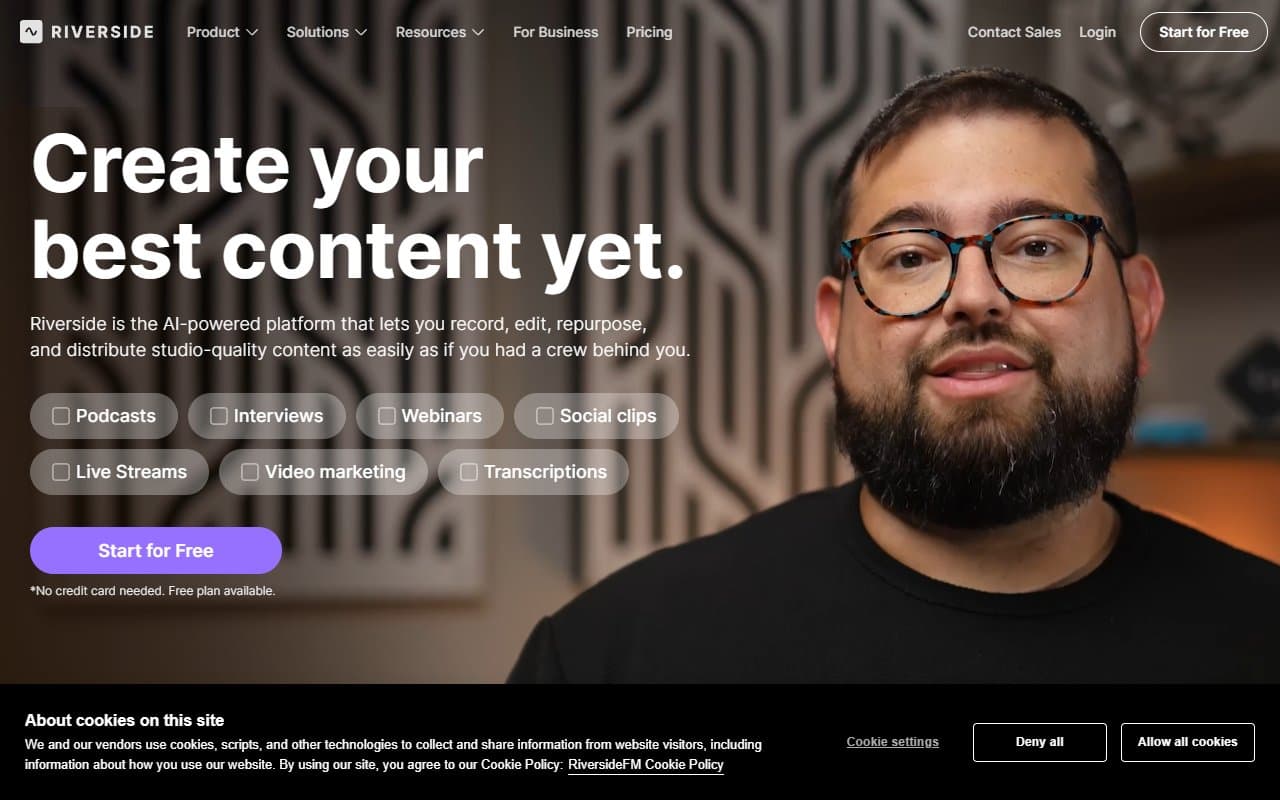
Who Should Use Riverside.fm
Most podcast software records over the internet, so your audio quality depends entirely on your guest's Wi-Fi. Riverside sidesteps this problem completely. If you run a podcast and want to sound professional — not "pretty good for a remote recording" — this is where you end up.
A five-person marketing agency producing weekly thought-leadership content gets immediate value here. So does a solo consultant running YouTube interviews. Guests click a link and you record — no 20-minute troubleshooting sessions before every call.
Coaches, course creators, and media teams who repurpose content across channels should pay attention to the built-in social clip tools. Your video editor stops being the bottleneck when you want a 60-second highlight.
If you record in person or cover live events, look elsewhere. Riverside is built for remote recording.
What It Actually Does
Riverside records each person's audio and video locally on their device, then uploads those separate tracks after the session. You get clean, studio-grade audio from both sides regardless of connection speed during the call.
After each session, you get an automatic transcript. Riverside lets you create social media clips using those transcripts — highlight the text, and it builds the clip. You record in separate audio and video tracks, which makes editing easier. Guests join through a browser with no downloads required.
Pricing
Free plan: Two hours monthly with watermarked video exports. Good for testing, useless for real production. Audio quality ceiling is lower.
Standard ($15/month): Removes watermarks, adds recording time, unlocks higher-quality video. Start here if you are an individual podcaster recording weekly.
Pro ($24/month): Magic Clips and advanced AI transcription. If you repurpose content regularly, this saves about two hours of editing work weekly. Most small businesses should pick this tier.
Business ($59/month): Team seats and producer controls. Worth it for dedicated media teams or multiple shows. Overkill for solo creators.
What Works Well
Local recording quality is different. Send a finished episode to a professional editor and they immediately comment on the track quality. No compression artifacts, no echo from degraded connections. This alone justifies the subscription if audio quality matters to your brand.
Guest experience removes friction. No app download, no account creation, no pre-call tech panic. When you book busy founders or industry names, removing that barrier matters.
Magic Clips actually work. Unlike AI editing tools that promise automation and deliver awkward results, Riverside's clips are usable without heavy manual correction. You still review them, but you are not rebuilding from scratch.
What Does Not Work
Upload time after sessions kills momentum. Because Riverside records locally then syncs, longer sessions take ages to upload and process. On slow connections, this is genuinely frustrating when you want to edit immediately. It is a known trade-off that no one mentions until it happens on a deadline.
The free plan is nearly useless. Two hours monthly will not cover a single bi-weekly podcast, and watermarked exports make it unusable for anything public. The free tier demonstrates the tool — it does not let you use it.
How It Compares
Squadcast produces comparable local recording quality. If your team is technical and wants deeper DAW integration, Squadcast edges ahead on workflow flexibility. For everyone else, Riverside's interface is faster to learn and guests have a smoother experience.
Zoom is the default choice. The audio quality gap between Zoom and Riverside is immediately obvious. Use Zoom for meetings, Riverside when the recording is the product.
Descript handles editing and transcription but does not record. Some producers use both — Riverside to capture, Descript to edit. That works if your budget allows it.
The Verdict
If you produce podcasts, interview series, or video content with remote guests, Riverside.fm is the obvious choice. Local recording quality solves the biggest problem in remote production, guest experience stops being a logistical headache, and Pro tier clip tools extract more value from every session.
Solo creators watching every dollar should start on Standard and upgrade when volume justifies it. If your content is in-person or you need live switching for events, Riverside is not built for that — use Streamyard instead.
This is mature software that solves a real problem rather than chasing features.
Common Questions
Does my guest need to download anything?
No. Guests join through a browser link with no account or software required. Works on Chrome and most modern browsers.
Is Riverside good for video as well as audio?
Yes. Video quality works well for YouTube and social content. Separate video tracks per participant give your editor more flexibility than screen-recorded calls.
How long does it take to get recordings after a session?
Upload and processing time depends on session length and connection speed. A 45-minute episode typically processes within 15 to 30 minutes. Longer sessions or slower connections take more time — plan for this if you edit same-day.
Can I use Riverside for a live stream?
No. Riverside is designed for recorded content. For live streaming, use tools built specifically for that like Streamyard or Restream.