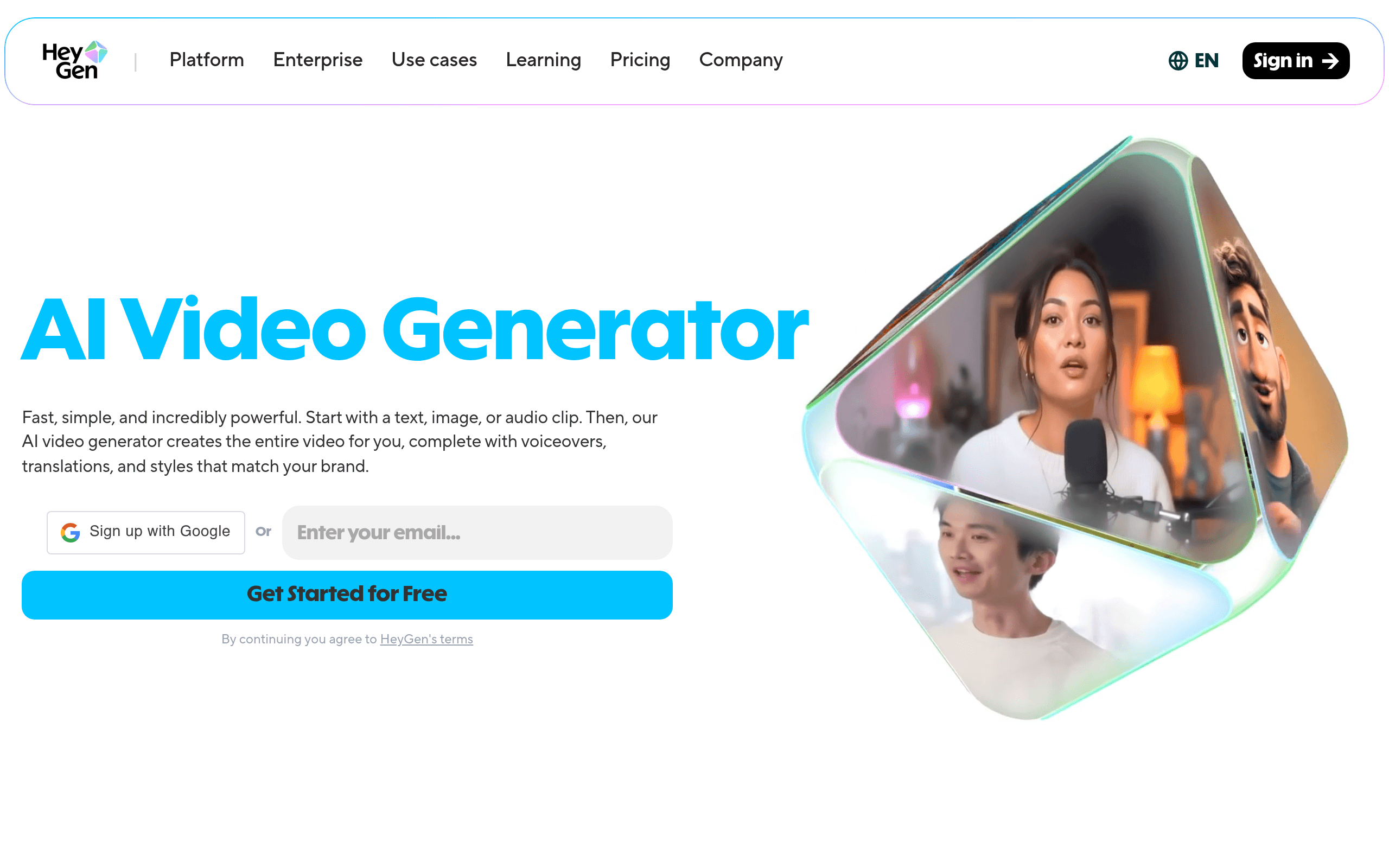
You've got a product update to communicate, three market segments to reach, and zero budget for a video crew. The script is written, the slides are ready, and you're staring at your calendar wondering when exactly you were supposed to film yourself in a tidy, well-lit room looking professional. HeyGen exists because this problem is incredibly common and almost nobody talks about it honestly.
Who Should Use HeyGen
A five-person SaaS company pushing regular product update videos will get genuine value here. Recording yourself every two weeks to explain new features takes a half-day. An avatar cuts that to forty minutes including revisions. That compounds fast across a year.
E-commerce brands selling into multiple countries have a specific use case that HeyGen handles better than almost anything else at this price point. The video translation feature takes a single English explainer and produces localized versions in dozens of languages without re-recording or hiring voice talent. For a small team running paid ads across European markets, that's not a minor convenience — it's a workflow that would otherwise require an agency retainer.
Where HeyGen fails: service businesses whose entire value proposition is the person behind the brand. A solo consultant, a therapist, a personal trainer — anyone whose clients are buying them should look elsewhere. An avatar is a tool for scale. If your audience expects to see your face and hear your actual voice, giving them a digital facsimile will feel off, because it is.
What It Actually Does
You upload a short video of yourself — or choose from HeyGen's library of pre-built avatars — and the platform turns it into a presenter that can read any script you type. The avatar moves, gestures, and speaks. You're not animating anything yourself. You type text, pick a voice, hit generate, and a few minutes later you have a polished-looking talking-head video.
Voice cloning uses your actual voice rather than a synthetic one, which closes much of the realism gap. The translation feature goes further: it takes a finished video and lip-syncs a different language version so the mouth movements match the new audio. Templates handle the framing, lower-thirds, and branding so you're not starting from scratch each time. Talking photos — animating still images into brief video clips — is useful for social content when you need variety without additional filming.
Pricing
Free plan: One video credit per month and basic avatars. It's enough to test the tool — not enough to do anything useful with it regularly.
Creator ($29/month): Fifteen video credits per month, no watermark, voice cloning, and templates. For most small businesses just starting with avatar video, this is where you should start. Fifteen credits covers six to eight typical explainer videos. Worth it if you're replacing even one freelance video edit per month.
Business ($89/month): Thirty credits, custom avatars, brand kit, and priority processing. If you have a marketing team sharing the account or you're producing more than ten videos monthly, buy this tier. It's reasonably priced for what you get, though the jump from $29 to $89 is steep if you're a solo operator.
Enterprise: Custom pricing. Ignore it unless you're producing dozens of videos monthly and need API access or dedicated support.
What Works Well
The translation feature is genuinely impressive. Most localization tools give you dubbed audio that doesn't match the speaker's lip movements, which looks worse than subtitles. HeyGen's lip-sync translation is noticeably better — not perfect, but convincing enough that your Portuguese audience won't spend the whole video distracted by the mismatch.
The template library does the heavy lifting. You're not a video editor. You don't need to become one. HeyGen's templates handle layout, branding, and pacing well enough that the output looks intentional rather than generated. For product demos specifically, this saves significant production time.
Voice cloning works better than expected. Submit a clean audio sample and the cloned voice retains enough of your cadence and tone to feel like you rather than a generic text-to-speech engine. That distinction matters when you're trying to maintain brand consistency.
What Does Not Work
The uncanny valley hasn't been solved. Avatars look good in a thumbnail and feel slightly off in motion. Blinks, head movements, and gesture timing are close — but close-but-wrong registers with viewers even if they can't articulate why. For internal training content or product demos, most audiences accept it. For customer-facing brand content where trust drives sales, this will hurt you.
Fifteen credits per month on the base plan burns fast. If you're running an active content calendar, you'll hit the ceiling in week two. The pricing jump to the next tier then feels punitive, not proportionate.
Custom avatars take time. HeyGen needs 24-48 hours to process your uploaded video into a working avatar. If you're testing the platform or need quick turnaround, this kills momentum.
How It Compares
Synthesia is HeyGen's closest rival. Synthesia has slightly more polished enterprise features and a longer track record in corporate training, but costs more and offers less flexibility on the lower tiers. Choose Synthesia if you're producing internal compliance or onboarding content at scale. Choose HeyGen if translation and social content are your priority.
Descript approaches video differently — it's built around editing real footage, not generating avatars. Descript wins when you want to polish recordings of actual humans. HeyGen wins when you want to skip the recording entirely.
The Verdict
If you're a small marketing team producing regular explainer or product demo content and you need to stretch across multiple languages, HeyGen will pay for itself quickly. The translation feature alone justifies the Creator tier for anyone running multilingual campaigns. If you're building a personal brand, running a service business, or your audience specifically chose you because of the human connection you offer — walk away. An avatar will not help you and might actively harm trust. HeyGen is an efficiency tool, not a storytelling tool — and efficiency tools have their place.
Common Questions
Does HeyGen look realistic enough to use professionally?
For product demos, internal training, and explainer content — yes, it clears the bar. For high-touch customer-facing content where trust drives the sale, test it with a real audience sample before committing your brand to it.
Can I use my own face as the avatar?
Yes. You record a short consent video, upload it, and HeyGen creates a custom avatar from your likeness. The quality is better than the stock avatars because it's actually based on your real face and expressions.
Is HeyGen worth it at $29/month?
If you're currently paying a freelancer or spending your own time on even one video per month, the math works out. Where it stops being worth it is if you only need video occasionally — the free plan covers that and the jump to paid is only justified by regular volume.
What happens if I cancel — do I keep my videos?
Videos you've already generated are yours to download and keep. Your avatar and any stored projects inside the platform become inaccessible, so export everything before you cancel.