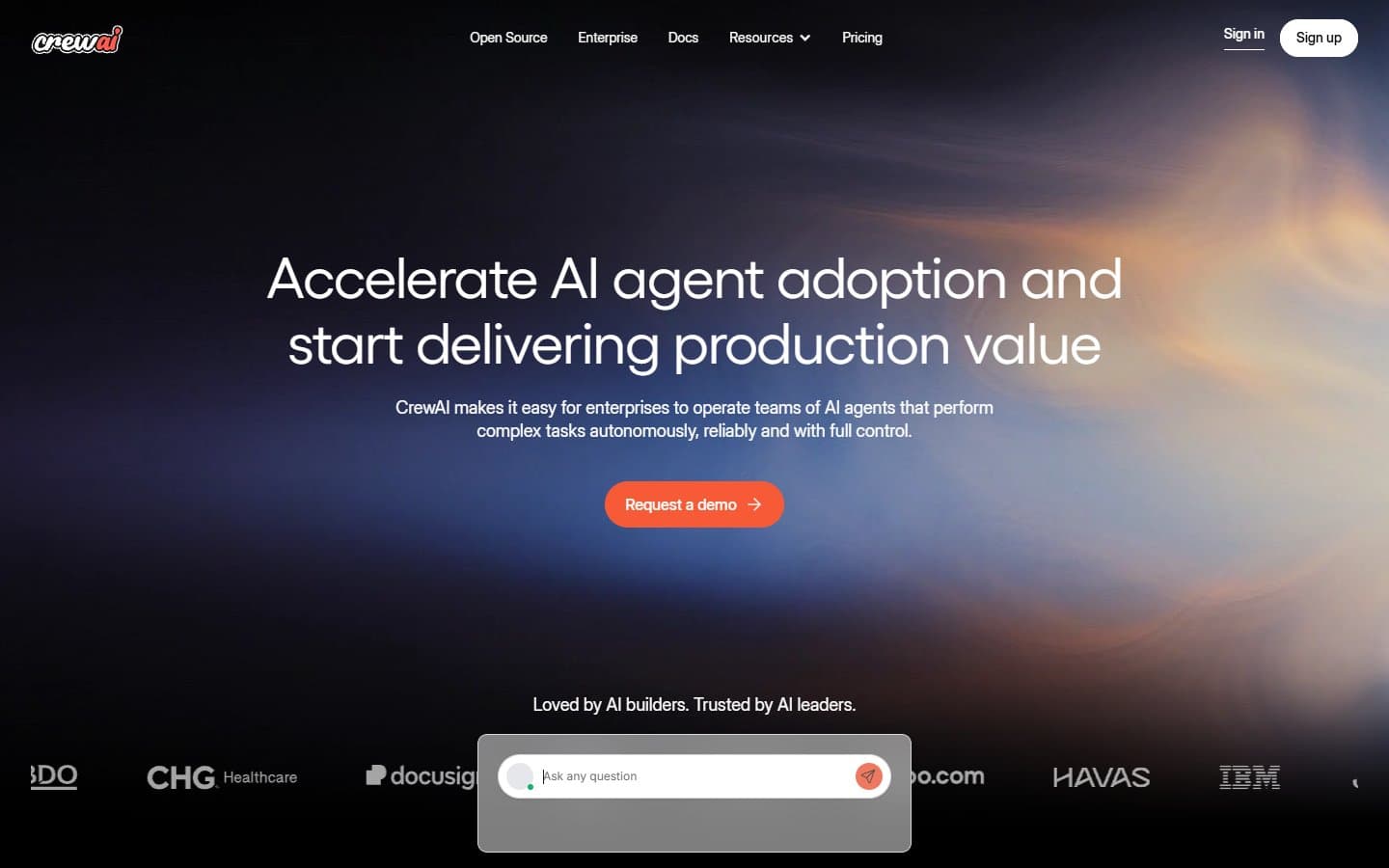
Stop building single AI agents that try to do everything poorly. CrewAI lets you create specialized AI teams where each agent excels at one job—then orchestrates them to tackle complex workflows automatically. But this isn't for beginners.
Who CrewAI Is Best For
CrewAI works best for technical teams with Python developers who need to automate complex, multi-step workflows. Software companies building AI products will find real value here. Research teams that need to coordinate different AI agents for data collection, analysis, and reporting can benefit significantly.
Startups with technical founders who want to prototype AI-powered services should consider it. Any business that regularly handles tasks requiring multiple specialized AI roles—like content creation, fact-checking, and optimization—can see genuine productivity gains.
What CrewAI Actually Does
CrewAI lets you create teams of AI agents, each with specific roles and responsibilities. Think of it like assigning different specialists to a project team. One agent might research a topic, another writes content, and a third fact-checks the output.
The agents communicate with each other, share context, and hand off work between tasks. They can use tools, browse the web, and maintain memory across interactions. You define the workflow, assign roles, and let the crew execute complex tasks that would normally require human coordination.
The framework handles the orchestration automatically. Agents work asynchronously, so they're not waiting around for each other. You get detailed logs and can monitor progress throughout the process.
CrewAI Pricing
CrewAI offers a straightforward freemium model. The open-source version is completely free and includes the full framework with community support. You host and manage everything yourself.
The Enterprise tier pricing isn't public—you need to contact sales. It includes managed infrastructure, SLA support, advanced monitoring, and enterprise features like SSO and audit logs.
For most small businesses testing the waters, the free version provides everything you need. You'll pay for the underlying AI models (OpenAI, Claude, etc.) separately, which is where your real costs lie.
What We Like
The role-based approach makes intuitive sense. Instead of trying to cram everything into one prompt, you can create specialized agents that excel at specific tasks. This mirrors how real teams work and often produces better results.
The framework is genuinely flexible. You can integrate with various AI models, add custom tools, and adapt workflows to your specific needs. The memory system means agents learn from previous interactions and maintain context across complex tasks.
Pre-built templates help you get started quickly. Instead of building everything from scratch, you can modify existing crew setups for common use cases like content production or research workflows.
The asynchronous execution is smart. Agents work in parallel when possible. This makes complex workflows much faster than sequential processing.
What We Don't Like
The learning curve is steep. Despite claims of "no-code interfaces," you realistically need solid Python skills to build anything useful. The documentation assumes technical knowledge that many small business owners don't have.
Debugging multi-agent workflows is genuinely difficult. When something goes wrong, figuring out which agent caused the problem and why can be time-consuming. Error messages aren't always helpful.
The "no-code" promise is oversold. Yes, there are some visual interfaces, but building real workflows requires coding. If you're not comfortable with Python, you'll struggle.
Costs can spiral quickly. While CrewAI itself is free, running multiple AI agents on complex tasks burns through API credits fast. A single research workflow might cost $10-50 in model usage, depending on complexity.
How CrewAI Compares to Alternatives
Compared to single-agent solutions like ChatGPT or Claude, CrewAI handles complex workflows much better. But it's significantly more complicated to set up and use.
Against automation tools like Zapier or Make, CrewAI is more powerful for AI-specific tasks but much harder to configure. Zapier connects apps easily; CrewAI orchestrates AI thinking.
Versus custom solutions built with LangChain or AutoGen, CrewAI provides more structure and pre-built components. You trade some flexibility for easier setup and maintenance.
For pure simplicity, tools like Relay or n8n with AI integrations are much easier to use. But they can't match CrewAI's sophisticated agent coordination.
Should Your Business Use CrewAI?
Go with CrewAI if: You have technical team members and complex, repeatable workflows that benefit from AI collaboration.
Skip it if: You want simple automation or lack Python expertise.
The sweet spot is businesses that regularly handle multi-step processes requiring different types of AI analysis. Content agencies, research firms, and product companies with technical teams see the most benefit.
If you need your first AI automation tool, start elsewhere. CrewAI is powerful but demanding. Try simpler solutions first, then graduate to CrewAI when you understand your needs better.
FAQ
Do I need to know Python to use CrewAI?
Yes, despite marketing claims about no-code options. Building useful workflows requires Python programming skills and understanding of AI concepts.
How much does it cost to run CrewAI workflows?
CrewAI itself is free, but you'll pay for AI model usage. Complex workflows can cost $10-100+ per run, depending on the models and tasks involved.
Can CrewAI replace human workers?
It can automate specific workflows, but you still need humans to design processes, handle exceptions, and review outputs. Think augmentation, not replacement.
Is CrewAI suitable for non-technical businesses?
No. Unless you have developers on staff or budget for technical consultants, CrewAI will be frustrating and difficult to implement effectively.