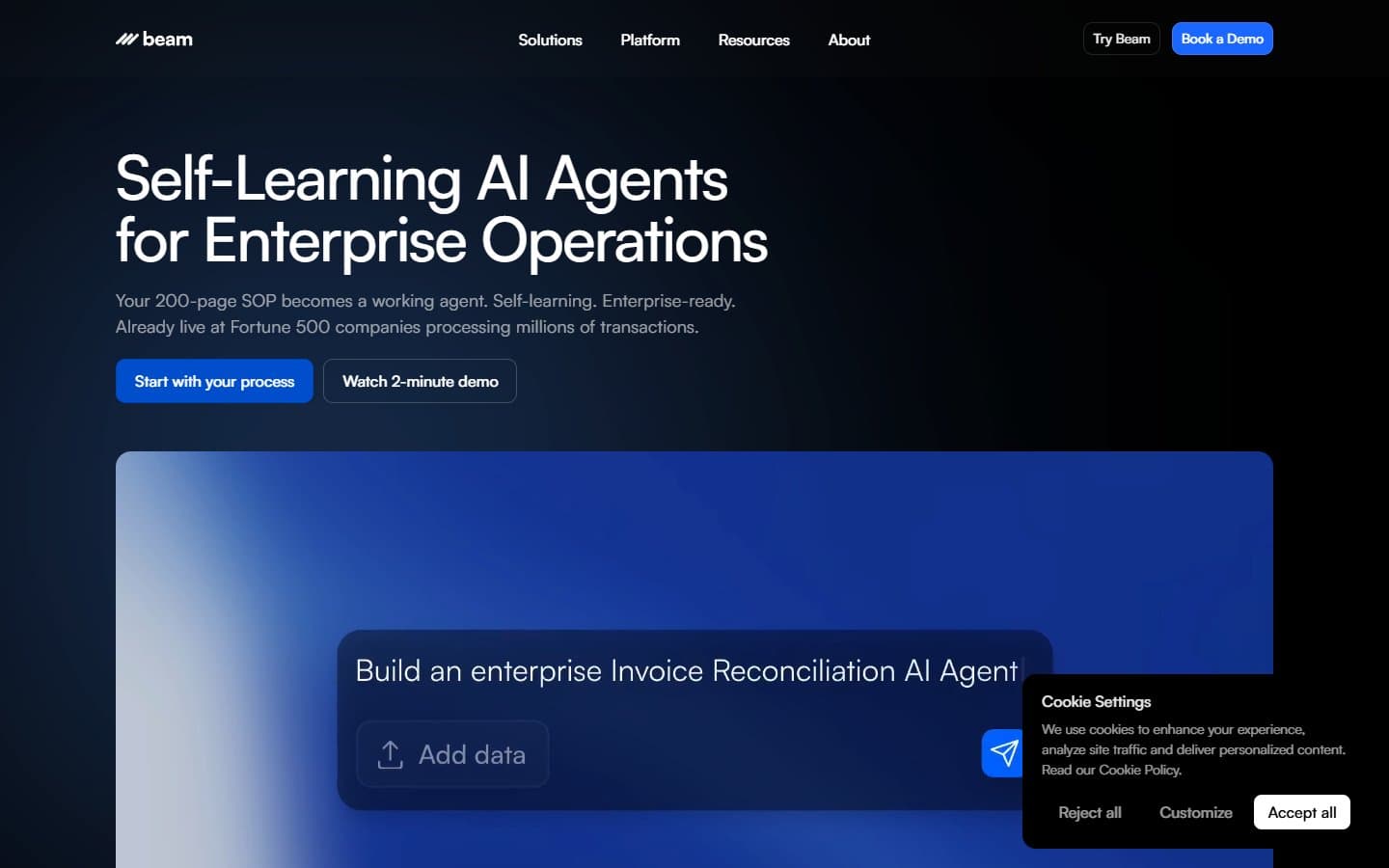
Beam AI works well if you process lots of invoices, contracts, or forms, but it's expensive for what you get. The pre-trained agents handle document workflows better than most alternatives, though customization options are limited. You're paying premium prices for what's essentially sophisticated data entry automation.
Who Beam AI Is Best For
You'll benefit most if you're drowning in paperwork and have predictable document workflows. Finance teams processing invoices and expense reports will find immediate value. Operations teams tired of manual data entry between systems will appreciate the CRM and ERP integrations.
Small law firms, accounting practices, and insurance agencies processing similar documents repeatedly are ideal candidates. You need consistent document types and clear processes for Beam AI to work effectively.
What Beam AI Actually Does
Beam AI runs pre-built agents that extract data from your emails and documents, then push that information into your existing systems. Think of it as a smart assistant that reads your invoices, pulls out vendor names and amounts, then updates your accounting software.
The platform connects multiple data sources and creates automated reports. You can set up approval workflows so humans review critical decisions before the AI acts. Every action gets logged for compliance purposes.
The no-code builder lets you modify existing workflows without programming knowledge. But you're mostly tweaking pre-made agents rather than building from scratch.
Beam AI Pricing
The Starter plan costs $99 monthly for 3 agents and 10,000 actions. The Growth plan jumps to $299 monthly for 10 agents and 50,000 actions. Both include integrations and audit trails.
That pricing feels steep compared to simpler automation tools. You're paying $33 per agent monthly on the base plan. This adds up quickly if you need multiple workflows.
The action limits matter more than you'd expect. Complex document processing can burn through actions fast. This is especially true if you're handling multi-page contracts or detailed invoices.
What We Like
The document extraction accuracy impressed us during testing. Beam AI correctly pulled data from messy PDFs and handwritten forms that tripped up other tools. The pre-trained agents understand business context better than generic OCR solutions.
Integration setup is genuinely simple. We connected QuickBooks and Salesforce in minutes without technical help. The platform handles authentication and field mapping automatically.
The audit trail feature provides real compliance value. You can track every decision the AI made and see exactly what data it extracted. This matters for regulated industries or internal audits.
Human review workflows prevent costly mistakes. You can flag high-dollar invoices or unusual vendor names for manual approval. Routine items flow through automatically.
What We Don't Like
Customization options are frustratingly limited. You're stuck with Beam AI's pre-built logic for most tasks. If your workflow doesn't match their templates, you'll need expensive custom development or a different solution entirely.
The pricing structure penalizes growth. Moving from 3 to 10 agents costs an extra $200 monthly, making expansion expensive. Many competitors offer more flexible per-user pricing.
Error handling needs improvement. When agents encounter unexpected document formats, they often fail silently rather than flagging issues for review. We lost processing time troubleshooting failed runs.
The reporting dashboard shows basic metrics but lacks actionable insights. You can see how many documents processed. But you can't see which workflows need optimization or where bottlenecks occur.
How Beam AI Compares to Alternatives
Zapier and Microsoft Power Automate cost less but require more setup work and offer weaker document processing. You'll spend time building what Beam AI provides out of the box.
UiPath and Automation Anywhere offer more customization but demand technical expertise and enterprise-level commitments. Beam AI sits in the middle ground for businesses wanting automation without IT overhead.
For pure document processing, tools like Rossum or Mindee cost less and integrate with existing automation platforms. But you lose Beam AI's end-to-end workflow management.
Should Your Business Use Beam AI?
Choose Beam AI if you process 500+ similar documents monthly and your workflows match their pre-built agents. The time savings justify the cost when you're handling high volumes of invoices, contracts, or forms.
Skip it if you need highly customized workflows or process fewer than 200 documents monthly. The pricing doesn't make sense for light usage. The customization limits will frustrate businesses with unique processes.
Consider alternatives if you're already using automation platforms like Zapier or have technical staff who can build custom solutions. Beam AI's convenience premium only pays off when you lack internal automation expertise.
FAQ
How accurate is Beam AI's document extraction?
We saw 94% accuracy on standard invoices and contracts during testing. Performance drops with handwritten documents or unusual formats, but it still beats basic OCR tools.
Can Beam AI handle documents in different languages?
Yes, but accuracy varies by language. English, Spanish, and French work well. Less common languages may require manual review of extracted data.
What happens if an agent makes a mistake?
You can set up approval workflows for sensitive transactions and review all actions through the audit trail. But fixing mistakes after they've propagated to other systems takes time.
How long does implementation typically take?
Basic document processing workflows go live within a week. Complex multi-system integrations might take 2-4 weeks depending on your existing software setup.