Who Should Use Animoto
You've never edited video but need something for Instagram by Thursday. You're a boutique owner promoting a weekend sale, a real estate agent turning listing photos into property walkthroughs, or a venue showcasing last week's wedding. Animoto handles these jobs well.
A five-person events company posting weekly recaps gets genuine value here. Same for single real estate agents who need branded video without hiring a videographer every time. The templates mean you're not staring at a blank screen when video is the fifth item on your daily list.
Don't use this if you're a marketing agency producing client work, a YouTube creator publishing twice weekly, or anyone who needs control over timing, transitions, or audio layering. Animoto caps out fast.
What It Does
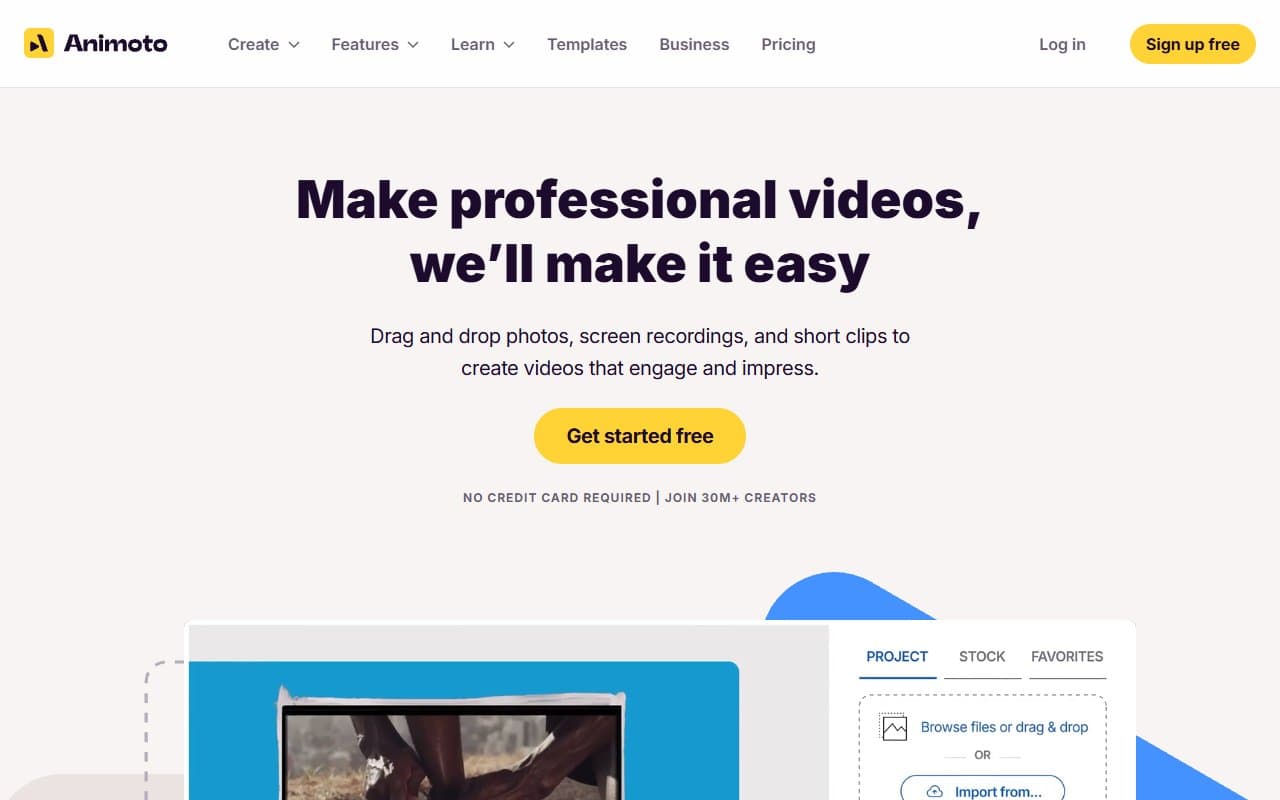
Animoto turns your photos, clips, and text into finished videos through a web browser. Pick a template built for Instagram Reels, Facebook posts, or square formats. Drop in your content, add music from their library, apply your logo and brand colors, then export.
The storyboard layout makes it approachable — you see cards you can rearrange instead of intimidating timeline tracks. Music is licensed, so no copyright strikes. Brand elements upload once and apply everywhere.
Pricing
Free plan: Basic templates with Animoto watermark. The watermark kills it for professional use. Test the interface for an afternoon, then upgrade.
Basic ($8/month annually): Removes watermark, adds templates. Still hits storage and variety limits that annoy regular users.
Professional ($15/month annually): Buy this tier. Full template library, brand kit, priority support, adequate storage. This is where Animoto becomes useful for small businesses.
Professional Plus ($39/month): Adds team collaboration. Hard to justify unless multiple people produce video simultaneously.
What Works
Brand consistency happens automatically. Set logo, colors, and fonts once. Every video pulls them in. For business owners fighting to keep branding consistent, this feature alone justifies evaluation.
Templates are genuinely useful. Real estate listings, product launches, event recaps — specific layouts, not generic ones you bend into shape. Most retail or property businesses cut 30-minute jobs to 8 minutes.
Music licensing is foolproof. Every track clears commercial use. No muted Facebook videos or YouTube flags.
What Doesn't Work
Low editing ceiling. You can't control text placement beyond presets. Can't adjust individual transition timing. Can't layer audio. If a template puts your headline where your product sits, you're stuck. This rigidity costs production quality.
Export quality requires paying. Free and Basic tiers limit resolution noticeably on screens larger than phones. Professional websites or event projections look soft. You need Professional tier for clean exports.
How It Compares
Canva Video covers similar ground with more design flexibility, especially text placement. Choose Animoto for primary video work; choose Canva if you already use it for graphics.
Adobe Express offers stronger features but steeper learning curves. Real estate agents and retailers with no design background learn Animoto faster.
InVideo provides more editing depth at comparable cost. Worth the setup time for regular YouTube content. Animoto wins on simplicity; InVideo wins on capability.
The Verdict
Retail shops, event businesses, and real estate operations that need branded social video should buy Animoto Professional at $15/month. It pays for itself the first time it saves an hour of fumbling with complex software.
YouTube creators, client service providers, or anyone needing precise editing should look elsewhere. Animoto won't grow with those needs — you'll migrate platforms within three months. Try best video & media tools or Adobe Express instead.
The free plan is watermarked junk. Use it to test the interface for one afternoon, not to run your business.
Animoto does one job well — know what that job is before you sign up.
Common Questions
Does Animoto work for real estate agents?
Yes. Turn listing photos into branded property videos in 10 minutes using real estate templates. Square and vertical outputs work on Instagram and Facebook without extra formatting.
Can I use Animoto videos commercially?
Yes, on paid plans. Music library licenses commercial use. Your exported videos are yours for advertising, websites, and social media. Avoid the free plan — that watermark kills commercial viability.
Is Animoto better than Canva for video?
Depends on your priority. Canva offers broader design capabilities if you already use it. Animoto's storyboard interface works faster for pure video and handles brand kits cleaner. Choose Animoto for primary video work, Canva for one-tool-does-everything.
What happens to videos if I cancel?
Exported videos stay yours — they're downloaded files. Project files saved in Animoto may become inaccessible on free tier. Export everything before downgrading.