Who Should Use Adobe Express
You run a five-person marketing agency handling social content for multiple clients. You need to produce branded material quickly, you can't hand everything to a designer, and you don't want output that looks like it crawled out of 2014. Adobe Express fills exactly this gap.
A retail business owner posting to Instagram daily, a real estate agent building listing flyers, a restaurant updating weekly specials — these users get genuine daily value. The workflow moves fast enough that non-designers produce client-ready work without spending an hour second-guessing font pairings.
It doesn't fit teams already inside Adobe Creative Cloud. Paying separately for Express when you have Photoshop sitting idle makes no sense. If your design needs run deep — complex print layouts, detailed illustration, serious layer control — Express will frustrate you in twenty minutes.
What It Actually Does
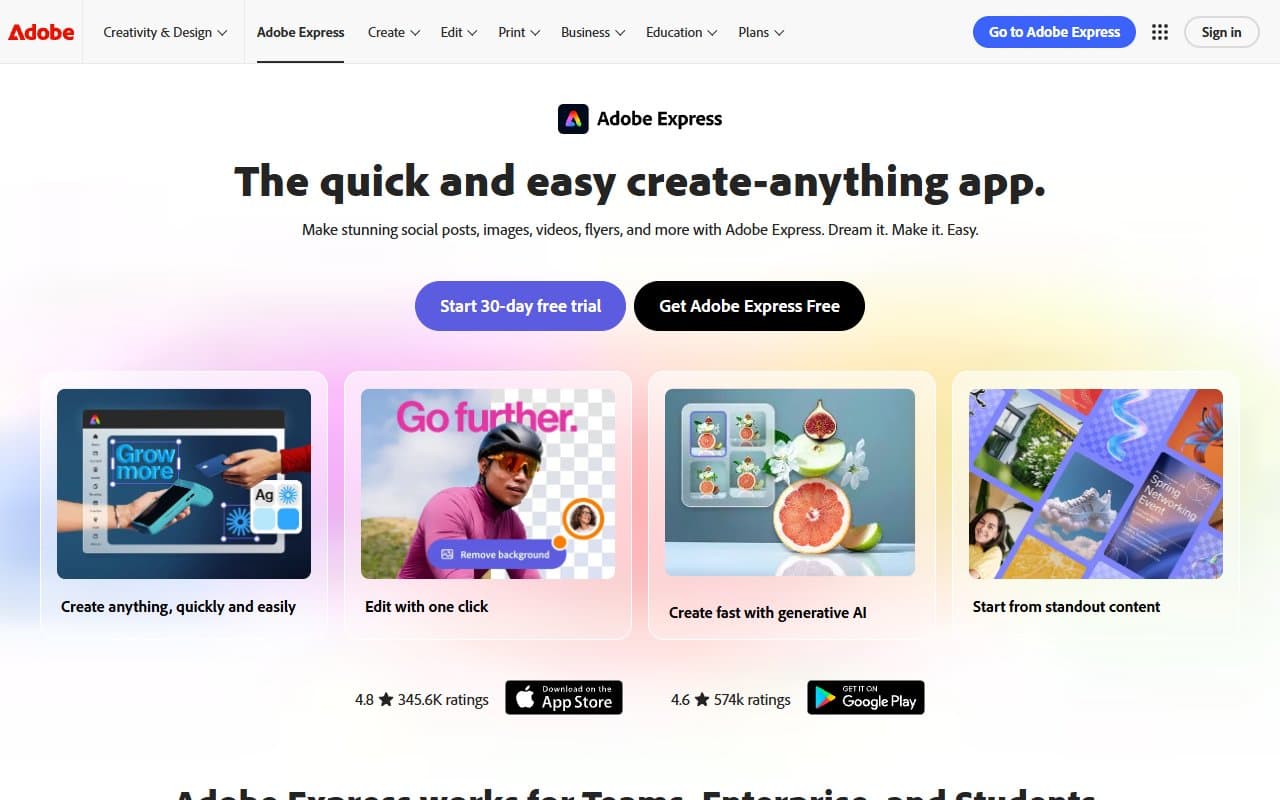
Adobe Express is a browser and mobile design tool. You pick a template, swap in your content, adjust colours and fonts to match your brand, then export. That covers most of what it does, and it does that part well.
The template library covers social media posts, short videos, flyers, presentations, and email headers. AI features generate images from text descriptions or remove and replace backgrounds using generative fill — useful when you need a product shot on a clean background without a photographer on call.
Brand Kit stores your logo, colours, and fonts so every team member works from the same foundation. Adobe Stock integration lets you license professional photography directly inside the tool without bouncing between tabs. If you can use a word processor, you can use Adobe Express.
Pricing
Free plan gives you the core template library, basic editing, and limited AI credits. For occasional use — a monthly newsletter header, a one-off event flyer — it works. But watermarks on certain assets and the credit cap on AI features make it impractical as a daily business tool.
Express Premium at $9.99/month (billed annually) is where the tool becomes worth buying. You get the full template library, unlimited Brand Kits, full Adobe Stock access, and meaningful AI generation credits. For a solo operator or small team, buy this tier.
Creative Cloud All Apps bundles Express with the full Adobe suite at $54.99/month. If you only want Express, this is terrible value. If you're already considering the CC suite, Express becomes essentially free.
What Works Well
The template library is large and current. Over 5,000 templates sounds like marketing fluff until you're hunting for a specific Instagram story format at 9pm and find four good options in thirty seconds. The designs get updated regularly and avoid that recycled-stock-photo feel that plagues cheaper tools.
Brand Kit removes a daily frustration. Any small business that has sent a team member to Canva and received output in the wrong shade of blue understands why this matters. Lock in your hex codes, fonts, and logo, then get consistent output across your whole team without weekly style guide enforcement conversations.
Generative fill is practically useful, not just a demo feature. Removing a cluttered background from a product photo and replacing it with something clean used to require Photoshop skills. In Express, it takes forty-five seconds and the result works in real marketing materials. That's meaningful time savings for any product-based business.
What Does Not Work
Video editing is shallow. You can trim clips and add text overlays, but anything more complex than a simple social reel hits Express's ceiling fast. Video-heavy teams need a second tool regardless. CapCut or Descript handle video work better for small teams.
AI credit limits catch people off guard. The Premium plan's generation credits sound adequate until you're in a content sprint and burn through them in a week. Adobe's top-up pricing isn't cheap, and there's no warning before you hit the wall — you just suddenly can't generate. This needs to be clearer upfront.
How It Compares
Canva is the obvious comparison. Canva's free tier is more generous, and its collaboration features work slightly better for larger teams. Choose Express if you're already in the Adobe ecosystem or if brand consistency matters — the Brand Kit here is more solid.
Figma serves a different purpose entirely. It's a design and prototyping tool for people who think in design systems. If you're a non-designer making marketing content, Figma feels like using a Formula 1 car to drive to the grocery store.
The Verdict
If you're a solo marketer, a small agency managing multiple client brands, or a business owner who needs consistent visual content without hiring a designer, Adobe Express at $9.99/month is a straightforward yes. The template quality, brand controls, and AI tools deliver professional output at a cost that pays for itself the first week.
If your content needs center on video, look at CapCut or Descript first. If you're already in Creative Cloud, check whether Express is included in your plan before paying separately.
Adobe Express won't replace a designer, but it eliminates the need for one on 80% of your daily content tasks.
Common Questions
Is Adobe Express better than Canva?
For brand consistency and Adobe ecosystem integration, yes. Canva's free plan is more capable, and its team collaboration tools are slightly more polished. The decision usually comes down to whether you're already using Adobe products elsewhere.
Can I use Adobe Express for print materials?
Yes, and the output quality works for most standard print jobs — flyers, business cards, posters. For high-volume or specialist print work requiring precise colour profiles, run the final file past a proper design tool before sending to press.
Does Adobe Express work offline?
The mobile app has limited offline functionality, but the browser version requires an internet connection. If you regularly work somewhere with unreliable connectivity, that's a real limitation worth knowing before you commit.
Is the free plan actually usable for a small business?
For occasional, low-volume use, yes. For anything resembling a regular content schedule, the AI credit limits and asset restrictions become annoying within the first month. The Premium plan is cheap enough that the free tier works better as a trial than a long-term solution.