Who Should Use InVideo
You run a five-person e-commerce brand. Your competitors post product videos weekly while you struggle with Canva slideshows. InVideo closes the gap between "I have content" and "I have a video" faster than anything at this price.
Course creators who need to turn lesson scripts into watchable video will find the same value. So will small marketing agencies handling social content for multiple clients — the collaboration features work well enough for two people to manage a content calendar without conflicting edits.
The 5,000-plus template library matters when you produce videos five days a week. You never start from scratch.
If you run broadcast production or need cinema-quality video, stop reading. InVideo targets Instagram, YouTube, and landing pages — nothing more ambitious.
What It Does
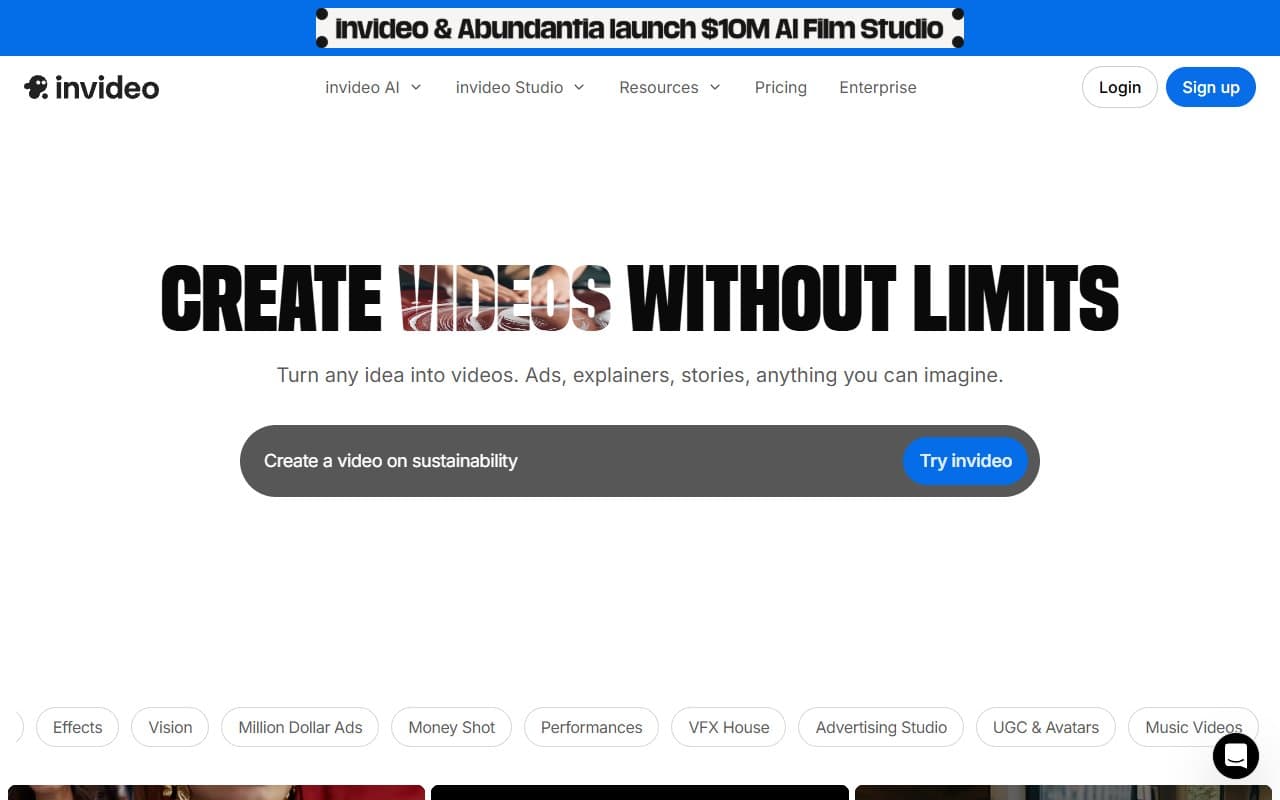
Paste a 400-word blog post into InVideo. Tell it you want a 60-second Instagram reel. Within two minutes, it assembles a video draft: relevant stock footage from iStock, your text converted to on-screen captions, background music added. You swap out clips that miss the mark, adjust pacing, apply your brand colors, and export.
It also records screens for software walkthroughs. The stock media library draws from iStock, so you avoid the tired footage every cheap platform recycles. Team members can comment on projects and share asset libraries. Everything runs in your browser.
Pricing
Buy the Business plan ($30/month). The free plan watermarks your exports and limits AI generation — useful for testing, useless for professional work. Business removes watermarks, unlocks the full template library, and gives you enough AI generation time for regular use.
Unlimited ($60/month) adds unlimited generation and more team seats. Only worth it if you produce daily content across multiple brands or hit the Business tier limits consistently.
Do not try to run a business on the free tier. Start with Business, upgrade only when you actually need it.
What Works
The template library has real depth. Over 5,000 templates organized by industry and format. Most tools claim large libraries, then deliver 200 variations of the same layout. InVideo's range is genuinely broad — you will find a relevant starting point for almost any project.
Text-to-video speed is the main attraction. Paste script, set preferences, get workable draft in under three minutes. For business owners who have spent hours hand-cutting video in iMovie, this time compression changes everything.
IStock integration eliminates friction. No more sourcing footage separately, checking licenses, or uploading files. Having credible stock media built into the editor saves more time than any other single feature.
What Does Not Work
The AI makes baffling context errors. Feed it a nuanced B2B service script and it will pull stock clips with zero logical connection to your content. You will spend time correcting these choices on almost every export, which cuts into the promised time savings.
Fine control is limited. Want precise timing adjustments, custom animation curves, or typography beyond the templates? InVideo will frustrate you quickly. This is not a tool for perfectionists.
How It Compares
Pictory excels at repurposing long-form content — turning webinars or podcasts into short clips. Better choice if you mainly cut down existing video rather than generate new content from text.
Descript costs more and takes longer to learn, but offers transcript-level editing precision. Choose it if audio is central to your content strategy.
Canva Video is simpler and many businesses already use it. Lacks InVideo's template depth and has no text-to-video generation. Fine for occasional simple videos, inadequate for consistent volume.
The Verdict
If you need to publish video content regularly and cannot justify hiring a video editor, InVideo is the most practical tool available. The template library runs deep, text-to-video pipeline moves fast, and iStock integration alone justifies the Business plan subscription.
Need broadcast quality or precise creative control? Use professional editing software instead.
Produce one video monthly? The free tier plus manual editing will suffice.
InVideo earns its subscription when video is part of your weekly or daily marketing routine. It will not replace a skilled video editor, but it will absolutely replace the version of you spending Sunday afternoons doing that job badly.
Common Questions
Does InVideo work for YouTube content?
Yes. It handles landscape format cleanly, includes YouTube-specific templates, and exports in the resolution YouTube expects. Better suited to explainer content creators than cinematic productions.
Can multiple team members use it?
Business plan includes collaboration for small teams. Two or three people can work together comfortably. Larger teams should check Unlimited plan limits before committing.
How long does video production actually take?
For 60-90 second social media videos, expect 20-35 minutes total once you know the interface. First attempts take longer. After a week of regular use, the workflow becomes genuinely quick.