Who Should Use Whatagraph
Agencies with 5-20 people are the sweet spot. If your team spends Monday mornings pulling Facebook Ads, Google Analytics, and LinkedIn data into spreadsheets before building client decks, Whatagraph kills that workflow. Most agency teams reclaim three to six hours weekly once setup is complete.
Performance marketing teams running paid campaigns across multiple channels for external clients are the other obvious fit. When you're managing Google Ads, Meta, and TikTok for eight different clients, having one place to generate white-labeled reports automatically isn't luxury — it's sanity.
In-house marketing teams and solo consultants should skip this entirely. The pricing model assumes agency volume, and you'll pay for capacity you'll never use. ActiveCampaign or Brevo make more sense for smaller operations.
What It Actually Does
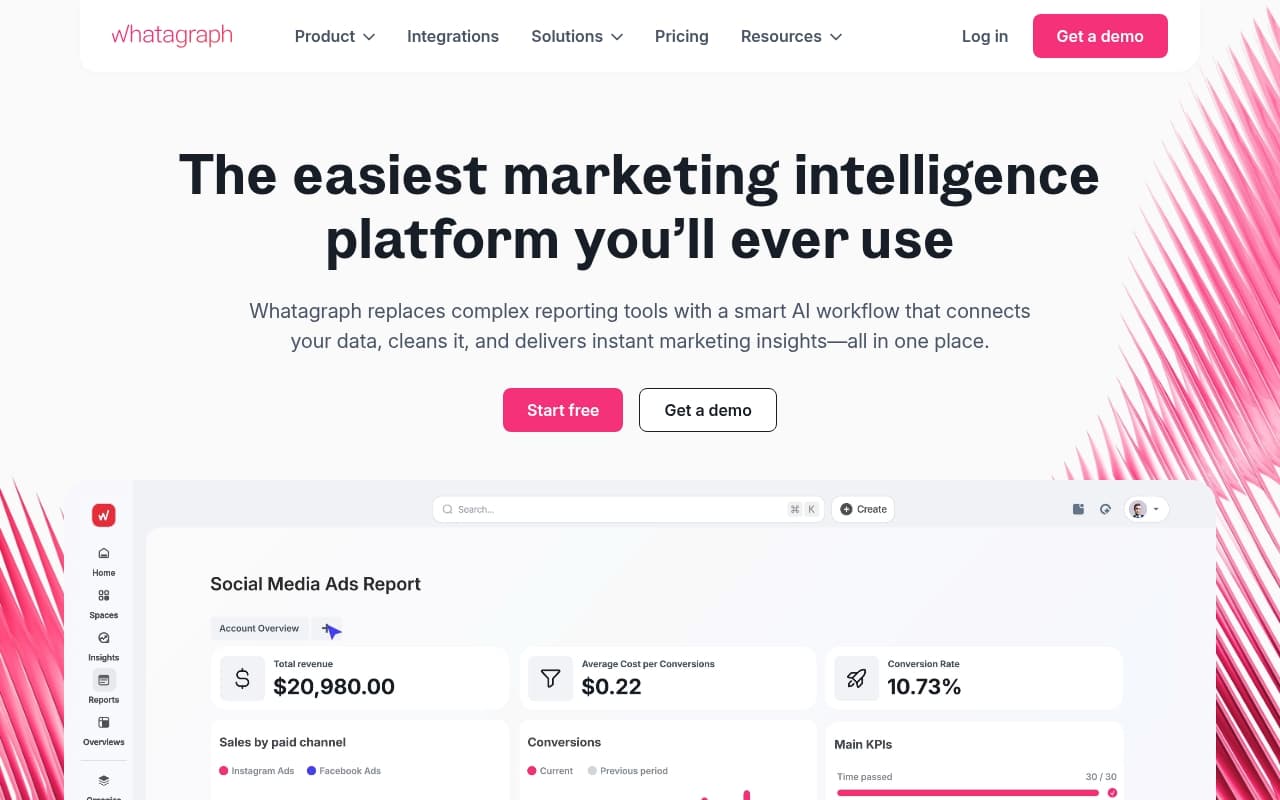
Whatagraph pulls marketing data from 40+ platforms — Google Ads, Meta, Shopify, HubSpot — and centralizes it. You build reports using a drag-and-drop editor with pre-built templates that look genuinely polished.
The differentiator is client-facing delivery. You white-label everything — logo, colors, domain — so reports arrive in client inboxes branded as yours, not a third-party tool. Schedule once, deliver automatically forever.
It's a reporting machine that runs in the background while you work. It presents data cleanly and delivers it on schedule. It won't analyze for you or explain what numbers mean.
Pricing
Whatagraph starts at $223/month for core reporting features, limited data source connections, and template library access. Higher tiers unlock more connections, users, and white-labeling options through custom quotes.
You need three or more clients receiving monthly reports to justify the cost. Below that, the math doesn't work. The lack of a free plan stings — the 14-day trial forces financial commitment before you know if it fits your workflow.
Buy the entry tier if: You're sending reports to 3+ clients monthly and currently spend 4+ hours per week on manual reporting.
What Works Well
Templates are built for real use cases. Most reporting tools dump you into blank canvases. Whatagraph's templates cover PPC overviews, social performance, and cross-channel summaries. They're ready to send with minimal editing, saving two to three hours per client monthly.
Automated delivery works reliably. Reports arrive on schedule without anyone pressing buttons. That consistency builds client trust in ways that are hard to quantify.
Cross-channel data makes sense. Combining Meta and Google data sounds simple until you've tried it in Looker Studio. Whatagraph handles date range matching and metric alignment automatically.
What Does Not Work
Pricing blocks smaller agencies. Two-person agencies landing their first retainer clients can't justify $223 monthly before proving their model. The tool prices for existing volume, not growing businesses that need it most.
Customization hits walls fast. Templates look great until clients want something specific. Unusual chart types, non-standard metrics, or heavily branded layouts push the editor past its limits. You'll build workarounds, not solutions.
How It Compares
Vs. Google Looker Studio: Looker Studio is free and connects to the same sources, but setup takes longer and there's no automated delivery. Choose Whatagraph if your team's time is billable. Choose Looker Studio if budget matters most.
Vs. Supermetrics: Supermetrics focuses on data connections rather than report delivery. Use Supermetrics if you want to build in Google Sheets or Looker Studio. Use Whatagraph if you need branded PDF reports delivered automatically.
The Verdict
Whatagraph pays for itself quickly if you run an agency with five or more retainer clients and lose hours monthly to manual reporting. The white-label delivery, solid integrations, and template quality save real time at agency scale.
Solo marketers, in-house teams, or agencies with fewer than three clients will find the price painful and value mismatched. Databox or Mixpanel make more sense as entry points.
Whatagraph does one thing very well: making agency reporting look professional and run automatically. That focus is a strength, not a limitation. The price is the barrier, not the product.
Common Questions
Does Whatagraph have a free plan?
No. There's a 14-day trial, but no permanent free tier. At $223/month to start, use that trial seriously.
How many integrations does Whatagraph support?
40+ at review time, covering major advertising platforms, social channels, and analytics tools. Google Analytics, Meta Ads, LinkedIn, HubSpot, and Shopify are included. Check their current list if you have niche data sources.
Can clients view reports without a Whatagraph account?
Yes. Reports send as PDFs or live links. Clients don't need accounts, keeping the experience branded and frictionless.
Is Whatagraph worth it for a small agency?
At three or more clients receiving regular reports, usually. Below that, the math is harder. Calculate monthly hours your team spends on reporting, multiply by your effective hourly rate, and compare to $223. That calculation beats any review recommendation.