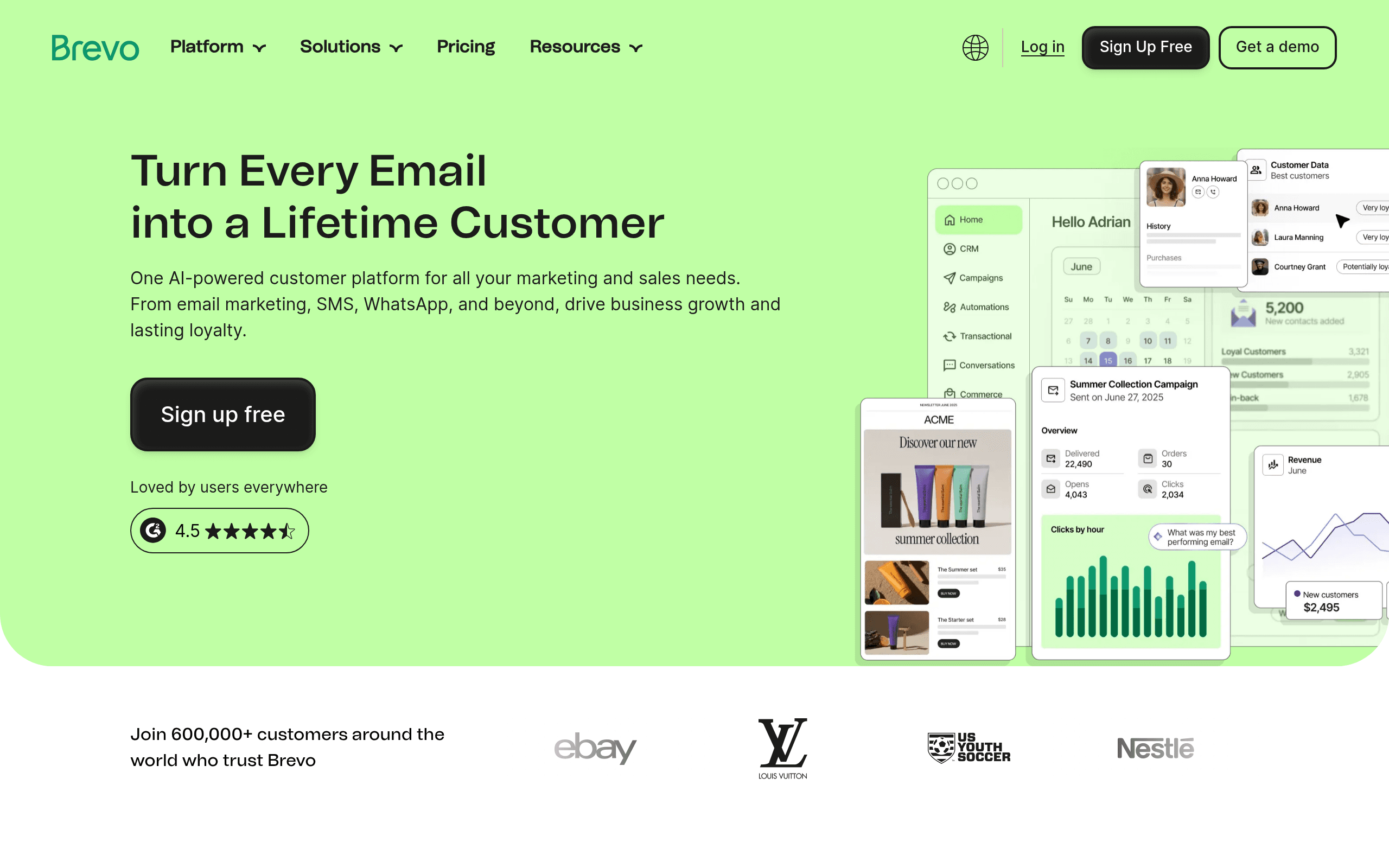
Most email marketing tools exist to make you feel like you're doing marketing. Brevo exists to send emails. That distinction matters more than most vendors want you to know.
Who Should Use Brevo
You're running a service business — a small consultancy, a local recruitment firm, a five-person PR agency — and you need to stay in front of clients without spending serious money on software. Brevo combines email campaigns, basic CRM, and SMS in a single dashboard. You're not paying for three tools that barely talk to each other.
European businesses should pay attention. Brevo builds GDPR compliance in, not on. Its servers sit in the EU, consent tracking is native, and you won't hunt through settings to make your data handling legal. If you're selling into Germany, France, or anywhere regulators take privacy seriously, this matters.
High-volume senders get a genuinely good deal. A SaaS company sending transactional confirmation emails, a media company blasting a weekly newsletter to 80,000 subscribers, an events business sending reminder sequences — these scenarios reward you under Brevo's pricing model. You pay by email sent, not by contact count. The economics change dramatically if your list is large but you mail infrequently.
What It Actually Does
Brevo handles everything around customer communication without requiring a dedicated marketing hire to operate it. You build email campaigns with a drag-and-drop editor, set up automated sequences — welcome emails, abandoned cart nudges, re-engagement flows — and send SMS messages through the same interface.
The built-in CRM tracks your contacts and their history with your emails. It won't replace a proper sales CRM, but for keeping tabs on who opened what and when, it works. You can also build basic landing pages and send transactional emails — password resets, order confirmations — all under one account.
The interface is functional, not delightful. You'll figure it out in an afternoon. It won't win design awards, but you're not paying for design awards.
Pricing
Free plan: 300 emails per day and unlimited contacts. Genuinely useful for testing, workable for very small lists with infrequent sends. The Brevo branding on outgoing emails is the main limitation — fine for internal communications, problematic for client contact.
Starter — $25/month: Removes the daily send limit, removes Brevo branding, gives you basic reporting. Most small businesses should start here. It's honest value.
Business — $65/month: Adds marketing automation, A/B testing, and multi-user access. If you're running sequences or have more than one person managing campaigns, you need this tier. The jump from $25 to $65 is steep, but the automation features justify it once you're using them seriously.
Enterprise: Custom pricing. Unless you're sending millions of emails monthly or need dedicated IP addresses, skip this tier.
What Works Well
The pricing model rewards real usage. You pay per email sent, not per contact stored. Import 50,000 contacts and mail them once monthly — you pay for one month of sends, not for housing the list. For businesses with large but infrequently contacted databases, this saves real money compared to contact-based pricing competitors.
SMS and email in one place. Triggering an SMS follow-up off an email workflow without building a Zapier chain is genuinely useful. A gym owner sending a class reminder, a clinic confirming appointments, a retailer following up on a purchase — having both channels managed together saves about three hours weekly in workflow management for most teams.
Transactional email works reliably. The deliverability rates for transactional sends are consistently high, and setup is more straightforward than configuring a separate service like Postmark or SendGrid. For a small SaaS or e-commerce business that needs reliable order emails, this is a meaningful advantage.
What Does Not Work
The template library is underwhelming. If you care how your emails look and don't want to build from scratch, you'll be disappointed. The available templates are functional but dated, and customization options in the editor lag behind Mailchimp and Klaviyo noticeably. Budget time for design work or hire someone.
Shopify integration is shallow. If you're running a product-based e-commerce business on Shopify, Brevo's native integration won't give you the detailed purchase behavior and product recommendation triggers that Klaviyo handles natively. You'll hit the ceiling of what it can do faster than you'd like.
How It Compares
Mailchimp is more polished and has better templates, but you'll pay significantly more once your list grows. Brevo wins on price and GDPR compliance. Choose Mailchimp if budget isn't a concern and aesthetics matter more than cost efficiency.
Klaviyo is the correct answer for e-commerce businesses with serious Shopify or WooCommerce needs — deep segmentation, purchase triggers, and revenue attribution that Brevo can't match. But Klaviyo prices by contact count, which makes it expensive fast.
ActiveCampaign offers stronger CRM and sales automation. If your primary need is pipeline management rather than broadcast email, ActiveCampaign is the better tool, though it costs more at comparable usage levels.
The Verdict
If you're a service business, a newsletter operator, or a European company that needs GDPR compliance handled properly without a legal consultant — use Brevo. Start on the Starter plan, move to Business when you're ready to build automation sequences, and you'll find the pricing remains fair at both levels.
If you're running a Shopify store and revenue attribution from email is your primary goal, use Klaviyo instead. If you're a US-based business prioritizing template quality and brand polish, Mailchimp is worth the premium.
Brevo won't impress you with its interface or design options. It will send your emails reliably, handle SMS in the same workflow, and charge you less than the competition for doing it.
Common Questions
Is Brevo really GDPR compliant?
Yes — and more meaningfully than most tools that slap a compliance badge on their pricing page. Brevo stores data on EU servers, has built-in consent management, and makes double opt-in straightforward to configure. If you're selling to European customers and need to demonstrate compliance, this is a genuine advantage over US-headquartered competitors.
Can Brevo replace Mailchimp?
For most service businesses and high-volume senders, yes. The template library is weaker and the interface less polished, but core functionality — campaigns, automation, list management — is comparable or better, at a lower price. If your Mailchimp bill is growing uncomfortably, Brevo is a credible move.
How good is the free plan?
Useful for testing and very small lists, but the 300 emails per day cap is a real constraint once you want to mail more than a few hundred contacts at once. Treat it as a trial, not a long-term solution.
Does Brevo handle transactional email well?
Better than most people expect from a marketing-focused platform. Deliverability is strong, setup is manageable without a developer, and it removes the need to run a separate transactional email service for most small businesses. If you're sending order confirmations or account notifications, it handles this reliably.