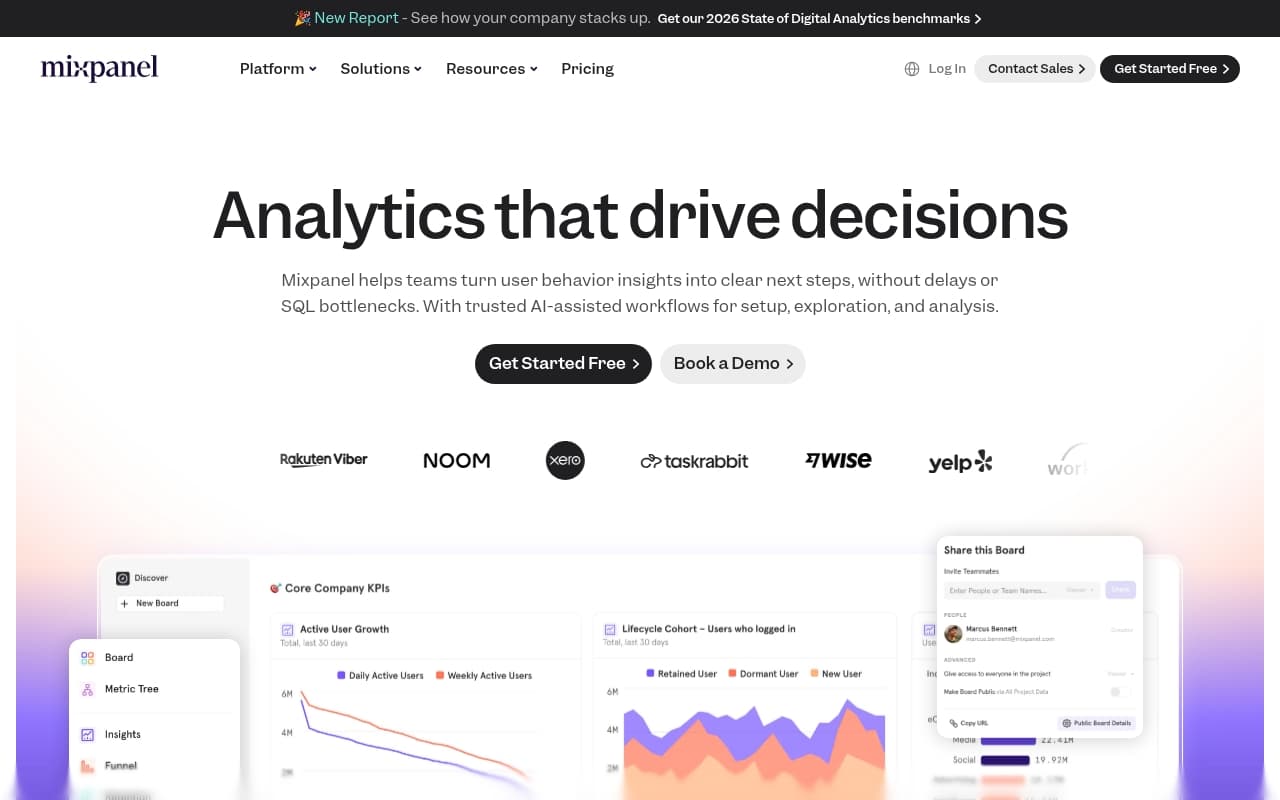
Who Should Use Mixpanel
Mixpanel belongs in the toolkit of any SaaS with paying users. Three-person startups trying to figure out why trial users don't convert. Twenty-person software companies watching churn climb without knowing where users drop off. These are the businesses this tool was built for.
Mobile app developers get significant value here too. If your revenue depends on in-app engagement — purchases, feature adoption, session length — Mixpanel delivers behavioural detail that most analytics tools ignore. A five-person app studio tracking which onboarding step loses 40% of new users will recoup the subscription cost with a single fix.
Mixpanel is not built for bakeries, landscaping companies, marketing agencies, or anyone without a digital product. It is not web analytics. Want to know which blog post drives traffic? Use Google Analytics 4. Want to know which checkout step kills conversions on Shopify? Use Shopify's native analytics or Triple Whale.
What It Actually Does
Mixpanel records every action users take inside your product — button clicks, screen visits, drop-off points — then groups that behaviour across thousands of users to spot patterns.
You define "events" like "clicked upgrade button" or "completed onboarding step 3." Mixpanel records every instance and who triggered it. From there, you build funnels to see where people fall off, retention reports to see who returns after day one, and cohort analysis to compare how different user groups behave over time.
The A/B testing layer lets you test product changes against real user behaviour, not gut instinct. None of this requires a data science team. With proper setup, a non-technical founder can pull meaningful insights without writing code.
Pricing
Free plan: Twenty million events per month with core features including funnels, retention, and user segmentation. Most early-stage products won't hit that ceiling for years. For bootstrapped SaaS with under a few thousand users, the free tier is complete — not a compromise.
Growth plan: Pricing scales with event volume and adds advanced reporting, saved reports, and data governance controls. Worth the cost if your team runs weekly product reviews and acts on the data.
Enterprise: Custom pricing with single sign-on and dedicated support. Most small businesses will never need this tier.
Start with the free plan.
What Works Well
Funnel analysis shows exactly where users quit. Most analytics tools report conversion rates. Mixpanel shows the exact step where specific users abandoned your flow, how long they spent at each stage, and how that compares to users who converted. That detail saves product teams weeks of guesswork.
Retention reports worth acting on. The retention charts surface findings that change roadmaps. Discovering that 60% of users who complete your tutorial return in week two, versus 15% who skip it, takes about ten minutes and shifts priorities immediately.
The free plan works. Twenty million events is not a marketing trick. Real products with real users can run on the free tier for months or years.
What Does Not Work
Setup takes weeks, not hours. Getting events instrumented correctly requires significant developer time upfront. If your engineering resource is one overloaded co-founder, "getting Mixpanel set up properly" will sit on the backlog for months. The tool only works with proper tracking in place.
The interface punishes casual users. If your team doesn't check Mixpanel weekly, the learning curve resets every time someone logs in. Occasional users find it bewildering. It rewards people who live in data and frustrates everyone else.
How It Compares
Amplitude is the closest competitor with a cleaner interface and better collaboration features for larger teams. For teams under ten, Mixpanel's superior free tier decides the comparison — Amplitude's free plan is restrictive.
Google Analytics 4 serves website traffic analysis. Use it for your marketing site, Mixpanel for in-product behaviour. Most SaaS teams run both.
Heap auto-captures all events without manual setup, solving Mixpanel's biggest weakness. If developer time is genuinely scarce, compare Heap directly.
The Verdict
If you run a SaaS or app and make product decisions on instinct rather than evidence, Mixpanel will change how your team operates. Get the free plan running, instrument your five most important user actions, and build one retention report. You will find something worth fixing within days.
Skip it if you're on Shopify, lack developer resources for setup, or run a service business with no digital product.
For product-led digital businesses, Mixpanel sets the standard — and the free tier removes any excuse not to try it.
Common Questions
Do I need a developer to use Mixpanel?
For setup, yes. Someone must add event tracking code to your product, which requires technical knowledge. Once events flow, non-technical team members can build reports and read dashboards without coding.
Does the free plan work for real businesses?
Yes. Twenty million events per month covers most early and mid-stage SaaS products. Core analytical features — funnels, retention, segmentation — are included. This is not a demo version.
How does Mixpanel differ from Google Analytics?
Google Analytics 4 tracks your website: visitor sources, page views, session duration. Mixpanel tracks what users do inside your product after login. They answer different questions and most growing SaaS teams use both.
How long does setup take?
Two to five days of developer time for meaningful event tracking, depending on product complexity. Rushing produces bad data, which is worse than no data. Plan instrumentation carefully before writing code.