Who Should Use Microsoft Clarity
Skip Clarity if you need on-site surveys, advanced customer segmentation, or full funnel attribution across paid channels. It watches what people do on your website — it doesn't tell you where they came from or why they left forever.
Most small business owners need exactly what Clarity delivers. A five-person e-commerce brand with a product page converting at 1.2% when it should hit 4% gets their answer within a week of data. A solo consultant who rebuilt their homepage and wants to know whether visitors read the services section or bounce after the hero image gets that answer in an afternoon.
Marketing agencies managing client websites get particular value here. Set up Clarity on a client's domain in ten minutes, have session recordings running the same day, and show up to the next monthly review with actual evidence of user behaviour instead of gut feelings dressed up as strategy.
What It Actually Does
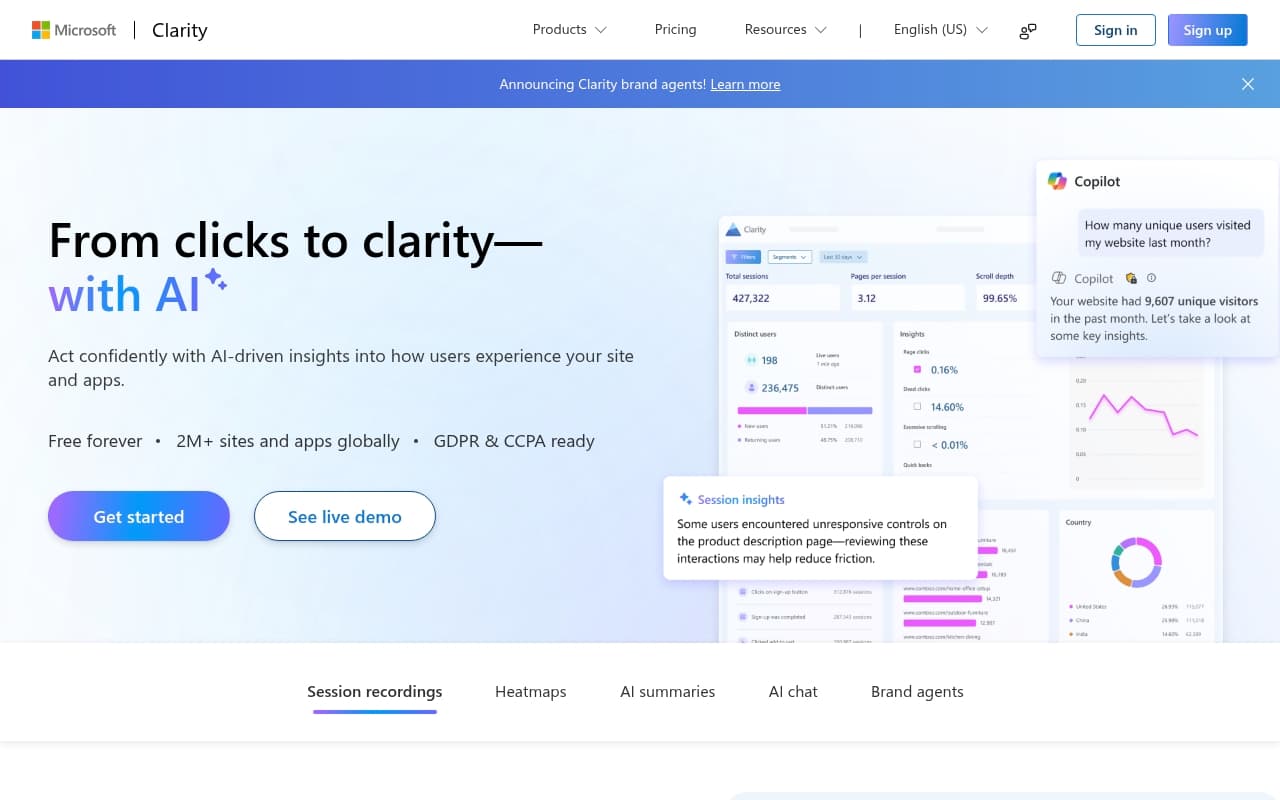
Clarity records every visit to your website — where people move their mouse, what they click, how far they scroll, where they get confused and leave. You can watch these sessions back like video replays.
It also builds heatmaps — visual overlays that show you, in aggregate, where hundreds of visitors clicked and how far down the page they scrolled. Filter by device type, country, or traffic source. The AI insights layer flags patterns like rage clicks — where users hammer a button repeatedly because something isn't working — and dead clicks on elements that look interactive but aren't.
No recording limits. Competing tools charge once you hit a few hundred sessions per month. Clarity records everything, on sites with millions of monthly visitors, for free.
Pricing
Free — the only tier
Everything Clarity offers costs nothing. Session recordings, heatmaps, scroll maps, click maps, AI-generated insights — all of it. No credit card. No trial period that expires. No "free tier" that caps you at 500 sessions and locks the rest behind a paywall.
Tools with a fraction of Clarity's capabilities charge £50–£200 per month. Clarity charges zero because Microsoft doesn't need to monetise this directly. It feeds data into their broader ecosystem and keeps users inside Microsoft products.
There's nothing to upgrade to, which means no upsell pressure.
What Works Well
Session recordings at unlimited scale
Watching real users struggle to find your contact form, or exit immediately when your mobile menu doesn't open — that kind of insight costs serious money with any competing tool.
Heatmaps that are genuinely readable
Switch between click, scroll, and move maps without digging through menus. Filtering by device type takes two clicks. On a mobile heatmap for an e-commerce product page, it becomes immediately obvious when your add-to-cart button sits below where most users stop scrolling.
Setup takes eight minutes
Paste one script tag into your site header, or install a plugin if you're on WordPress. Data starts appearing within hours. No complex configuration, no developer required.
What Doesn't Work
No survey or feedback tools
Clarity shows you what users do — it can't tell you why. You'll watch a user spend three minutes on your pricing page and leave without buying, with no way to ask them what stopped them. You need a separate tool like Hotjar or Typeform for that.
No standalone conversion funnel tracking
Building a defined multi-step funnel — homepage to category to product to checkout — and tracking drop-off at each stage requires connecting Clarity to Google Analytics. You can filter sessions by page, but true funnel reports need the extra step.
How It Compares
Hotjar is Clarity's most direct competitor and earns its reputation — particularly for teams that need on-site surveys and user interviews in the same platform. The problem is cost. Hotjar's useful tier starts around £32 per month and caps your recordings. Choose Hotjar when qualitative feedback collection matters as much as behaviour analysis.
FullStory is enterprise-grade and priced accordingly. For a 50-person business, it's overkill.
Google Analytics 4 tracks traffic sources and conversions but doesn't show session recordings or heatmaps. Use both — they answer different questions.
The Verdict
If you own a website and haven't installed a behaviour analytics tool, start here. Not because it's free, though that helps, but because the quality is genuinely strong. If you run a small e-commerce store, service business, or content site and want to understand why your conversion rate is what it is — Clarity gives you that visibility within days of installation.
If you need on-site surveys to collect user feedback, pair Clarity with a survey tool rather than switching to Hotjar entirely. The money you save covers the second tool several times over.
Microsoft Clarity delivers professional-grade capability at a price that makes every competing argument feel slightly embarrassing.
Common Questions
Is Microsoft Clarity actually free, or does it have hidden limits?
Genuinely free with no recording caps and no hidden tiers. Microsoft hasn't introduced paid plans since launch, and there's no indication that's changing. Session recordings are stored for 90 days before rolling off.
Does Clarity slow down my website?
The script loads asynchronously, so it doesn't block your page from rendering. Most site owners see no measurable impact on load speed. If you're running lean on page performance, check your Core Web Vitals before and after — but problems are rare.
Can I use Clarity on a Shopify or WordPress site?
Yes. Shopify has a native Clarity integration in its app store. WordPress has an official plugin. Both take under ten minutes to configure.
What's the difference between Clarity and Google Analytics?
Google Analytics tells you how many people visited, where they came from, and whether they converted. Clarity shows you what those people actually did while on your site. Run both simultaneously.