Who Should Use Clockify
A five-person marketing agency billing clients by the hour has no business paying per-seat fees for time tracking. Clockify was built for exactly this situation — you get unlimited users, unlimited projects, and unlimited time tracking on the free plan. That's not a stripped-down trial. That's the actual product.
Freelancers managing multiple clients will find the project and client tagging system genuinely useful. You can run a report at the end of the month, see exactly how many hours went to each client, and send an invoice based on real numbers rather than your best guess from memory.
Consultancies with a mix of billable and internal work will also get real mileage here. Where Clockify fails is if payroll is part of the picture — it tracks time cleanly, but it doesn't connect to payroll systems. If you need hours to flow directly into payroll processing, you'll hit a wall and need to look elsewhere.
What It Actually Does
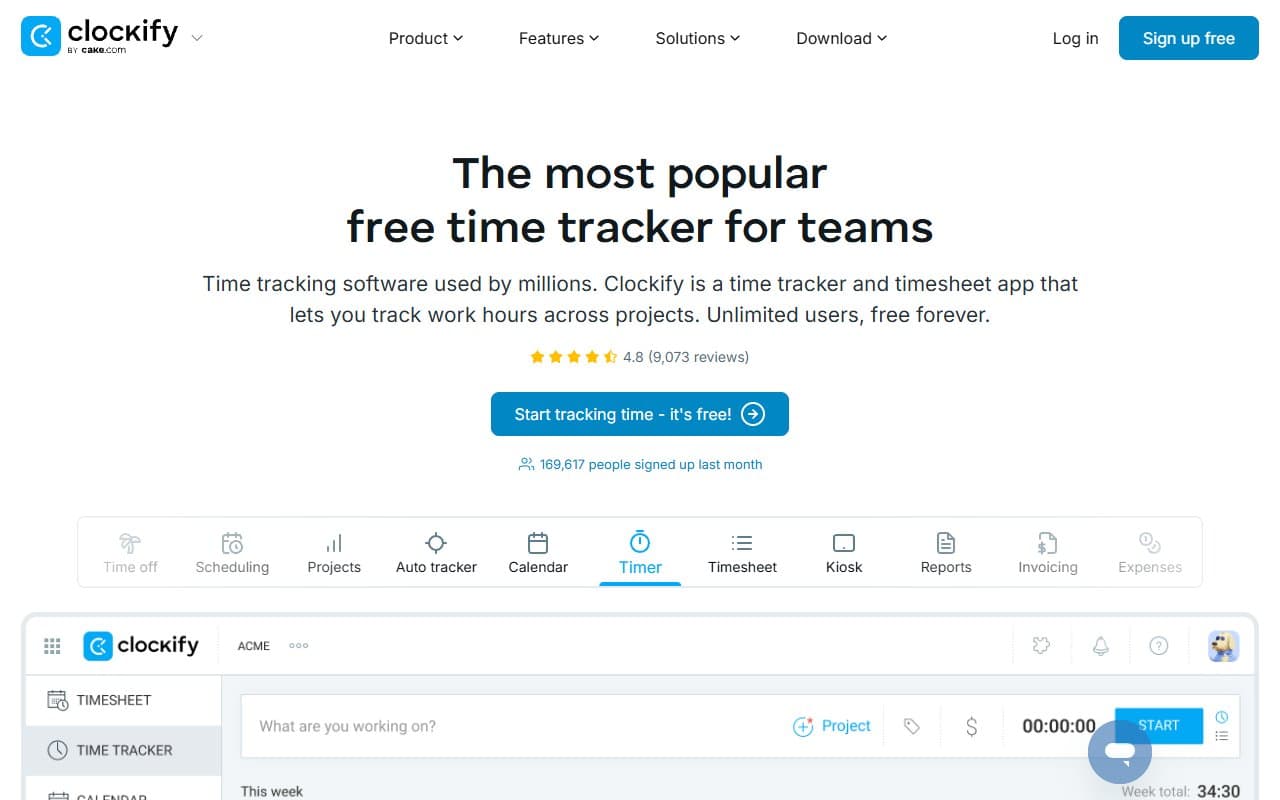
You start a timer when you begin work, stop it when you're done, or enter hours manually at the end of the day. Either way, the time gets logged against whatever project or client you assign it to.
The reporting pulls all of that together. You can see who worked on what, for how long, and how it breaks down across clients and projects. For anyone billing by the hour, this becomes the source of truth for your invoices. Invoicing exists, but only on paid plans.
It runs in a browser, as a desktop app, and on mobile. The browser extension lets you start timers directly from tools like Trello or Asana, which sounds like a small thing until you realize how much friction it removes from your day. Setup takes about twenty minutes.
Pricing
Free gives you unlimited users and unlimited tracking, which is the reason most people are here. You won't get invoicing, scheduling, or advanced reporting — but for pure time tracking and basic project reporting, this tier holds up well. Most small teams won't need anything more.
Basic ($3.99/seat/month) adds time rounding, custom export formats, and the ability to hide certain data from team members. Useful if you have contractors you don't want seeing rate information. Worth it at that price if those features apply to your situation.
Standard ($5.49/seat/month) is where invoicing and billing rates unlock. If you're charging clients based on Clockify data, this is the tier to be on. The invoicing isn't sophisticated enough to replace dedicated accounting software, but it handles straightforward billable-hours invoices without drama.
Pro ($7.99/seat/month) and Enterprise ($11.99/seat/month) exist, but most small businesses won't need them. Pro adds forecasting and GPS tracking. Enterprise adds SSO and a dedicated account manager. Unless you're managing a field team or have compliance requirements, stop at Standard.
What Works Well
The free plan is genuinely free. Not free-for-30-days, not free-for-one-user. Clockify has been running the unlimited free tier since 2017 and hasn't quietly eroded it. That consistency matters — you can build a workflow around it without worrying about a pricing change pulling the rug out.
Reporting actually saves time. The report filters let you slice data by person, project, client, or date range in about three clicks. For a ten-person agency producing monthly client billing summaries, that reporting capability cuts what used to be a half-day spreadsheet exercise down to under an hour.
The browser extension earns its keep. Starting a timer from inside your project management tool — without switching tabs or logging into a separate app — sounds trivial. Over the course of a week, it's the difference between accurate time logs and the rough approximations most teams settle for.
What Does Not Work
Payroll integration is essentially absent. If your end goal is getting hours into a payroll system, Clockify requires a manual export step that creates room for error. For a business where time tracking feeds directly into wages, this gap is a genuine problem rather than a minor inconvenience.
The mobile app lags behind the web version. Reporting is limited on mobile, and the interface feels like an afterthought compared to the browser experience. Field-based teams or anyone who primarily works from their phone will find this frustrating on a daily basis.
How It Compares
Toggl Track is the obvious comparison, and Clockify wins on price at every tier. Toggl's free plan caps at five users; Clockify's doesn't. Toggl's interface is marginally cleaner, and its reporting feels more polished — but not $10-per-person-per-month more polished. Choose Toggl if budget genuinely isn't a factor and you want a slightly smoother experience. Choose Clockify if you're running a lean operation and want the same core functionality for less.
Harvest targets the same audience but leads with invoicing and accounting integrations. If your priority is billing and you want QuickBooks or Xero talking directly to your time tracker, Harvest earns its higher price. For time tracking as the primary goal, Clockify outperforms it on value.
The Verdict
If you're a freelancer or run an agency or consultancy billing clients by the hour, Clockify is the straightforward answer. Start on the free plan, confirm it fits your workflow, and upgrade to Standard when you need invoicing. That's roughly $5.50 per person — reasonable for what you get.
If you need payroll integration, look at a tool like Rippling or Homebase that's built with that outcome in mind. Clockify won't solve that problem without manual workarounds that eventually create their own problems.
If time tracking for non-billable work is your only goal — internal productivity monitoring, HR time records — Clockify works, but you're getting more than you need for nothing.
For the audience it's designed for, Clockify is the best value time tracking tool on the market.
Common Questions
Is Clockify actually free forever, or does it expire?
The free plan has no time limit and no user cap. Clockify has maintained this since launch and generates revenue through its paid tiers. There's no indication that's changing, though it's worth checking the current pricing page directly.
Can I use Clockify to invoice clients?
Yes, but only on the Standard plan or above. The invoicing is functional — you can generate a billable hours invoice from your tracked time — but it isn't a replacement for accounting software. Most users treat it as a quick billing tool and keep their bookkeeping in QuickBooks or Xero separately.
Does Clockify work for remote teams?
Yes — this is one of its strengths. Every team member tracks their own time, managers see consolidated reporting across the whole team, and nothing requires you to be in the same location. It handles remote and hybrid teams without any configuration required.
How long does setup take?
For a solo user, under ten minutes. For a team of ten, plan for about an hour — mostly spent setting up projects and inviting members. There's no complex onboarding process and the learning curve is genuinely shallow.