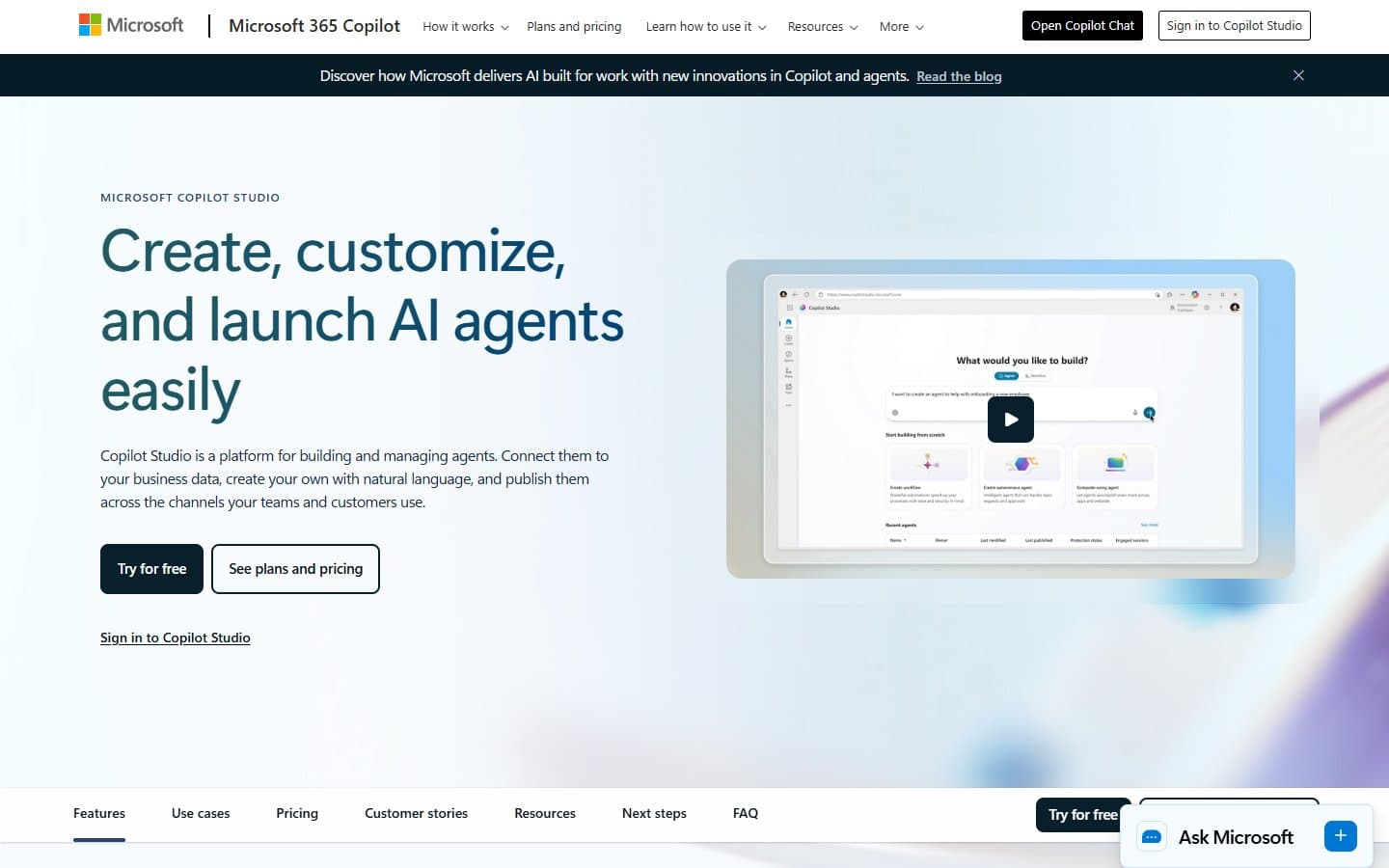
Microsoft Copilot Studio builds impressive AI agents that integrate beautifully with your existing Microsoft tools. The problem is the $200 monthly entry fee that prices out most small businesses. If you're already paying for Microsoft 365 and need enterprise-grade AI, it's worth the cost—otherwise, look elsewhere.
Who Microsoft Copilot Studio Is Best For
You'll get the most value if you're already running on Microsoft 365 and need AI agents that work within that ecosystem. IT teams building internal helpdesk bots or HR assistants will appreciate the security features and compliance controls.
Businesses using Power Platform will find natural synergies here. The tool makes sense for mid-size companies that want custom AI without hiring developers.
What Microsoft Copilot Studio Actually Does
Copilot Studio lets you build AI chatbots and agents without writing code. You create conversational flows using a visual interface. Then you deploy these agents across Teams, websites, or email.
The agents can tap into your SharePoint documents, customer databases, and other business systems through over 1,000 pre-built connectors. You can build everything from customer service bots to internal knowledge assistants.
The platform runs on Azure with GPT-4 powering the conversations. Your agents can handle complex requests and pull information from multiple sources. They escalate to humans when needed.
Microsoft Copilot Studio Pricing
You have two pricing options, and neither is cheap. The tenant bundle costs $200 monthly and includes 25,000 messages across unlimited agents. That's your realistic starting point.
The per-message option charges $0.01 per interaction with no base fee. This sounds flexible but gets expensive fast. You'd need fewer than 20,000 messages monthly to beat the bundle price.
For context, 25,000 messages disappear quickly if you deploy agents for customer service or internal support. A busy agent handling 50 conversations daily burns through your allowance in less than three weeks.
What We Like
The integration with Microsoft 365 is genuinely impressive. Your agents can pull from SharePoint, search Exchange emails, and access Teams channels without complex setup. This eliminates the data silos that plague most AI implementations.
Security and compliance features are enterprise-grade. You get data loss prevention, role-based access controls, and audit trails that satisfy IT departments. The agents respect your existing permissions and don't expose sensitive information.
The no-code builder actually works. Non-technical users can create functional agents in hours, not weeks. The visual conversation designer makes it easy to map out complex interactions.
Analytics give you real insight into agent performance. You can see where conversations fail and identify common user requests. You can optimize responses based on actual usage data.
What We Don't Like
The pricing structure punishes small businesses. That $200 minimum monthly cost is brutal if you just want to experiment or build a simple internal bot. Most alternatives let you start for free or under $50 monthly.
Message limits create anxiety. You'll constantly monitor usage to avoid overage charges or running out of capacity. This makes you hesitant to deploy agents broadly, limiting their value.
The platform is painfully slow outside the Microsoft ecosystem. If you use Google Workspace, Slack, or other non-Microsoft tools, integration becomes clunky and expensive through third-party connectors.
Customization hits walls quickly. The no-code builder handles basic scenarios well, but complex business logic requires Power Automate flows or custom code. You'll need technical expertise despite the "no-code" promise.
How Microsoft Copilot Studio Compares to Alternatives
Chatbot platforms like Intercom or Zendesk Chat cost less and deploy faster for customer service use cases. They lack the deep Microsoft integration but work better as standalone solutions.
For internal bots, Slack's Workflow Builder or Google's AppSheet offer simpler automation at lower cost. You won't get the AI sophistication but might not need it.
Enterprise platforms like ServiceNow or Salesforce Einstein compete on features but cost even more. Copilot Studio offers better value if you're committed to the Microsoft stack.
Open-source frameworks like Rasa give developers more control and lower ongoing costs. You'll invest heavily in development time but avoid vendor lock-in.
Should Your Business Use Microsoft Copilot Studio?
Choose Copilot Studio if you're already paying for Microsoft 365 Business Premium or higher and need AI agents that access your corporate data securely. The integration benefits justify the cost when you're deep in Microsoft's ecosystem.
Skip it if you're not committed to Microsoft tools or can't justify $200 monthly for AI experimentation. Small businesses should start with cheaper alternatives and upgrade later if needed.
Consider it essential if compliance and security are critical—few platforms match Microsoft's enterprise controls and audit capabilities.
FAQ
Q: Can I build agents without technical skills?
A: Yes, for basic conversational flows. Complex business logic still requires technical expertise or help from Power Platform developers.
Q: Do agents work outside Microsoft Teams?
A: Yes, you can deploy to websites, email, and other channels. But the experience is optimized for Microsoft's ecosystem.
Q: What happens if I exceed message limits?
A: On the bundle plan, agents stop responding until the next billing cycle. The per-message plan just charges $0.01 for each overage.
Q: Can agents access my existing business data?
A: Yes, through SharePoint, databases, and 1,000+ connectors. Data security follows your existing Microsoft 365 permissions and policies.