A 25-person SaaS company was pulling user engagement data from three different tools, getting three different answers about which features drove retention. Looker's data modeling forced them to define "engaged user" once, company-wide. Now their product and marketing teams see identical dashboards that update every hour instead of arguing over conflicting weekly reports.
Who Should Use Looker
You generate enough data that Excel crashes when you try to analyze it. You have a data engineer, business analyst, or technical founder who can write LookML. Your team makes decisions based on data, not gut instinct. You're tired of meetings that start with "which numbers are we using?"
Specifically: 20+ person SaaS companies, e-commerce brands doing $5M+ annually, agencies that want to embed client dashboards in their own tools.
You should not use Looker if your "data infrastructure" means exporting CSVs from Stripe and QuickBooks into Google Sheets. The tool assumes you have databases, APIs, and someone who understands both. If that's not you, start with Looker Studio or Mixpanel and revisit this in two years.
What It Does
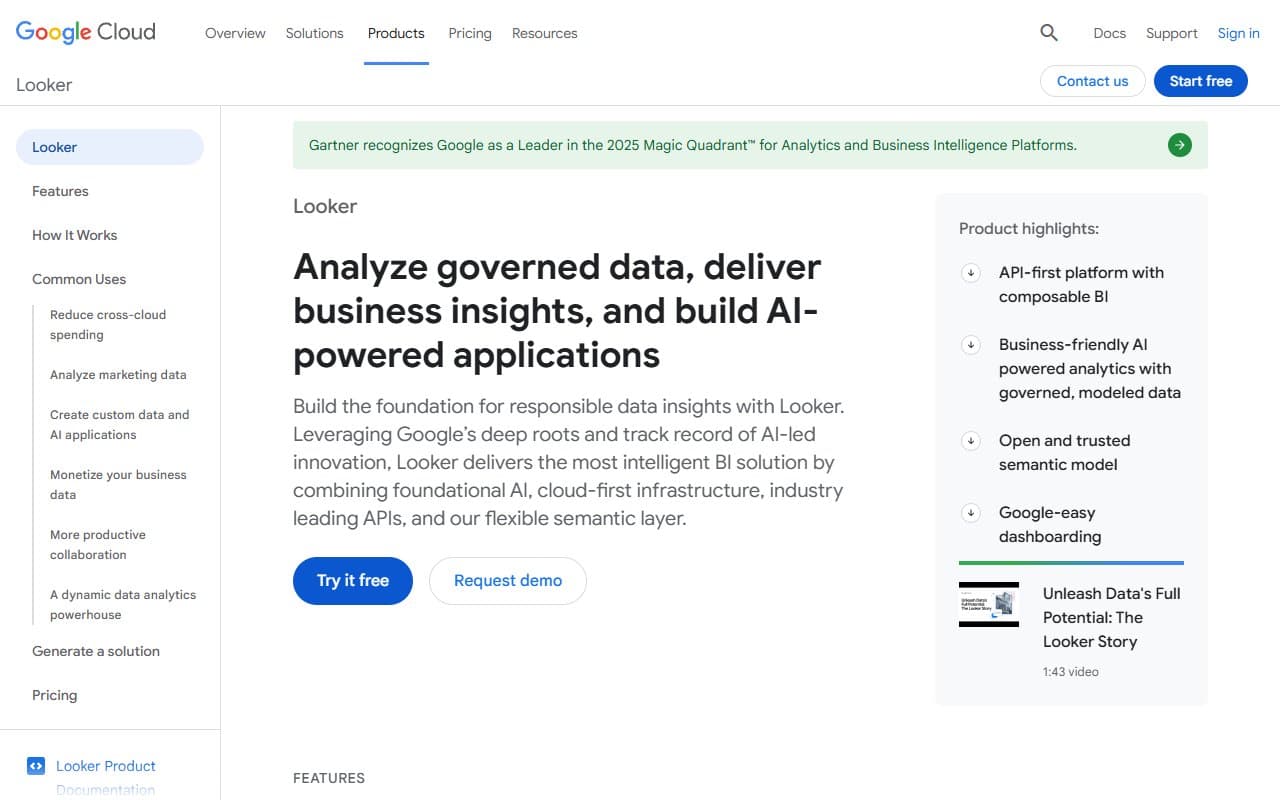
Looker connects to your databases and warehouses, then creates a shared definition layer for your business metrics. When marketing calculates "monthly recurring revenue" and finance calculates it differently, Looker forces you to pick one definition that feeds every dashboard.
Your team can then build dashboards, explore data, and drill down into details without writing queries. The dashboards update automatically. You can embed them in client portals or internal tools.
The technical reality: someone must first build your data model in LookML, Looker's proprietary modeling language. This takes weeks, not hours. Once built, non-technical staff can use it easily. Getting there requires expertise most small businesses hire, not develop internally.
Pricing
Looker lists $0 starting price but requires sales contact for real numbers. Expect $3,000+ monthly for meaningful usage. Enterprise pricing without enterprise budgets.
This pricing model tells you everything. Small businesses that call sales teams to learn software costs usually hang up when they hear the numbers. If you're running a 15-person company, the pricing conversation ends before it starts.
Buy instead: Microsoft Clarity at free or Databox at $72/month for 3 users until you genuinely outgrow them.
What Works
Data modeling solves real organizational problems. When departments stop arguing about which dashboard shows "correct" numbers because there's only one source, meetings get shorter and decisions get faster.
Interactive exploration reduces analyst bottlenecks. Users filter and drill down themselves instead of submitting report requests. For growing companies with one overworked data person, this saves hours weekly.
Google Cloud integration performs better than competitors. If BigQuery is your data warehouse, Looker queries run faster and break less often than third-party connections.
What Doesn't Work
LookML configuration requires expertise most small businesses don't have. You cannot skip this step. You cannot learn it quickly. Hiring someone to build your Looker environment costs $10,000-50,000 depending on complexity — a budget line item that rarely appears in initial ROI calculations.
Sales-only pricing makes budgeting impossible. Small businesses need predictable monthly costs, not contract negotiations. When software vendors hide pricing, they're usually hiding sticker shock.
How It Compares
Hotjar costs $32/month, connects to most data sources, and works for 80% of small business analytics needs. Choose this unless you're already deep in Google Cloud.
Mixpanel offers similar functionality with clearer pricing and more available freelance help. Better choice if you're not committed to Google's ecosystem.
Looker Studio handles small business analytics at free, connects to Google Analytics and other sources. No data engineer required.
The Verdict
Looker is excellent BI software built for companies with data engineering resources. If you employ someone who can configure LookML properly and your infrastructure lives in Google Cloud, the investment pays off through better decision-making and reduced analyst workload.
If you're under 20 people without dedicated data expertise, buy Hotjar or Looker Studio instead. You'll get most of the insight for fraction of the cost and setup time.
Looker solves real problems that most small businesses don't have yet.
Common Questions
Does Looker have a free plan?
No meaningful free tier exists. The $0 listed price gets you a sales conversation, not working software.
Can non-technical staff use Looker daily?
Yes, after technical setup. The dashboard interface works for business users. The problem is getting to that point requires LookML expertise upfront.
How does Looker compare to Hotjar for small business?
Hotjar costs less, starts faster, and needs less technical expertise. Looker wins on data governance and Google Cloud performance. For most businesses under 50 people, Hotjar is the practical choice.
Is Looker worth the cost for small e-commerce?
Only if Shopify's analytics and Google Analytics actively fail your decision-making process and you can afford proper implementation. Most e-commerce businesses should exhaust cheaper analytics tools first.