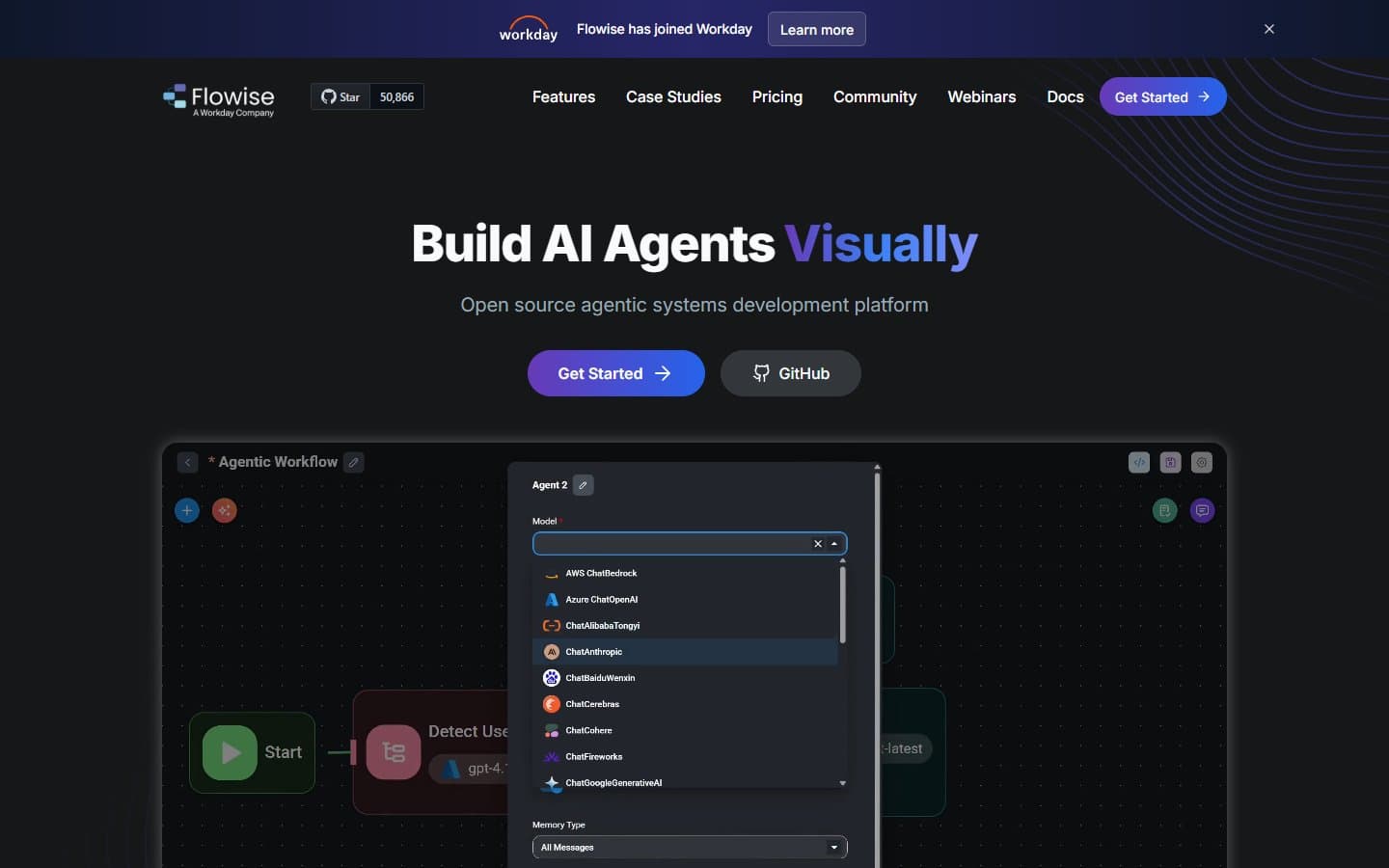
Flowise is the best free AI workflow builder for technical teams willing to self-host. You get professional-grade features without monthly fees, but don't expect plug-and-play simplicity. If you have developers on staff, this beats expensive alternatives hands down.
Who Flowise Is Best For
Flowise works for startups and small businesses with technical teams. You need someone comfortable with servers, APIs, and basic coding concepts.
It's perfect for companies building document Q&A systems, customer support chatbots, or custom AI workflows. Software agencies and consultancies will love the white-label potential.
Skip Flowise if you're non-technical or need everything managed for you. You'll waste weeks fighting with setup and maintenance.
What Flowise Actually Does
Flowise lets you build AI workflows by dragging and dropping components. Think of it like connecting LEGO blocks, but each block represents an AI model, database, or processing step.
You can create chatbots that search your company documents. You can build AI agents that use multiple tools. You can set up workflows that process customer inquiries automatically. The visual interface means you see your logic flow instead of writing code.
The tool connects to major AI providers like OpenAI, Anthropic, and local models through Ollama. You can store data in vector databases like Pinecone or Chroma for smart document retrieval.
Flowise Pricing
The open-source version is completely free. You get every feature if you're willing to host it yourself on your own servers.
The managed cloud version costs $35 monthly for basic hosting with three chatflows. This seems reasonable until you realize most businesses need more than three workflows.
For context, you'll spend $20-50 monthly on server costs for self-hosting anyway. The cloud option only makes sense if your time is extremely valuable or you lack technical skills.
What We Like
The visual workflow builder actually works well. You can see your AI logic flow clearly, making debugging and modifications straightforward.
Free access to professional features is huge. You get the same capabilities that cost hundreds monthly elsewhere. RAG systems, multi-model support, and API exports come standard.
The open-source nature means no vendor lock-in. You own your workflows and can modify anything you need.
Documentation is surprisingly good for an open-source project. Most common use cases have clear tutorials with working examples.
What We Don't Like
Setup requires real technical knowledge. You'll need to understand Docker, environment variables, and basic server administration. Budget 1-2 days for initial setup and learning.
The interface feels developer-focused, not business-user friendly. Non-technical team members will struggle with concepts like vector embeddings and LLM parameters.
Cloud pricing becomes expensive quickly. Three chatflows isn't enough for most businesses. They don't publish pricing for higher tiers publicly.
Error messages are often cryptic. When something breaks, you'll spend time digging through logs and GitHub issues to find solutions.
No phone support exists. You're relying on community forums and documentation when problems arise.
How Flowise Compares to Alternatives
Against Zapier's AI features, Flowise offers more AI-specific functionality but requires much more technical skill. Zapier is easier but costs more and has limited AI capabilities.
Versus LangFlow, Flowise has better documentation and more active development. Both target similar technical audiences, but Flowise feels more mature.
Compared to Microsoft Power Platform, Flowise gives you more control and costs less. Power Platform offers better enterprise features and support but locks you into Microsoft's ecosystem.
OpenAI's custom GPTs are simpler but extremely limited. You get basic chatbot functionality versus Flowise's full workflow capabilities.
Should Your Business Use Flowise?
Use Flowise if you have technical resources and want to build custom AI workflows without recurring software costs. It's particularly valuable for agencies building AI solutions for clients.
The self-hosted option makes sense for businesses with existing server infrastructure and development teams. You'll save thousands annually versus paid alternatives.
Choose something else if you need managed support, have compliance requirements, or lack technical skills. The learning curve and maintenance overhead aren't worth it for simple use cases.
For most small businesses, start with the cloud version to test workflows. Then migrate to self-hosting if the value justifies the technical investment.
FAQ
How technical do you need to be to use Flowise?
You need basic understanding of APIs, databases, and server hosting. If terms like "vector embeddings" and "REST endpoints" confuse you, start with simpler tools.
Can Flowise replace customer service software?
It can power chatbots and automated responses, but you'll need to integrate it with existing support platforms. It's a workflow engine, not a complete customer service solution.
Is the free version really unlimited?
Yes, if you self-host. You only pay for your server costs and AI model usage. The only limitation is your technical ability to maintain it.
How does Flowise handle security and compliance?
Since you control the hosting, security is your responsibility. This gives you more control but also more liability. No built-in compliance certifications exist.