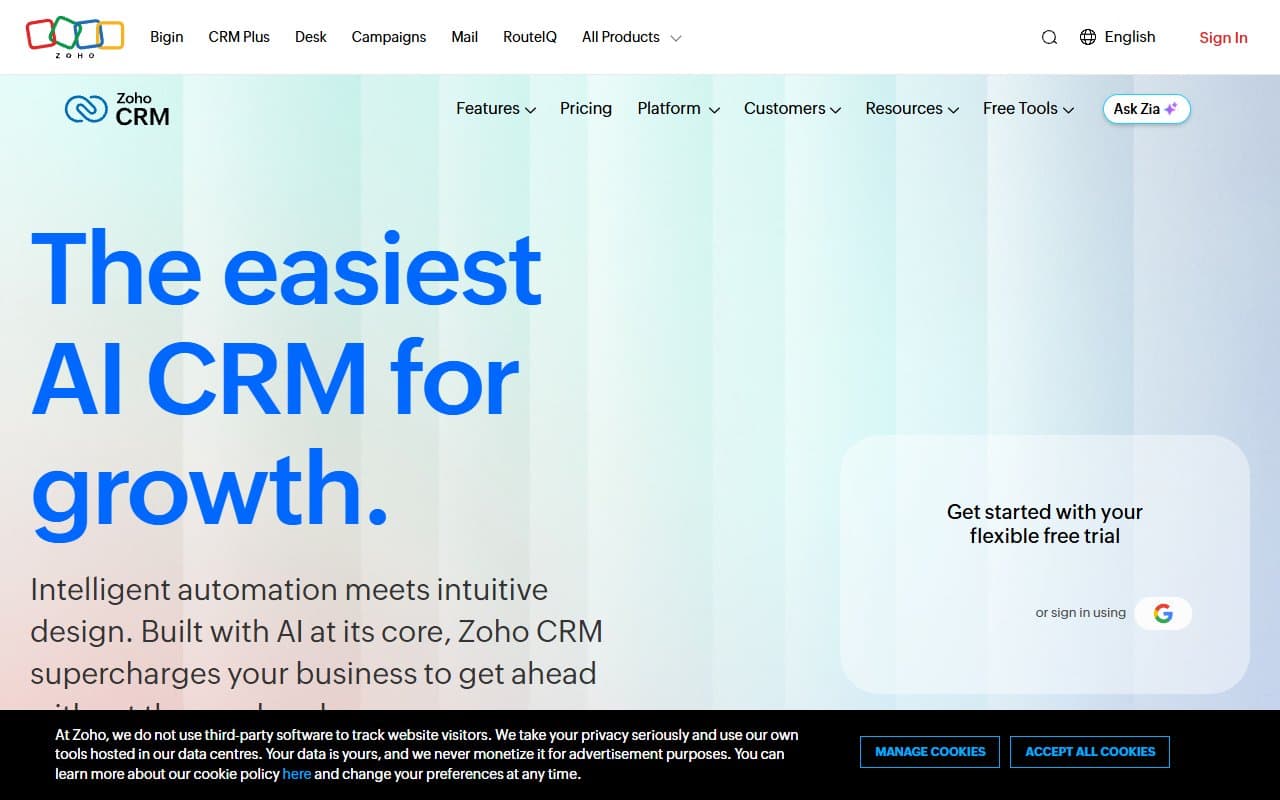
Most small businesses buy a CRM, set it up halfway, then abandon it for spreadsheets. The problem isn't always the software — it's that most CRMs are built for sales teams of twenty, then sold to businesses of five.
Zoho CRM is one of the few that bridges that gap.
Who Should Use Zoho CRM
Professional services firms — accountancy practices, recruitment agencies, management consultancies with eight to twenty people — get the most value here. You manage relationships over months, track proposal stages, and chase follow-ups. Zoho's deal pipeline and workflow automation handle exactly that without requiring a dedicated sales ops person.
Retail businesses with online and physical sales channels benefit from the lead scoring and sales forecasting. If you process fifty enquiries monthly and struggle to prioritize them, Zia (Zoho's AI assistant) will earn its keep.
Skip Zoho if you're a two-person startup uncommitted to any software stack. The free plan works, but the tool's real power only shows when it connects to Zoho Books, Zoho Desk, or Zoho Campaigns. Running mixed tools from different providers delivers half the value and twice the frustration.
What It Does
Zoho CRM tracks leads, deals, and customers — who you've contacted, what stage they're at, what happens next. New enquiries trigger automatic notifications to the right person, create follow-up tasks, and get scored based on behavior. No manual work required.
Zia surfaces what you'd miss: stalled deals, statistically likely closures, forecast numbers based on your actual pipeline. The workflow automation builds sequences — deal moves to certain stage, triggers email, updates field, assigns task — without code. It replaces the mental overhead of remembering who needs chasing.
Pricing
Free plan supports three users with basic lead management and limited automation. Fine for testing, but you'll hit limits quickly. Don't build processes around it.
Standard ($14/user/month) adds scoring rules, email insights, and custom dashboards. This is where Zoho becomes a real business tool. For four or five people, the time saved on manual follow-ups justifies this tier within a month. Buy this tier.
Professional ($23/user/month) brings sales signals, process management, and deeper automation. The sweet spot for most small businesses — enough capability without enterprise bloat. Choose this if you have complex pipelines.
Enterprise ($40/user/month) delivers Zia's full AI and advanced customization. Only worth it for complex pipelines across multiple product lines. Most ten-person businesses don't need this much tool.
Ultimate ($52/user/month) offers poor value for small businesses. You're paying enterprise prices for enterprise problems you don't have.
What Works
Workflow automation saves real hours. Once configured, Zoho handles follow-up reminders, stage transitions, and internal notifications without supervision. Most teams reclaim four to six hours weekly within the first month.
Zia catches deals you'd lose. The AI flags stalled opportunities based on activity patterns, catching problems before deals go cold. On thirty-plus active deals, that's a meaningful safety net.
Zoho integration is genuinely native. Using Zoho Books for invoicing? The handoff from won deal to raised invoice takes seconds. Competitor integrations at this price require middleware and patience.
What Doesn't Work
The interface lags behind the product. Zoho CRM has accumulated fifteen years of features and it shows. Navigation is cluttered, settings are buried, new users spend more time finding things than doing things. Expect two rough weeks.
Outside Zoho's ecosystem, it's ordinary. Strip away native integrations and you have a capable but unremarkable CRM. HubSpot CRM integrates better with third-party tools, Pipedrive is easier to learn. Zoho's advantage is specifically its own ecosystem — outside it, that advantage vanishes.
How It Compares
HubSpot CRM is easier to set up with a stronger free tier for marketing-led businesses. Choose HubSpot for inbound content-driven pipelines needing built-in email marketing. Choose Zoho for automation depth and other Zoho products.
Pipedrive is cleaner, faster to learn, built for salespeople. It wins on usability, loses on breadth. If your team resists new software, Pipedrive causes less friction — but you'll outgrow it faster.
Salesforce isn't a real competitor here. Anyone suggesting Salesforce for your twelve-person business isn't thinking about your budget or time.
The Verdict
For professional services or retail businesses with five to thirty people already using (or open to) Zoho's product suite, this is among the strongest CRMs at this price. The automation alone justifies Standard tier. The AI forecasting at Professional tier delivers genuine utility, not decoration.
Running a disconnected tool stack and want simple CRM integration? Use HubSpot instead — faster onboarding, wider integrations. Solo operators still figuring out sales process? Start with the free plan, upgrade when it constrains you.
Zoho CRM isn't the prettiest tool in this category, nor the easiest to learn. What it is, reliably, is serious software that delivers on its promises at a price that doesn't require board approval.
Common Questions
Is Zoho CRM really free?
Yes, up to three users with no time limit. The free plan covers basic contact management and limited automation. It's a genuine starting point, not a crippled demo — but you'll need Standard tier before it becomes a core business tool.
How long does setup take?
A full working setup with automation and pipeline stages takes two to four focused days. Budget a week if importing existing contacts and configuring workflows. Not a same-afternoon job.
Does it work without other Zoho products?
It works, but you'll miss what makes it exceptional. Third-party integrations exist and function but require more configuration than native connections. If your business runs non-Zoho tools, HubSpot or Pipedrive will cause less friction.
Is it good for one-person businesses?
The free plan fits reasonably well. You get contact records, deal tracking, basic follow-up automation without cost. Don't over-engineer it — sole traders don't need sales forecasting. Use simple pipeline view, add complexity only when volume demands it.