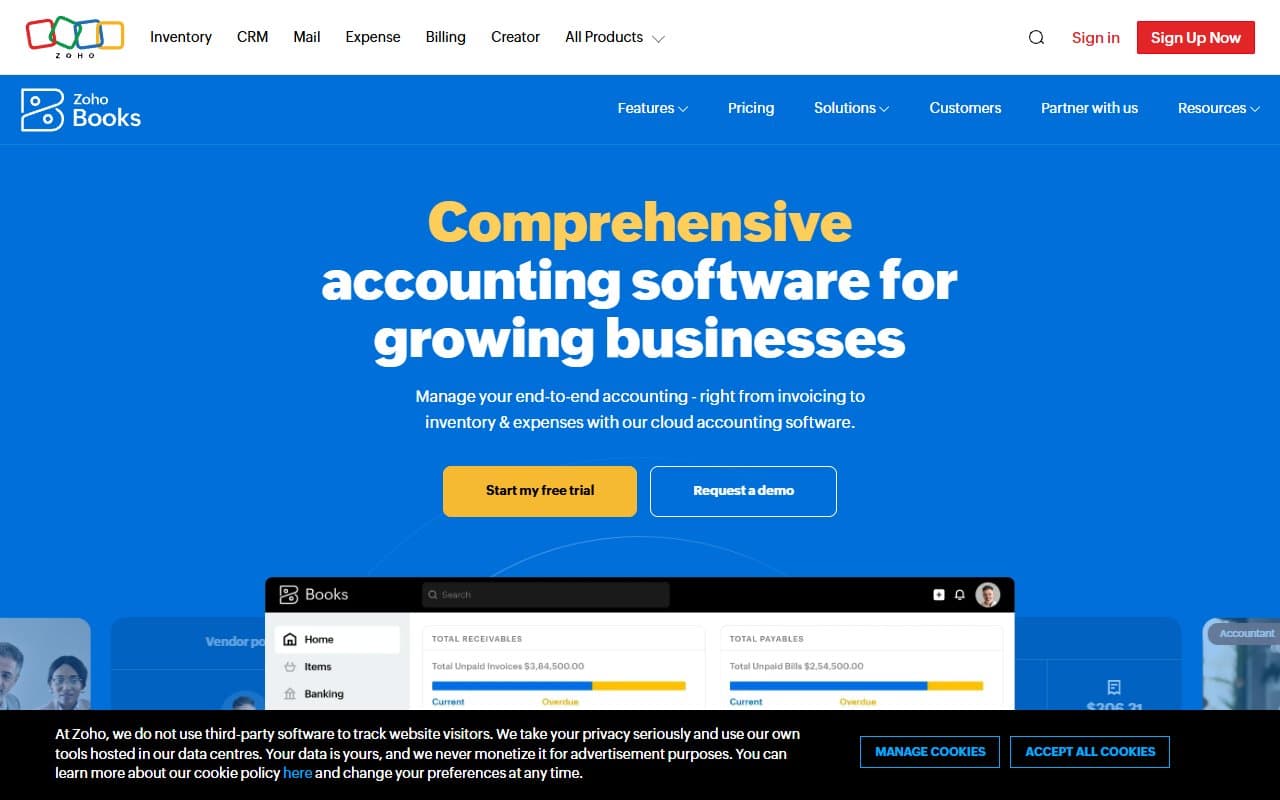
Who Should Use Zoho Books
Zoho Books has a narrow sweet spot. Land in it, and you get exceptional value. Miss it, and you get frustration.
A 10-person UK consulting firm using Zoho CRM will find this close to perfect. Client invoices sync automatically, expenses track without re-entry, and the VAT tools work properly — not like afterthoughts. A 3-person Indian agency filing GST monthly will save hours versus spreadsheets and generic invoicing tools.
US businesses with no Zoho history face real switching costs. If your accountant uses QuickBooks and your team knows Xero, you're not just learning software — you're migrating financial history. That needs stronger justification than "it's free."
What It Does
Zoho Books handles small business finances: invoicing, tracking receivables, recording expenses, and reconciling bank accounts so your books balance monthly.
It manages tax compliance — GST in India, VAT in the UK — as part of normal workflow, not as an add-on module you configure yourself. Clients get portals to view invoices, approve quotes, and pay online without email chains.
Bank reconciliation connects directly to your accounts and matches transactions automatically. You review, confirm, and move on. Most small businesses doing this manually reclaim two to three hours monthly. Not flashy, but you'll appreciate it six months in.
Pricing
Free — 1,000 invoices yearly, one user, basic reports. Useful for sole traders starting out, but the single-user limit kills it when you hire anyone who needs book access.
Standard ($15/month) — Three users, recurring invoices, automated payment reminders, proper reporting. Most small service businesses should start here. The jump from free is worth it immediately when you have a second person.
Professional ($40/month) — Five users, purchase orders, sales orders, basic inventory. If you sell physical goods in small volumes, this works. Pure service businesses don't need it.
Premium ($60/month) — Ten users, budgeting, vendor portal, custom client portal domain. Good value for teams of eight-plus. Wasteful for two-person operations.
Start with Standard unless you're genuinely solo.
What Works
GST and VAT compliance is built in, not bolted on. Tax filing workflows embed in how you create invoices and record expenses. You're not assembling reports from scratch quarterly. For Indian and UK businesses, this alone justifies the cost.
The client portal eliminates email tennis. Clients log in, see invoice history, download statements, and pay directly. For a 5-person agency managing 30-plus clients, the reduction in "resend that invoice" emails saves meaningful time weekly.
Bank reconciliation runs itself. Auto-matching logic is accurate enough that most transactions reconcile without intervention. You handle exceptions, confirm matches, done.
What Doesn't Work
The US experience is second-class. Zoho Books was built for Indian compliance and expanded outward. US tax tools feel foreign, accountants don't know the platform, and US payroll integrations are thin. QuickBooks Online fits the US market better. Pretending otherwise disserves you.
Reporting is rigid. You get standard P&L, balance sheet, aged receivables. Custom reports require workarounds or spreadsheet exports. For business owners who make decisions from financial data regularly, this friction compounds.
How It Compares
QuickBooks Online dominates US businesses with broader accountant adoption and deeper US tax integration. Choose QuickBooks if your accountant uses it or you operate primarily in the US. Choose Zoho Books for India/UK operations and tighter ecosystem integration at lower cost.
Xero is cleaner for first-time users with stronger third-party integrations outside Zoho. If you're not invested in Zoho products, Xero deserves serious consideration. Zoho Books wins on price and GST/VAT depth.
FreshBooks targets freelancers and tiny service businesses with simpler interfaces. If accounting needs are minimal and invoicing is your main job, FreshBooks is easier to learn. Zoho Books handles more complexity as you grow.
The Verdict
If you run a service business in India or the UK — consulting, agency, accounting practice, or any team billing clients regularly — Zoho Books delivers exceptional value. The compliance tools work properly, the client portal pays for itself, and the free plan is genuinely usable rather than designed to frustrate you into upgrading.
If you already use Zoho CRM or Projects, the decision is obvious. Integration alone removes enough administrative work to justify switching from whatever you use now.
If you're a US business with a QuickBooks-trained accountant, stay put. The switching cost exceeds the price difference, and you'd lose support you'll want during tax season.
For everyone else: start free, test with real invoices for 30 days, upgrade to Standard when you hire someone who needs access. Zoho Books rewards businesses that grow into it rather than forcing immediate complexity on simple operations.
Common Questions
Is Zoho Books good for sole traders?
The free plan handles 1,000 invoices yearly with one user, covering most sole traders comfortably. You get invoicing, expense tracking, and bank reconciliation without payment. The limitation: you can't add a bookkeeper or accountant without upgrading to paid tiers.
Does Zoho Books handle GST filing in India?
Yes, and better than most alternatives at this price. GST returns generate directly from transaction data, and filing workflow integrates rather than requires manual export. If GST compliance regularly causes pain, this alone argues for switching.
Can I use Zoho Books without other Zoho products?
Yes, and it works fine standalone. However, the product genuinely excels when connected to Zoho CRM or Projects — client data flows automatically, avoiding double-entry. Using it isolated is reasonable; using it as part of the suite delivers real returns.
How hard is migrating from QuickBooks or Xero?
Zoho Books imports contacts, invoices, and chart of accounts. The mechanical process is manageable. The harder part is your accountant's familiarity with a new platform and any historical reporting you rely on. Factor in setup time and a bookkeeper conversation before committing.