Who Should Use Veed.io
Most small businesses do not need Hollywood-grade editing — they need consistent, decent-looking output, fast. A five-person e-commerce brand posting weekly product explainers, a solo course creator filming tutorials from a spare bedroom, a ten-person marketing agency churning out social content for three clients at once — these are Veed.io's natural users.
If you run a service business and keep telling yourself you should be doing video — LinkedIn clips, onboarding walkthroughs, client testimonials — Veed.io removes most of the friction stopping you. You do not need to wrestle with a timeline, learn keyboard shortcuts, or export into seventeen different formats manually. The social media export presets alone will save a junior team member a meaningful chunk of their week.
Professional video editors who live in Premiere Pro or DaVinci Resolve will find Veed.io frustrating. Animation studios should not bother looking. This tool is built for volume and accessibility, not for frame-level precision or complex motion graphics.
What It Actually Does
Veed.io runs entirely in your browser, asks nothing of your computer's hardware, and is set up in under ten minutes. You upload a video — or record your screen directly inside the tool — and it gives you a clean editing workspace where you can trim clips, add text, drop in music, and overlay graphics without touching a timeline that looks like the London Underground map.
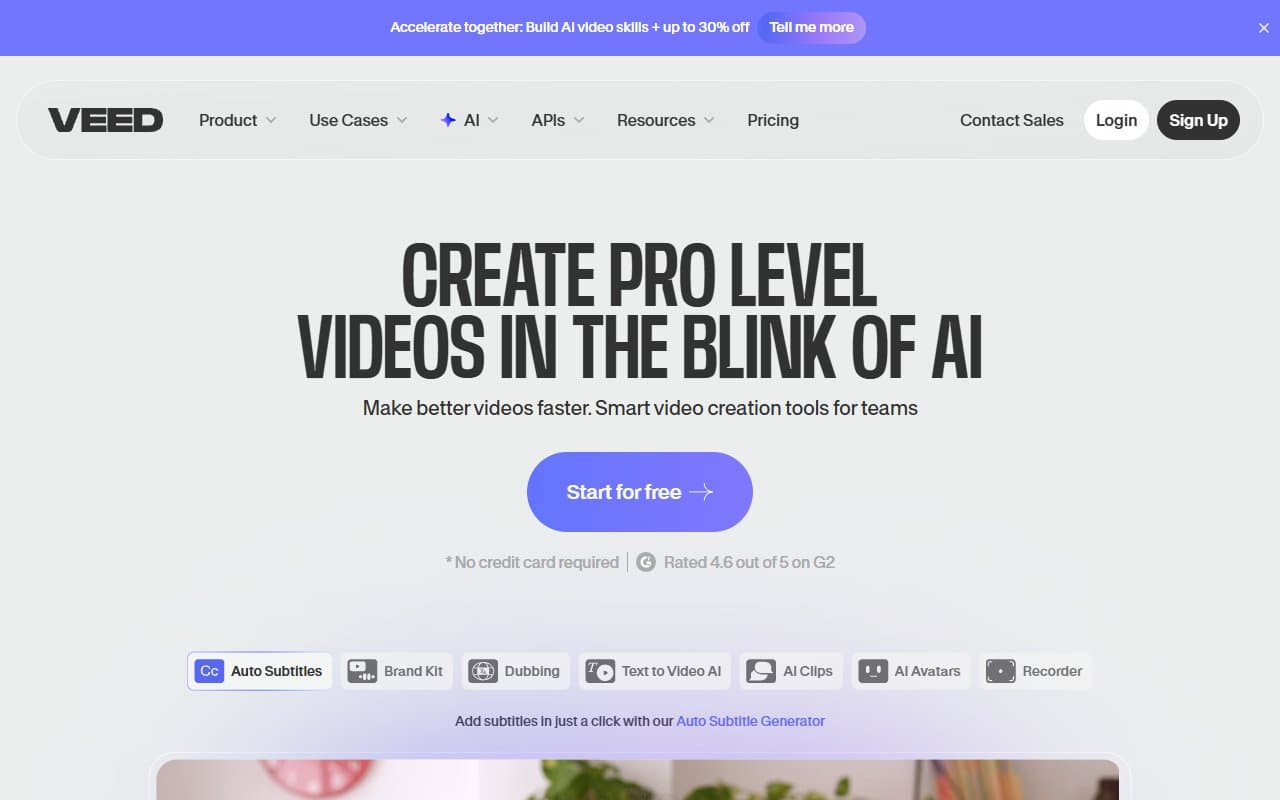
The auto-subtitles earn their keep. You click one button, and Veed.io transcribes your video with solid accuracy, drops captions onto the screen, and lets you style them. For social media content, where most viewers watch with the sound off, this is not a nice-to-have — it is the whole game. The AI avatars let you produce presenter-style videos without appearing on camera yourself, which is either a revelation or a gimmick depending on how you feel about synthetic presenters.
Pricing
Free plan gives you real functionality — not the crippled, watermarked nonsense some tools call free. You can edit, export, and use auto-subtitles. The catch is a Veed.io watermark on exported videos, a 250MB upload limit, and no team features. Fine for testing; not fine for anything client-facing.
Basic (~$18/month) removes the watermark, bumps your upload limit significantly, and unlocks more export options. For a solo creator or very small business publishing their own content, this is where you want to be.
Pro (~$30/month) adds AI avatars, advanced subtitle customisation, and team collaboration seats. Most growing small businesses should pick this tier — particularly if you have two or three people touching video content. The AI avatar feature at this price point beats standalone tools that charge more on their own.
Business tier jumps substantially in price and makes sense only if you run an agency or produce video at volume across multiple client accounts. For a single business owner, it is overkill.
What Works Well
Auto-subtitles that actually save time. The transcription accuracy on clear audio is high enough that you edit maybe one word in thirty, not rewrite paragraphs. The template library alone saves about two hours a week for most teams.
Export presets that eliminate guesswork. Correct dimensions, correct aspect ratios, correct file specs for Instagram Reels, YouTube Shorts, LinkedIn — you pick the platform, Veed.io handles the rest. This sounds minor until you recall how much time your team has wasted exporting the wrong size for the third time.
Screen recording built into the same tool. Most screen recorders hand you a raw file and walk away. Veed.io lets you record, then immediately edit, caption, and export in one workflow. For product demos and software walkthroughs, this removes an entire tool from your process.
What Does Not Work
The AI avatars are inconsistent. On some scripts they look polished enough to use; on others the lip sync drifts just enough to be distracting. For internal communications or quick explainers this might work. Anything representing your brand externally deserves a second look before you export.
Timeline editing has hard limits. Multi-track audio work, complex layering, precise colour grading — Veed.io cannot compete with dedicated desktop editors here. If your videos involve anything more than basic cuts and overlays, you will hit a ceiling that no workaround resolves.
How It Compares
Descript is Veed.io's closest rival for teams that centre their workflow around transcription and word-based editing. Descript is stronger for podcast-style long-form content; Veed.io is faster for short-form social video. Choose Descript if words are your primary editing unit. Choose Veed.io if you prioritise speed and social output.
Canva Video is worth mentioning because many small businesses already use Canva for design. It handles simple video passably, but Veed.io's subtitle tools and screen recording capabilities are stronger. If video is more than an occasional task, Veed.io justifies the separate subscription.
The Verdict
If you create video regularly — meaning at least a few clips per week — Veed.io will earn its subscription cost in the first month. The auto-subtitle feature and social export presets solve real, recurring problems for exactly the kind of team that cannot afford a dedicated video editor. If you need precision editing, colour work, or animation, use a proper desktop editor; Veed.io will only frustrate you. For most small businesses creating content at any meaningful pace, this is one of the most practical video tools on the market.
Common Questions
Can I use Veed.io without any video editing experience?
Yes. The interface is built around simplicity, and most users produce usable results within their first session. It is not dumbed-down — it is efficiently designed.
Does the free plan put a watermark on my videos?
It does. The watermark is visible and positioned centrally enough to matter for professional use. Upgrade to Basic before publishing anything client-facing or brand-representing.
Is Veed.io good for subtitles and accessibility compliance?
It is one of the better browser-based tools for this. The auto-subtitle accuracy on clear audio is strong, you can export captions as a separate SRT file, and styling options cover most accessibility requirements without additional software.
How does Veed.io handle team collaboration?
From the Pro tier upward, multiple team members can work within shared projects. It is functional rather than sophisticated — think shared access and commenting, not real-time co-editing. Adequate for most small teams; limited for agencies running parallel workstreams.