Who Should Use Visme
Most businesses bleed time on design — not because they're doing elaborate work, but because they recreate the same slide layouts, colour schemes, and chart formats every single time. Visme exists to stop that cycle.
A five-person consulting firm delivering strategy decks every few weeks gets immediate value here. The Brand Kit locks in fonts, colours, and logo so every deliverable looks consistent without anyone thinking about it. When your presentation is your product, clients notice a mismatched font on slide 14 even if they can't say why.
Corporate trainers land squarely in Visme's sweet spot. Building course materials, compliance training, or onboarding content? The interactive features — clickable elements, embedded quizzes, animated transitions — genuinely boost engagement. Solo marketing consultants turning client data into polished quarterly reports find the data visualisation tools cut this process down considerably.
What It Actually Does
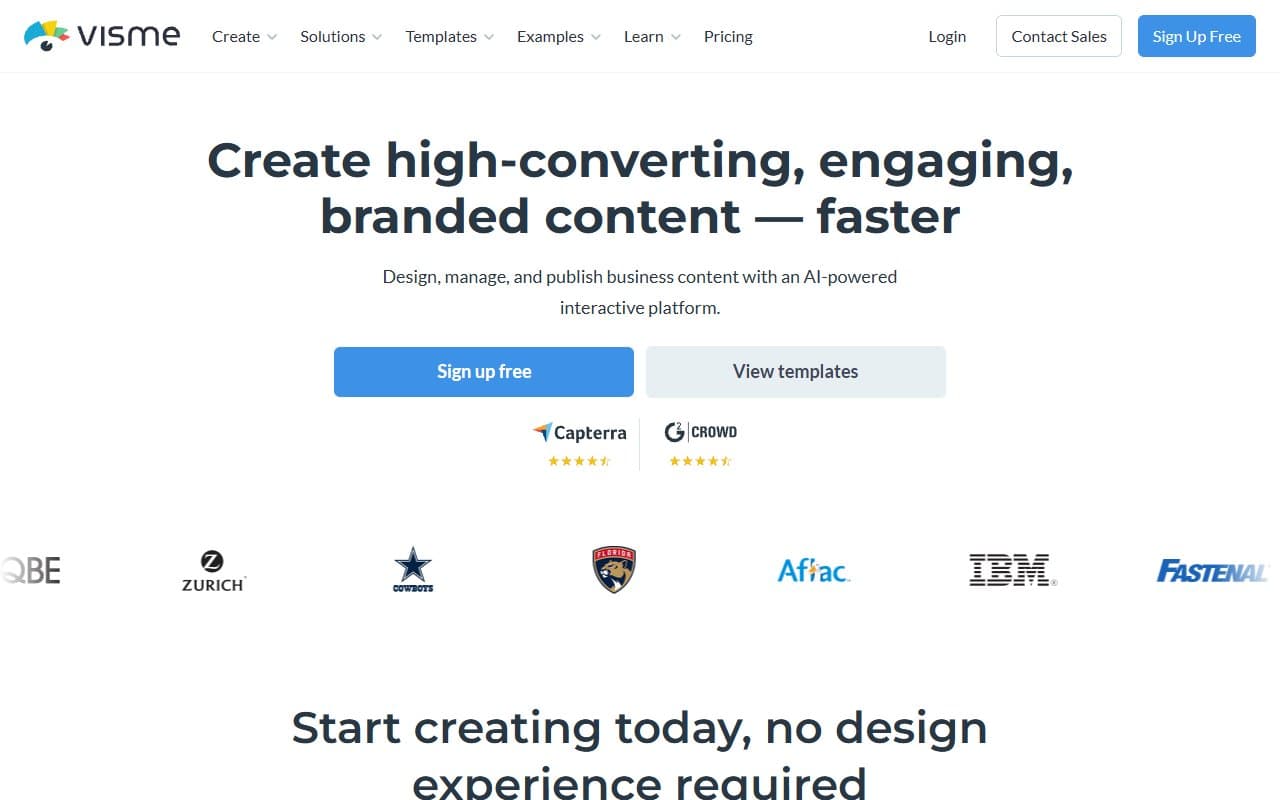
Visme is a browser-based design platform for presentations, infographics, reports, and interactive documents. No design experience required. Start from a template — hundreds of genuinely good ones — drag in your content, connect a data source for charts, then export or share.
The AI slide generator actually works. Feed it a topic and context, and it builds a structured deck you can edit rather than leaving you staring at a blank canvas. It won't replace your thinking, but it eliminates the blank-page problem.
The infographic builder handles visual content that would otherwise require a freelance designer or a frustrating afternoon trying to make something look professional elsewhere. Interactive content — where viewers click, scroll, or respond — is unusual at this price point. Most tools don't offer it below enterprise pricing.
Pricing
Free plan gives you a handful of projects, limited templates, and Visme branding on outputs. Useful for testing but not for client-facing work. The watermark alone should push you off the free tier quickly.
Starter ($15/month) removes branding, adds more projects, and unlocks most templates. Workable for solo consultants creating content occasionally. You'll hit limits if you're producing content weekly.
Pro ($25/month) is where most small businesses should land. You get the full Brand Kit, advanced data visualisation, multiple download formats, and analytics on shared content. The $10 jump from Starter justifies itself immediately.
Teams plans start higher and add collaboration, user management, and shared brand assets. If three or more people regularly create content, this tier pays for itself in version-control headaches alone.
What Works Well
Brand Kit enforces consistency. Upload brand colours, fonts, and logo once and every template adapts automatically. After watching small businesses send inconsistent decks with four different shades of their brand blue, this feature matters more than it sounds.
The template library is actually usable. Most template libraries are generic or ugly. Visme's are current, well-structured, and sorted by use case rather than just industry. Busy marketing managers save roughly two hours per project compared to starting from scratch.
Interactive content at this price is rare. Publishing clickable, animated reports or proposals that live at a URL rather than as PDF attachments is something competitors don't offer below enterprise pricing. Clients notice.
What Does Not Work
The learning curve hits harder than advertised. Visme markets itself as simple, and basics are. But data visualisation, interactive elements, or animation make the interface complex fast. Non-technical users building their first interactive infographic will spend a frustrating hour just finding where things are.
It fails outside its lane. Need product imagery editing, social media graphics at scale, or brand identity design from scratch? Wrong tool. Visme is built around structured documents and presentations. Using it for visual work outside that scope produces mediocre results and wastes time.
How It Compares
Canva is easier to learn and better for social media graphics and quick marketing assets. Choose Canva for high-volume, short-format visuals. Choose Visme when the output is a structured document — deck, report, infographic — that needs to look credible in front of clients.
Beautiful.ai focuses almost entirely on presentations with smart auto-formatting. Cleaner to use but far more limited in scope. Visme wins on breadth; Beautiful.ai wins on presentation-only simplicity.
Google Slides is free and collaborative. It's also not a design tool. If brand quality matters, the comparison ends there.
The Verdict
Consultants, trainers, or marketers who regularly produce presentations, reports, or infographics for clients should buy Visme at the Pro tier. The Brand Kit, template depth, and interactive publishing give you capabilities that would otherwise require a designer on staff or a patchwork of three different tools.
Primarily need social media graphics, quick promotional visuals, or product image editing? Go with Canva instead — it's faster for that workflow and the templates suit short-format content better.
Create structured visual content more than twice a month and care how it looks? Visme earns its subscription fee in the first two weeks.
Common Questions
Does Visme work for someone with no design experience?
Yes, with a caveat. Basic presentations and infographics are genuinely accessible to non-designers. Advanced features — interactive elements, animation, complex data charts — require time to learn. Start with templates and add complexity gradually rather than trying to build something ambitious on day one.
Can multiple people on my team use it simultaneously?
Collaboration requires Teams plans, where shared Brand Kits and multi-user access are included. The individual Pro plan is single-user. If two or three people in your business need consistent access, price out the Teams tier first — shared brand assets alone may justify the difference.
How does the AI slide generator perform?
Better than most. Feed it a clear topic and a sentence or two of context and it produces a structured, editable deck rather than placeholder nonsense. You'll still rewrite copy and adjust layout, but it removes the blank-page problem and gives you working structure in under two minutes.
Is Visme worth it if I only make a few presentations a year?
Probably not at the Pro tier. The free plan or Starter covers low-volume use, and Google Slides handles occasional presentations without a subscription. Visme's value scales with frequency — the more you create, the faster time savings compound into something meaningful.