Most small business owners shop for customer support software wrong — they hunt for the cheapest tool that handles tickets. The smarter question: how much revenue are you losing because customer questions sit unanswered for 12 hours?
Who Should Use Re:amaze
Re:amaze was built for Shopify stores with two to fifteen people handling customer enquiries. The Shopify integration pulls order data directly into your support view — your team sees what a customer ordered, when it shipped, and whether there's a problem without toggling between tabs. A four-person e-commerce brand doing £2 million annually gets immediate value from that alone.
SaaS companies with small support teams also fit. Re:amaze handles mixed-channel support — chat, email, social — that a three-person customer success team needs without requiring a dedicated IT person to configure it. You're up and running in a day.
It doesn't fit businesses with no online sales channel. A local plumbing company or manufacturing firm with field sales has no use for this. The product is designed around digital customer interactions, and trying to retrofit it for offline service workflows will frustrate you.
What It Actually Does
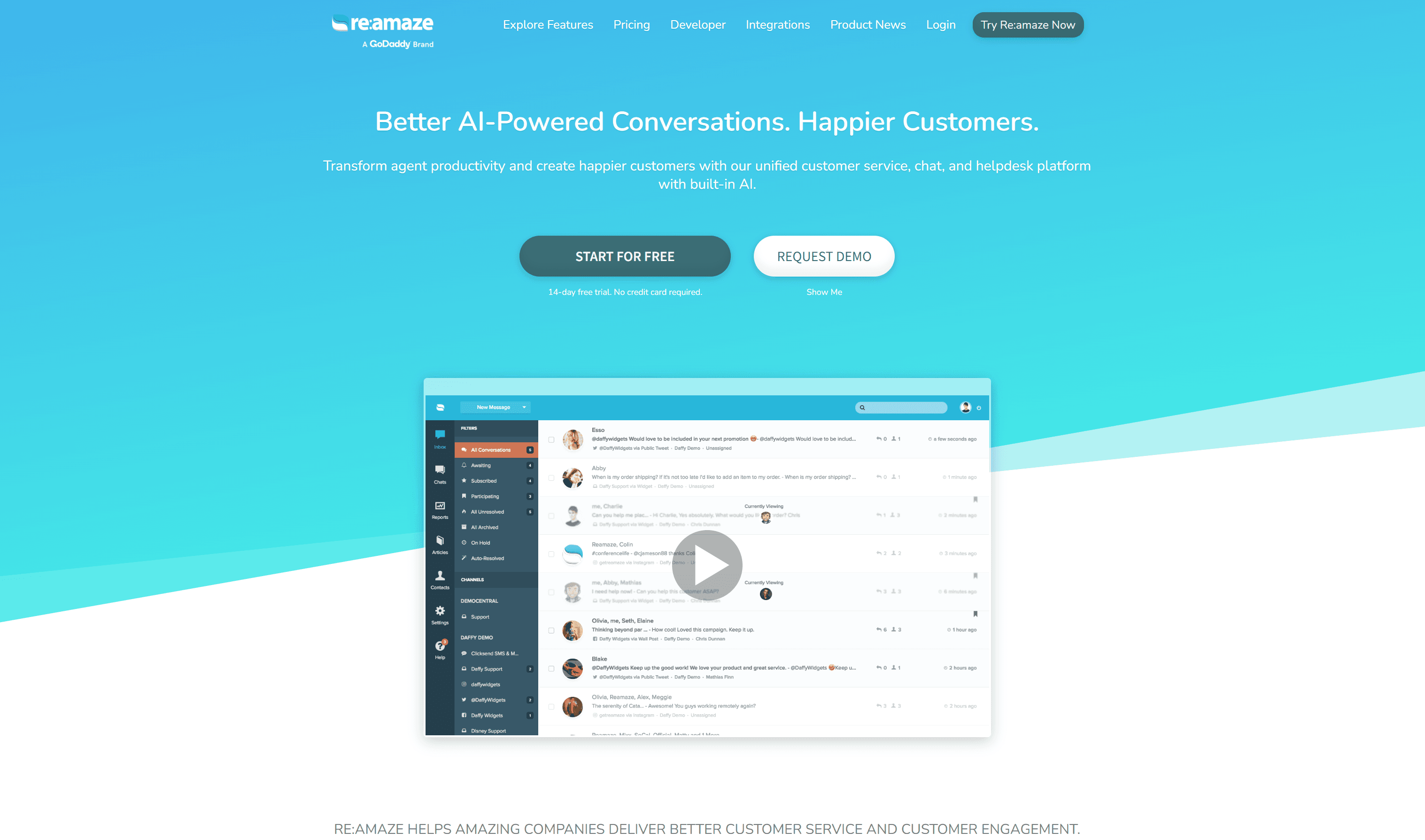
Re:amaze gives your team one place to handle every customer conversation — whether it started in live chat, email, Instagram DMs, or Facebook. Your support person stops flipping between five browser tabs because everything lands in a single inbox.
You can build a chatbot that handles common questions automatically. Not a clever AI chatbot — a structured one where you define the logic. It works better than it sounds for order status, return policies, and store hours. There's also a FAQ builder for customer self-service, and push notifications for proactive outreach.
The Shopify and BigCommerce integrations are the real differentiator. Support context and order data live in the same screen, removing a genuinely annoying step from your team's daily workflow.
Pricing
Re:amaze starts at $29/month per team member on the Basic plan. You get the shared inbox, live chat, and basic FAQ tools. For a solo operator or team of two handling modest volume, this works — but the chatbot builder and push notifications are locked to higher tiers, limiting automation.
Buy the Pro plan at $49/month per member. You unlock the chatbot builder here, the feature most likely to reduce your support hours meaningfully. For a team of three, that's $147/month — reasonable for what you get.
Plus plan at $69/month per member
Adds advanced automation and reporting. Most businesses with under 20 staff won't fully use what this tier offers. Don't buy it unless you've maxed out Pro.
There's no free plan. If your budget is genuinely zero, this isn't the right tool.
What Works Well
The Shopify integration removes real friction. Order data appearing inside your support ticket isn't a novelty — it saves your team 90 seconds per ticket looking up orders manually. Over a week that adds up to hours.
The chatbot builder is approachable. You don't need a developer. A business owner reasonably comfortable with software can build a functional chatbot in an afternoon. It won't win awards for sophistication, but it handles repetitive stuff reliably.
The shared inbox actually works. Some tools market a unified inbox but deliver a laggy mess. Re:amaze's inbox is clean, the routing logic makes sense, and your team won't need training to use it.
What Does Not Work
Reporting is useless below the Plus tier. Want to understand which support issues cost you the most time, or whether your chatbot actually deflects tickets? Pay for the expensive plan. Basic and Pro give you just enough data to know something happened, not enough to act on it.
Per-seat pricing punishes growing teams. At $49/month per person, a team of eight on Pro costs nearly $400/month. That competes with more capable platforms. Re:amaze becomes less compelling as your headcount grows.
How It Compares
Gorgias is the closest competitor and, for pure Shopify stores, arguably stronger. It has deeper e-commerce automation but costs more and has a steeper learning curve. Choose Gorgias if your entire business runs on Shopify and you process high order volumes daily.
Freshdesk offers a free tier and broader features, but it's built for general support teams, not e-commerce. The e-commerce integrations feel bolted on. Choose Freshdesk if you're not primarily selling online.
Zendesk is overkill for any business under 50 people and priced accordingly. For teams looking at lighter options, Tidio and Crisp handle basic live chat needs but lack the e-commerce depth that makes Re:amaze worthwhile.
The Verdict
If you run an online store on Shopify or BigCommerce with a small support team, Re:amaze is the clearest choice at this price point. The native integrations and approachable chatbot builder solve real daily problems. Start on Pro — the chatbot alone justifies the step up from Basic.
If your team is growing past eight people, revisit this at renewal. Per-seat costs escalate faster than features do, and at that budget you have better options. If you're not in e-commerce, look at Freshdesk instead.
Re:amaze solves the specific, unglamorous problem of keeping online customers answered without hiring more people.
Common Questions
Does Re:amaze work without Shopify?
Yes — it handles email, chat, and social channels for any online business. The Shopify and BigCommerce integrations are the strongest part, but you're not locked out of value without them. SaaS companies and other online businesses use it effectively.
Is there a free trial?
Re:amaze offers a 14-day free trial on paid plans. No permanent free plan.
Can I build a chatbot without technical knowledge?
On Pro and above, yes. The chatbot builder uses visual logic flow that most non-technical users navigate without help. It handles rule-based conversations well — don't expect it to understand nuanced questions, but for standard e-commerce queries it performs reliably.
How does Re:amaze handle multiple channels?
All supported channels feed into the same shared inbox. Your team sees every conversation in one queue regardless of where it started, and can respond from that same screen. Setup takes under an hour for most channels.