Who Should Use Crisp
If you're running a SaaS product with a support team of two to eight people and your current Intercom bill makes you wince every month, Crisp was built for you. It covers live chat, a shared inbox, basic CRM, and a chatbot builder — the core stack a small product team actually needs — without the enterprise pricing that assumes you have a VP of Customer Success and a dedicated ops person to manage the tool.
A five-person e-commerce brand handling customer queries across email and chat gets real value here. So does a bootstrapped SaaS founder who needs professional-looking support without spending $500 monthly. Crisp handles both cleanly.
Where it breaks down: anything resembling high-volume, complex support operations. If you're managing hundreds of tickets daily with SLAs, escalation workflows, and detailed reporting requirements, this isn't your tool. Crisp is genuinely designed for smaller teams — with all the benefits and limitations that brings.
What It Actually Does
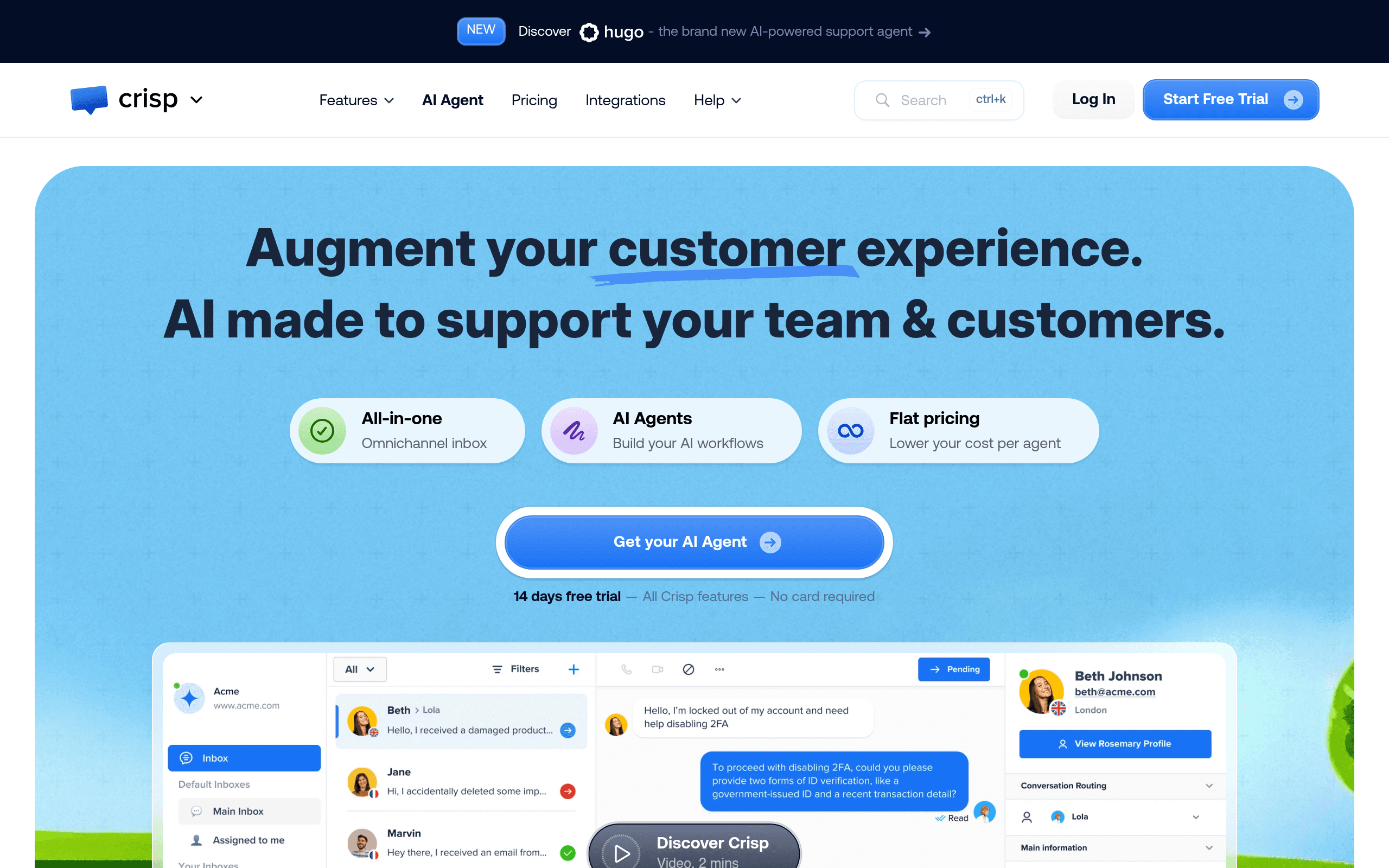
Think of Crisp as a support hub that keeps everything in one place. When a customer starts a chat on your website, it lands in a shared inbox your whole team can see. You respond live, or let a chatbot handle the first response while you're busy. If the conversation needs to move to email, it does — without starting a new thread.
There's a lightweight CRM built in, so you see who you're talking to, what they've bought or signed up for, and what they've said before. You can build a knowledge base for self-service support. You can send email campaigns from the same platform.
It won't replace Salesforce or Mailchimp for serious volume. But if you want one tool that handles the customer conversation from first contact through follow-up, Crisp does that without requiring a week of setup or a developer on standby.
Pricing
Free plan — Two agents and basic live chat. It's functional enough to test whether the tool fits your workflow, but the chatbot and CRM features are locked. Don't try to run real customer support on the free plan; it'll frustrate your team and your customers.
Pro — $25/month — This is where Crisp becomes genuinely useful. Four agents, the chatbot builder, CRM access, and the knowledge base. For a small team, this tier covers most daily needs. Start here.
Unlimited — $95/month — More agents, analytics, email campaigns, and advanced automation. If you have six or more people handling support, the per-seat economics make this reasonable. Below that headcount, you're paying for features you won't use.
No tier here feels like a trap, which is refreshing. The jump from Pro to Unlimited is steep but justifiable if your team has grown beyond four active agents.
What Works Well
The shared inbox is genuinely tidy. Most shared inbox tools feel like either a stripped-down helpdesk or a cluttered email client. Crisp sits in a comfortable middle — conversations are easy to assign and follow, and the interface doesn't require training to navigate. New team members are productive within an hour.
The chatbot builder doesn't require a developer. You can set up a working first-response bot in an afternoon without touching code. It's not sophisticated enough to handle complex decision trees, but for filtering common questions before they reach your team, it works — and the time saving is real.
Setup takes hours, not weeks. Adding the chat widget to your site takes ten minutes. Connecting email, building your first knowledge base article, and getting your team into the inbox takes a day at most. If you've ever implemented Intercom from scratch, you'll appreciate this immediately.
What Does Not Work
The reporting is thin. If you want to understand your team's response times, resolution rates, or chat volume trends with any real depth, Crisp will disappoint you. The analytics available, even on the Unlimited plan, are basic. You'll know roughly what's happening; you won't know why.
The CRM is a contact list with a good memory, not a real CRM. It stores conversation history and some basic attributes well, but if you need pipeline management, deal tracking, or anything resembling sales functionality with proper CRM features, you'll hit the ceiling fast. For support context it's adequate; for anything beyond that, you need a separate tool.
How It Compares
Intercom is more capable, more customisable, and significantly more expensive. If you have complex automation needs or a large support team with performance metrics to track, Intercom earns its price. If you're paying for Intercom but using 30% of it, Crisp will save you money without costing you much.
Tidio targets a similar audience but leans harder into e-commerce and AI chat automation. If your primary use case is handling abandoned cart queries and product questions, Tidio has an edge. For SaaS support with a shared inbox as the centerpiece, Crisp is stronger.
Freshdesk wins on ticketing structure and reporting depth. If your support volume is high and you need real helpdesk infrastructure, go there. Crisp is not trying to be Freshdesk, and it would lose that comparison badly.
The Verdict
If you're a startup or small SaaS business spending more than $200 monthly on Intercom and using maybe half its features, switch to Crisp. You'll save money, lose almost nothing that matters, and your team will have a cleaner inbox to work from. The Pro plan at $25 handles most small teams comfortably.
If you're an e-commerce business where chatbots are central to your sales process, look at Tidio first. If your support volume has grown to the point where you need proper ticket management, SLA tracking, and team performance reporting, Freshdesk is the better fit and Crisp will frustrate you within six months.
Crisp is a solid, honest tool — not the most capable in the category, but one of the best customer service options for small teams who need the essentials done well.
Common Questions
Does Crisp replace Intercom for small businesses?
For most small teams, yes — particularly if you're using Intercom's chat, inbox, and basic automation features. Where Crisp falls short is advanced reporting and deep CRM integration. If those matter to your operation, test both before committing.
Is the free plan actually usable?
For testing, yes. For running real customer support, no. Two agents and no chatbot access means you'll hit limitations quickly. Budget for the Pro plan if you're serious about using it.
Can non-technical staff set up Crisp?
Yes, with reasonable comfort. The chatbot builder and inbox setup don't require technical knowledge. Adding the website widget requires pasting one line of code — your web person can handle that in five minutes.
How does Crisp handle email and chat in one place?
It pulls both into the same shared inbox, so your team isn't switching between tools. Replies from the inbox go out via email if the conversation started there. It's not perfect — threading can occasionally get confused — but for most small teams it works well enough to matter.