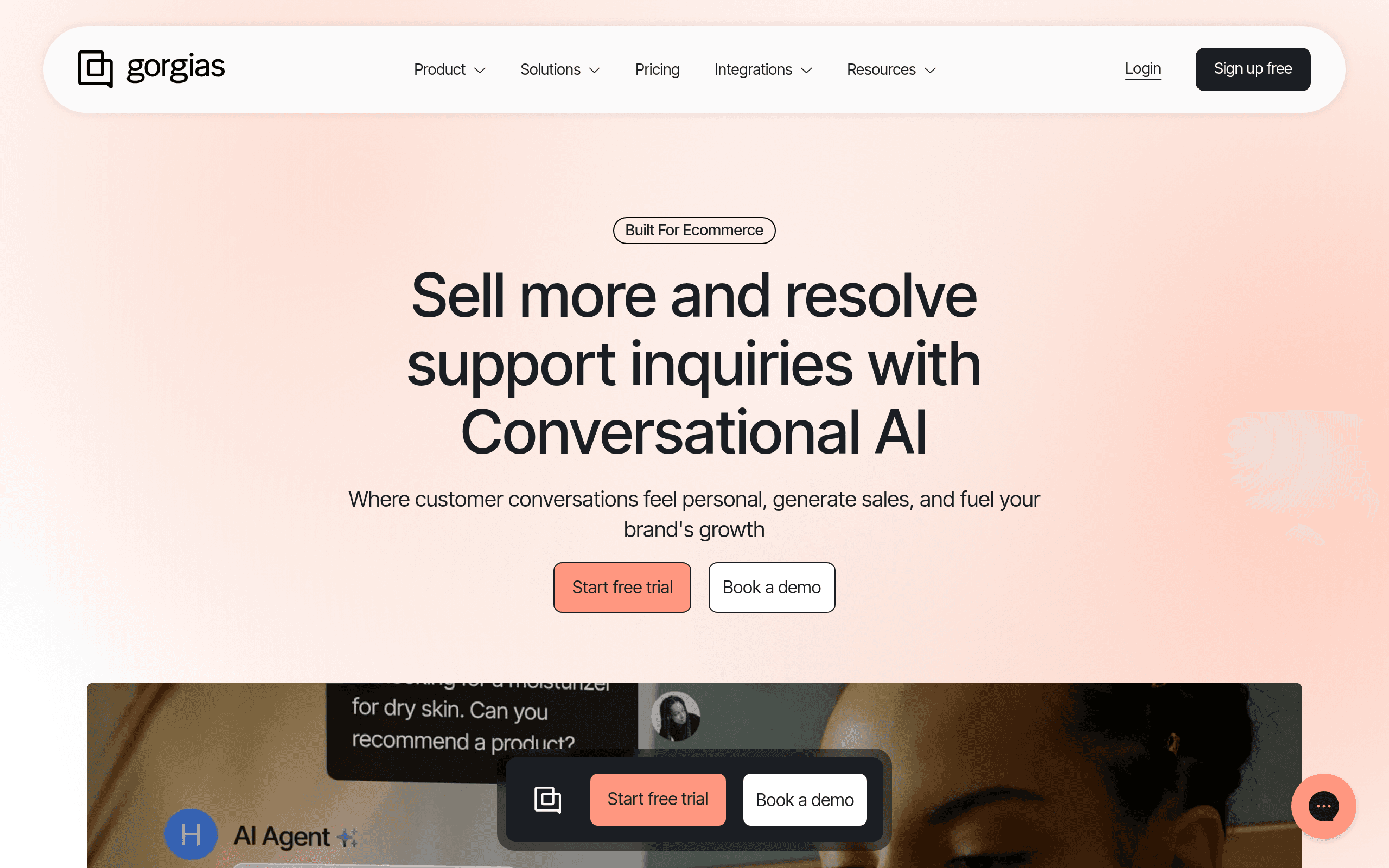
Who Should Use Gorgias
If you run a direct-to-consumer brand doing most of your sales through Shopify, Gorgias was built for you. A 3-person candle company fielding 80 "where's my order?" emails a week, or a 12-person apparel brand managing customer messages across email, Instagram, and live chat simultaneously. The tool pulls order data directly into every ticket, so your support person stops switching between tabs and starts closing conversations.
A 25-person supplements brand with a dedicated customer experience team will get more from it. The revenue tracking feature ties support interactions to sales data — the kind of thing that finally lets you justify headcount to a sceptical co-founder.
Gorgias is not built for you if you're a SaaS company, a consultant, a marketing agency, or any business that doesn't ship physical products. The entire product assumes there's an order number at the centre of every support conversation. Without that, you're paying for the best customer service tools that's missing half its brain.
What It Actually Does
Gorgias connects to your Shopify store and pulls every order, customer, and transaction directly into your support inbox. When a customer emails asking about their delayed delivery, you see their order details right there in the ticket — no hunting, no copy-pasting into another tab. You can process refunds, cancel orders, or update shipping information without leaving the conversation.
It consolidates your support channels — email, live chat, Facebook, Instagram, SMS — into one queue. The AI auto-reply handles the repetitive stuff: shipping status questions, return policy queries, "do you have this in blue?" messages. You build macros for common replies, and the system learns which ones to fire automatically. Revenue tracking shows you which support conversations led to purchases, so you can see whether your team is driving sales or just closing complaints.
Pricing
Starter — $10/month: You get 3 support agents and 50 tickets per month. This tier works if you're just starting out and support volume is manageable. Once you breach 50 tickets, you pay overage fees, and those add up fast. Most brands outgrow this within six months.
Basic — $60/month: 300 tickets, up to 3 agents, and access to live chat and social integrations. This is where most small Shopify stores should land. The ticket allowance is realistic for a business doing a few hundred orders a month, and you get the multi-channel features that make Gorgias worth using. Buy this one.
Pro — $360/month: Unlimited agents, 2,000 tickets, advanced reporting, and the revenue statistics dashboard. The jump from Basic to Pro is steep and will feel excessive for a solo operator. If you have a dedicated support team of four or more people and you're serious about tying customer service to revenue, it justifies itself.
Advanced — $900/month: Built for scaling brands with high ticket volume. Too much for most businesses under 50 people unless you're handling thousands of tickets monthly.
What Works Well
Order data inside every ticket. The Shopify integration isn't just a link to the order — it's actionable. You can process a refund or resend a shipment confirmation in under 30 seconds without touching Shopify's admin panel. For a small team, that's hours recovered each week.
Macros use real customer data. Most helpdesks have some version of saved replies, but Gorgias's macro system uses dynamic variables that pull in customer and order data. A single macro can address a customer by name, reference their specific order number, and insert your return policy link automatically.
Revenue attribution reporting. The ability to see which support conversations converted into sales is rare at this price point. It reframes customer service from a cost centre into something you can measure — useful when you're deciding whether to hire another support person or automate further.
What Does Not Work
Ticket overage pricing is punishing. The moment you exceed your plan's monthly ticket count, you're billed per additional ticket. During a product launch or a holiday sale — exactly when ticket volumes spike — your costs spike with them. Zendesk charges per agent seat, not per ticket, which is far more predictable for a small business budgeting quarterly.
The AI auto-reply needs weeks of training. The automation is underwhelming straight from the box. It takes weeks of feeding it your specific replies, edge cases, and tone preferences before it handles anything confidently. If you're expecting to switch it on and disappear, you'll be disappointed.
How It Compares
Zendesk: More powerful, more flexible, and considerably more expensive at scale. Zendesk makes sense if you sell both products and services, or if you need deep customisation. For a pure-play e-commerce brand under 20 people, it's overkill.
Freshdesk: A solid general-purpose helpdesk with a free tier. It lacks the Shopify-native order management that makes Gorgias worth the price. If you're not on Shopify, Freshdesk is the more sensible default.
Re:amaze: Closer competition than most people realise. Re:amaze has better live chat and comparable e-commerce integrations at a lower price point. Gorgias edges it on the depth of Shopify integration and the revenue tracking dashboard.
The Verdict
If you run a Shopify store with a growing support queue, Gorgias removes the most time-consuming parts of customer service — the order lookups, the tab-switching, the copy-pasted tracking numbers. A small team of two handling 400 tickets a month will work faster within the first week. If you're a DTC brand that cares about tying support to revenue, the Pro plan's reporting alone is worth serious consideration.
If you don't sell physical products, close this tab. If you're on WooCommerce or BigCommerce rather than Shopify, the integration quality drops enough that Re:amaze becomes the smarter choice. If predictable pricing matters more than deep e-commerce features, Zendesk's per-seat model will feel more manageable as you grow.
Gorgias is a specialist tool, and like most specialists, it's excellent in the right context and nearly useless outside it.
Common Questions
Does Gorgias work with platforms other than Shopify?
Yes — it integrates with WooCommerce, BigCommerce, and Magento. The experience is thinner than the Shopify version, though. If Shopify isn't your platform, test the specific integration before committing to a paid plan.
Can Gorgias replace a human support agent?
No, and you shouldn't expect it to. The AI handles routine, high-volume questions well once trained. Anything requiring judgement, complaints about damaged goods, or nuanced return negotiations still needs a person. Think of it as making your existing agent faster, not eliminating the role.
Is there a free trial?
Gorgias offers a 7-day free trial across all paid plans. Seven days is enough to test the Shopify integration and run a handful of real tickets through it. It's not enough time to evaluate the automation, which needs longer to train meaningfully.
What happens if I go over my ticket limit?
You're billed for overage tickets automatically. The per-ticket cost varies by plan but can add $0.36 per ticket on the Basic plan. During busy periods this catches people off guard — set a usage alert and monitor it the first two months.