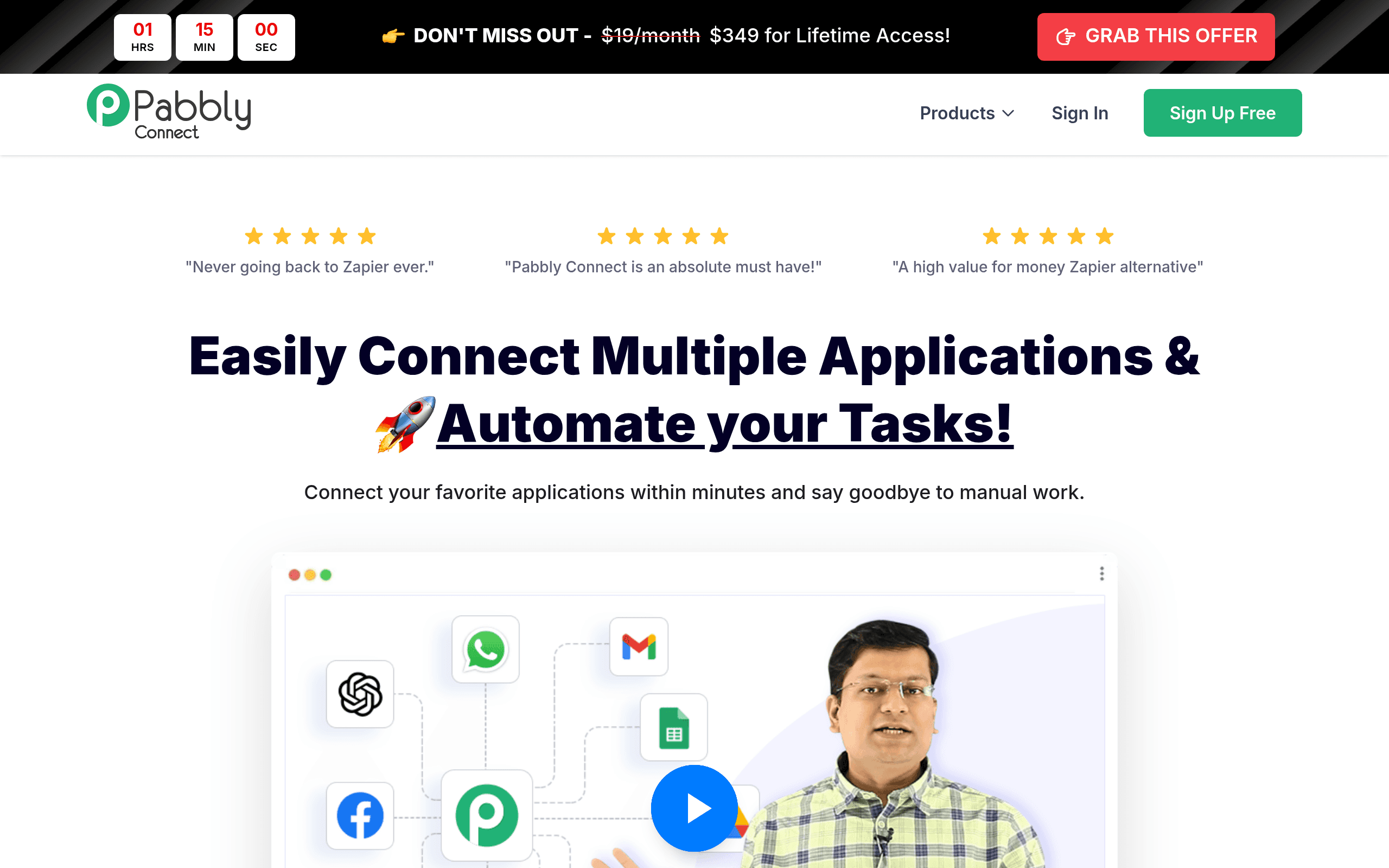
You have built a decent workflow in Zapier. It runs reliably, saves real time, and then one month your task count spikes and the invoice doubles. That specific frustration — paying more simply because your automations are working — is the problem Pabbly Connect was built to solve.
Who Should Use Pabbly Connect
A five-person e-commerce brand connecting Shopify to their email platform, CRM, and Slack will get genuine value here. So will a freelance bookkeeper automating client onboarding across Typeform, QuickBooks, and Google Sheets without worrying that a busy month means a bigger bill.
Solo founders and small agencies running 10 to 30 active workflows are the sweet spot. Pabbly Connect does not charge per task, which means a marketing agency scheduling client reports, routing leads, and syncing contact lists pays the same whether those workflows run a hundred times a month or ten thousand times. That model is rare at this price point, and it matters more than most people realize until they hit a scaling moment.
This is not built for a 40-person operations team running complex, mission-critical automations across 200-plus tools with enterprise-grade compliance requirements. If that sounds like you, move on.
What It Actually Does
Pabbly Connect links your apps together so they talk to each other automatically. When something happens in one tool — a new form submission, a paid invoice, a new row in a spreadsheet — it triggers an action in another tool, or a chain of actions across several tools.
You set this up visually, step by step, without writing code. Say a lead fills out your website form. Pabbly Connect can instantly add them to your CRM, send a welcome email, notify your team in Slack, and log the entry in a Google Sheet — all without you touching anything. It handles more complex logic too: routing contacts down different paths based on their answers, formatting messy data before it lands somewhere useful, scheduling workflows to run at specific times.
With 800-plus app integrations covering most tools small businesses actually use, the odds are good that your stack is supported.
Pricing
Start with the Standard tier at $19/month. You get unlimited workflows, unlimited tasks, and access for up to two team members. The unlimited task count is the real story here — most small businesses will never outgrow this tier.
The Pro tier at $37/month adds more team members and premium features like faster execution speeds and priority support. Only upgrade if you are managing a team of five or more who all need access.
The Ultimate tier at $57/month is harder to justify unless response time and support access matter operationally to your business.
Pabbly also offers lifetime deals periodically. A one-time payment for permanent access is rare in this category and worth taking seriously if the timing works.
What Works Well
The unlimited task model actually holds up. Unlike platforms that throttle or charge overages, Pabbly Connect does not penalize you for high-volume months. I have seen seven-figure Shopify stores process over 80,000 workflow tasks in a single month without a dollar of extra cost.
Multi-step workflows are capable. You can build branching logic, add conditional routing, and format data mid-workflow without needing a developer. The formatter tools alone — handling dates, text, and numbers — save the kind of manual cleanup that quietly eats an hour every day.
The lifetime deal economics work. Paying once for automation software that you will use for years makes financial sense. Over 36 months, the savings versus comparable subscription tools routinely reach four figures.
What Does Not Work
The interface feels dated. Zapier and Make have invested heavily in visual workflow builders that feel intuitive. Pabbly Connect's interface works but requires more clicking and hunting. Expect a steeper learning curve in the first week, and expect zero hand-holding from the onboarding experience.
Eight hundred integrations sounds like a lot until you need the 801st. Compared to Zapier's 6,000-plus app connections, the library has real gaps. Niche industry tools, newer SaaS platforms, and certain regional software are often missing. If your stack includes anything unusual, check the integration list before you commit.
Support response times lag behind competitors. When something breaks — and it will — expect to wait longer for help than you would with Zapier. This matters more as your workflows become business-critical.
How It Compares
Zapier is the category leader — broader integrations, a polished interface, and faster execution. Choose Zapier if your team is non-technical and values ease of setup over price. Choose Pabbly Connect if you are watching costs and your app stack is covered in their library.
Make (formerly Integromat) offers more visual complexity for power users and a generous free tier. Make wins if you need intricate, branching logic and do not mind a technical learning curve. Pabbly Connect wins on pricing clarity and the lifetime deal option.
The Verdict
If you are a bootstrapped founder or small team who has been stung by escalating automation bills, Pabbly Connect is the most sensible switch you can make. The unlimited task model changes how you think about building workflows because you stop rationing them.
If you are running a rapidly scaling team that needs 5,000-plus integrations and enterprise-grade support, Zapier is worth the premium. But most small businesses are not in that situation. Most small businesses are paying too much for automation they have already built.
Pabbly Connect fixes that specific problem cleanly and affordably — it might be the most financially sensible tool you use all year.
Common Questions
Does Pabbly Connect really have unlimited tasks?
Yes, and it holds up in practice. There is no task cap on any paid plan, which is the core differentiator from Zapier and most competitors. High-volume months cost you nothing extra.
Is Pabbly Connect hard to set up for non-technical users?
It is manageable but not effortless. Expect to spend a few hours learning the interface before it clicks. The logic is sound once you understand it — the tool just does not invest much in guiding you there, so YouTube tutorials will be your friend early on.
How reliable is it compared to Zapier?
For standard workflows, reliability is solid and most users report uptime that competes with the category leaders. Where it falls short is execution speed on lower-tier plans and response time when something breaks.
Is the lifetime deal worth it?
If you are confident you will use automation tools for the next two-plus years — and almost every small business should be — the lifetime deal math works in your favor. Run the numbers against your current monthly spend and the answer usually becomes obvious.
WORD_COUNT: 892
SEO_TITLE: Pabbly Connect Review 2026: Is It Worth It?
META_DESC: Pabbly Connect offers unlimited task automation from $19/month. Our hands-on review covers pricing, real limitations, and who should actually use it.
PRIMARY_KW: Pabbly Connect review
SECONDARY_KW: Pabbly Connect pricing, Pabbly Connect vs Zapier, workflow automation for small business, Zapier alternative lifetime deal
SLUG: pabbly-connect-review
EXCERPT: Zapier's task-based pricing punishes growth. Pabbly Connect takes a different approach — and for the right business, it is a smart switch worth examining closely.
VERDICT: Pabbly Connect is the most cost-effective automation tool for small businesses who are tired of paying more simply because their workflows are working.
SCORE: 7.0