Who Should Use Airtable
Agency owners juggling client deliverables across multiple tools will recognize their pain point immediately. Airtable connects records across tables — a client links to their projects, projects link to tasks, tasks link to deadlines. This replaces spreadsheet chaos that nobody keeps current.
Operations managers at product companies can track inventory, vendor relationships, launch timelines, and team assignments from one base. A 15-person e-commerce team runs their entire product launch process here without separate project management apps.
Solo operators managing simple task lists waste time configuring what they don't need. Companies requiring enterprise-grade data processing will find Airtable too limited. Know your complexity level.
What It Actually Does
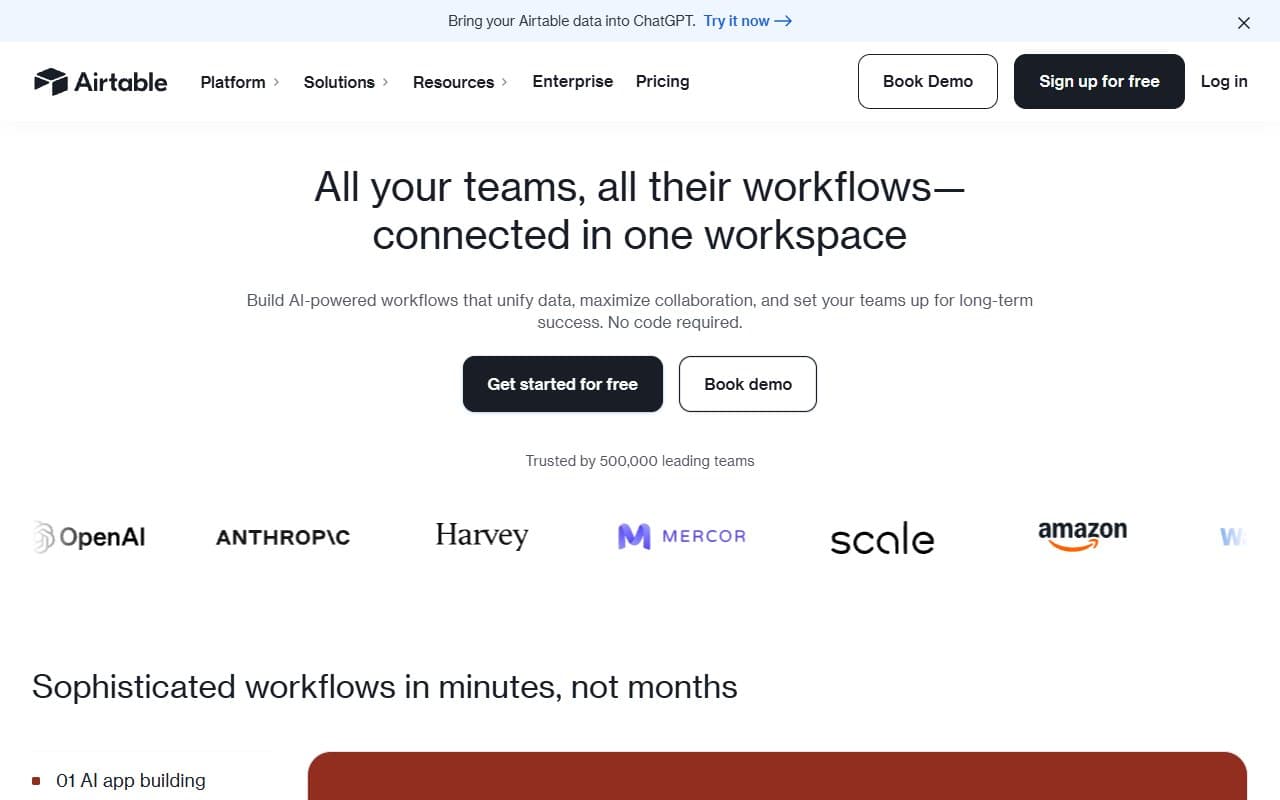
Airtable is a database that looks like a spreadsheet. You link rows across sheets — a contact record connects to their projects, projects connect to invoices. The same data displays multiple ways: grid for data entry, kanban for status tracking, calendar for deadlines. No duplication, just different views.
Automations trigger actions based on conditions you set. When a project status changes to "Complete," Airtable sends a notification, updates the client field, and creates a follow-up task. No coding required.
The AI field populates information automatically using context from other fields. Unlike most AI features, this one actually saves time.
Pricing
Free plan: Unlimited bases, 1,000 records per base, basic features. Real free tier, not a trial. Solo operators can test here, but teams hit limits fast.
Team plan ($20/user/month): Buy this one. 50,000 records per base, automations, collaboration features. For a 5-person team, $100/month is steep but fair for replacing multiple tools.
Business plan ($45/user/month): Admin controls, advanced permissions, more automation runs. Most small businesses don't need it.
Enterprise: Custom pricing. Expensive.
What Works Well
Linked records make everything click. Connect clients to projects to tasks, and suddenly your data makes sense. Teams cut internal status meetings because information stays current and accessible.
Automations work reliably. Configure a trigger once — move records, notify teammates, create follow-up tasks — and forget about it. Most teams save two hours weekly on manual status work.
Multiple views eliminate tool arguments. Operations wants grids, creatives want kanban, account managers want calendars. Everyone sees the same data their preferred way.
What Does Not Work
Setup takes longer than expected. The interface looks simple, but building a base that reflects your actual workflow — proper linking, useful views, working automations — requires real configuration time. Most users underestimate this by a week. Your team will use it like worse Excel if you skip proper setup.
Record limits hit fast. The Team plan's 50,000 records per base sounds enormous until you log client interactions daily. Growing businesses hit this limit and face uncomfortable pricing jumps before they're ready.
How It Compares
Notion handles documents and knowledge management better, but its database features are weaker. Choose Notion if your team writes more than they track.
Monday.com is easier to adopt without setup time but costs more. If your team resisted every software rollout, Monday's simpler interface might get used — Airtable might not.
Smartsheet handles more data complexity but targets larger operations teams. Overkill for teams under 50 people.
The Verdict
Teams of 5-30 people managing client projects or complex workflows should buy Airtable's Team plan. Budget two weeks for setup, assign one person to own configuration, and expect returns within a month.
Choose Notion for document-heavy work. Choose Monday.com for teams that resist tools requiring setup. But for operations-heavy small businesses needing relational data without developer hire, nothing at this price works better.
Airtable bridges the gap between failing spreadsheets and unreachable databases.
Common Questions
Is Airtable really free? Yes. Unlimited bases, 1,000 records each, no time limit. Most growing businesses outgrow it within months, but it's genuine.
Is Airtable hard to learn? Basics take an afternoon. Building something that reflects your workflow — linked records, filtered views, automations — takes a week of configuration. Plan for it.
Can Airtable replace my project management tool? For many small teams, yes. Kanban, calendar, and grid views plus automations handle project tracking. Missing: native time tracking and client portals.
What happens at 50,000 records? Move to Business plan ($45/user/month) or manually archive old records. Genuine pain point for fast-growing businesses.