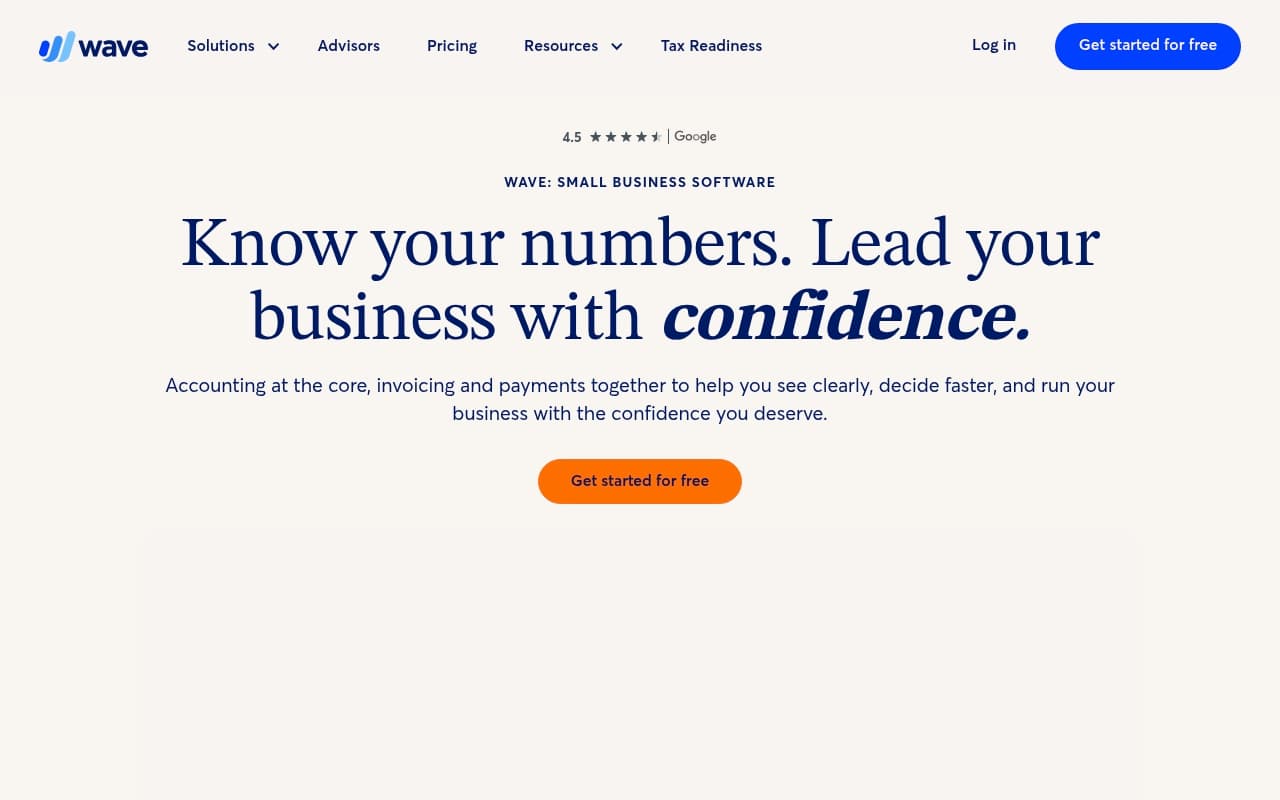
QuickBooks charges you from day one. Wave doesn't. That single fact explains why millions of small business owners have tried it — and why a good chunk of them are still using it years later.
Who Should Use Wave
If you're a freelance graphic designer sending ten invoices a month, a sole trader tracking expenses from your phone, or a two-person consultancy that just needs clean books for tax time, Wave does everything you need without charging you a cent. The accounting is real accounting — not a watered-down version — and it connects to your bank, scans receipts, and generates reports that your accountant will actually recognise.
Wave stops making sense around the five-to-ten employee mark, especially if your business carries stock, operates outside the US or Canada, or needs multi-user access. A 12-person e-commerce business trying to track inventory through Wave will hit walls quickly. Same goes for a growing agency that needs job costing or multi-currency support. Wave was built for simplicity, and it shows — in the best and worst ways.
What It Actually Does
Wave handles the financial basics that terrify most small business owners: sending invoices, tracking what you're owed, recording expenses, and showing you whether you're actually making money.
You connect your bank account and Wave pulls your transactions in automatically. You categorise them, and that feeds into your profit and loss report, your balance sheet, and your tax summary. The invoice builder is clean — you can customise the look, set up automatic payment reminders, and accept credit card or bank payments directly. On your phone, you point the camera at a receipt and Wave logs it. Nothing about this is revolutionary in 2026, but the fact that it all works reliably without a monthly fee still matters enormously if you're running lean.
Payroll is available as a paid add-on for US and Canadian businesses. Everything else — accounting, invoicing, receipt scanning, bank connections, and reporting — is free.
Pricing
Free plan — $0/month. This covers accounting, invoicing, receipt scanning, bank connections, and financial reports. For the majority of freelancers and micro-businesses, this is all you will ever need. It is not a trial. There is no expiry date. It is genuinely free, funded by Wave's payment processing fees when your clients pay invoices online.
Pro plan — $16/month. Adds auto-import receipts, priority support, and unlimited transactions. Skip this unless you're processing hundreds of receipts monthly — the free tier handles most small businesses fine.
Payments — pay-per-use. Wave takes a percentage when clients pay you through the platform: 2.9% plus $0.60 per credit card transaction, 1% for bank transfers with a $1 minimum. These rates are competitive with Stripe and Square, so you're not being penalised for using a free tool.
Payroll — $20/month base plus $6 per employee. Available in US and Canada only. This is the only recurring subscription most businesses need. If you're outside those two countries, Wave payroll simply isn't available.
Most small businesses should stay on the free plan indefinitely. The paid tiers only matter if you're running payroll or processing hundreds of receipts monthly.
What Works Well
The invoice-to-payment flow works without friction. You create an invoice, send it, and your client can pay by card or bank transfer without either of you needing a separate account. Automatic reminders nudge late payers on your behalf. For a freelancer who used to chase invoices manually, this alone recovers meaningful time each week.
Bank reconciliation is reliable and fast. Wave's bank connection pulls transactions accurately, and the categorisation rules you set up carry forward automatically. Most business owners with straightforward finances spend under thirty minutes a month on reconciliation once the categories are dialled in.
The reports are accountant-ready without being complicated. Profit and loss, balance sheet, cash flow — they look exactly as your accountant expects them to. Handing over your Wave reports at tax time instead of a shoebox of receipts is a meaningful upgrade for anyone who has done the latter.
What Does Not Work
There is no inventory management. If your business sells physical products and you need to track stock levels, Wave cannot help you. You'd need to manage that in a separate tool and reconcile manually, which defeats the purpose of having accounting software in the first place.
Customer support is painfully slow for a business-critical tool. Wave's free tier offers no live support — you're relying on a help centre and community forums. When something goes wrong with your books or a payment doesn't process correctly, waiting two days for an email response is genuinely stressful. Even Pro subscribers report slow response times that trail behind competitors like FreshBooks or QuickBooks.
Multi-user access is clunky. Wave allows collaborators, but the permissions are basic and the interface wasn't designed for teams. If you have a bookkeeper and an accountant who both need access, you'll spend time working around the limitations rather than working efficiently.
How It Compares
Wave vs. QuickBooks. QuickBooks starts at around $30/month and offers inventory tracking, stronger reporting, and better support. If your business is growing, has employees, or sells physical products, QuickBooks earns that fee. If your finances are simple and you resent paying monthly for software you barely stretch, Wave is the smarter call.
Wave vs. FreshBooks. FreshBooks is built more around client work and time tracking than pure accounting. It's better for service businesses that need project management baked in, but it starts at $19/month. Wave does the core accounting better at zero cost. Choose FreshBooks when the project tracking genuinely matters to your workflow.
Wave vs. Xero. Xero is in a different league for multi-user businesses, with strong inventory and payroll across more countries. At $15-$78/month, it's aimed at businesses that have outgrown the basics. If you're still deciding whether you need accounting software at all, start with Wave.
The Verdict
If you're a freelancer or run a business with fewer than five people and straightforward finances, Wave is the obvious starting point. The free core product is not a compromise — it handles real double-entry accounting, real invoicing, and real bank reconciliation without charging you for it. The template library and automated payment reminders alone save most solo operators a couple of hours a week they were previously losing to admin.
If you're a product-based business, have international payroll needs, or your headcount is pushing past ten, stop here. Look at QuickBooks or Xero instead — the monthly fee will feel small against the frustration of working around Wave's limitations.
Wave earns a 7 out of 10 not because it's flawed, but because it's deliberately limited. For the right business, that 7 is worth more than a 9 on a more expensive tool. For the wrong business, those limitations will cost you more than the subscription you saved.
One sentence summary: Wave is the best accounting software you can get for free — and for millions of small businesses, free is exactly enough.
Common Questions
Is Wave actually free, or does it become paid later?
The core product — accounting, invoicing, receipt scanning, and bank connections — is permanently free. Wave makes money from payment processing fees, not subscriptions. The only paid components are payroll (US and Canada only) and optional payment processing when clients pay invoices online.
Can Wave handle my taxes?
Wave generates the reports your accountant needs — profit and loss, balance sheet, and expense summaries — but it doesn't file taxes for you. Think of it as organising your financial data so that tax time takes hours instead of days. You still need an accountant or separate tax filing software for the actual submission.
What happens if I need to upgrade later?
Wave doesn't have a traditional upgrade path in the way QuickBooks or Xero does. If you outgrow it, you migrate to a different platform entirely. Wave does allow you to export your data, so the transition isn't catastrophic — but it's worth knowing upfront that you're not building toward a more powerful tier of the same product.
Is Wave secure enough for my business finances?
Wave uses 256-bit encryption and is PCI-DSS compliant for payment processing, which matches the security standard of paid competitors. For a small business, it's adequate. If you're handling large transaction volumes or have specific compliance requirements in your industry, consult your accountant — but for the typical freelancer or micro-business, the security infrastructure is solid.