Who Should Use Beautiful.ai
Most people's slides look bad because layout is genuinely hard, and nobody taught them to do it. Beautiful.ai is built specifically for that gap. If you run a five-person consulting firm sending proposals every week, the difference between a deck that looks professional and one that clearly wasn't can be the difference between winning and losing the engagement.
Sales teams at small agencies see the clearest return. If your team sends fifteen decks a month and each one takes three hours to format, you're bleeding time on work that doesn't close deals. Beautiful.ai cuts that formatting time dramatically, and the team template library means your junior people produce slides that look consistent with everything else you send out.
Skip it if you need interactive content, branching scenarios, or embedded assessments. If your work revolves around dense data visualization — custom chart types, multiple axes, layered datasets — you'll hit its ceiling quickly. For everyone else who presents regularly and wants to look credible without hiring a designer, this is worth your attention.
What It Actually Does
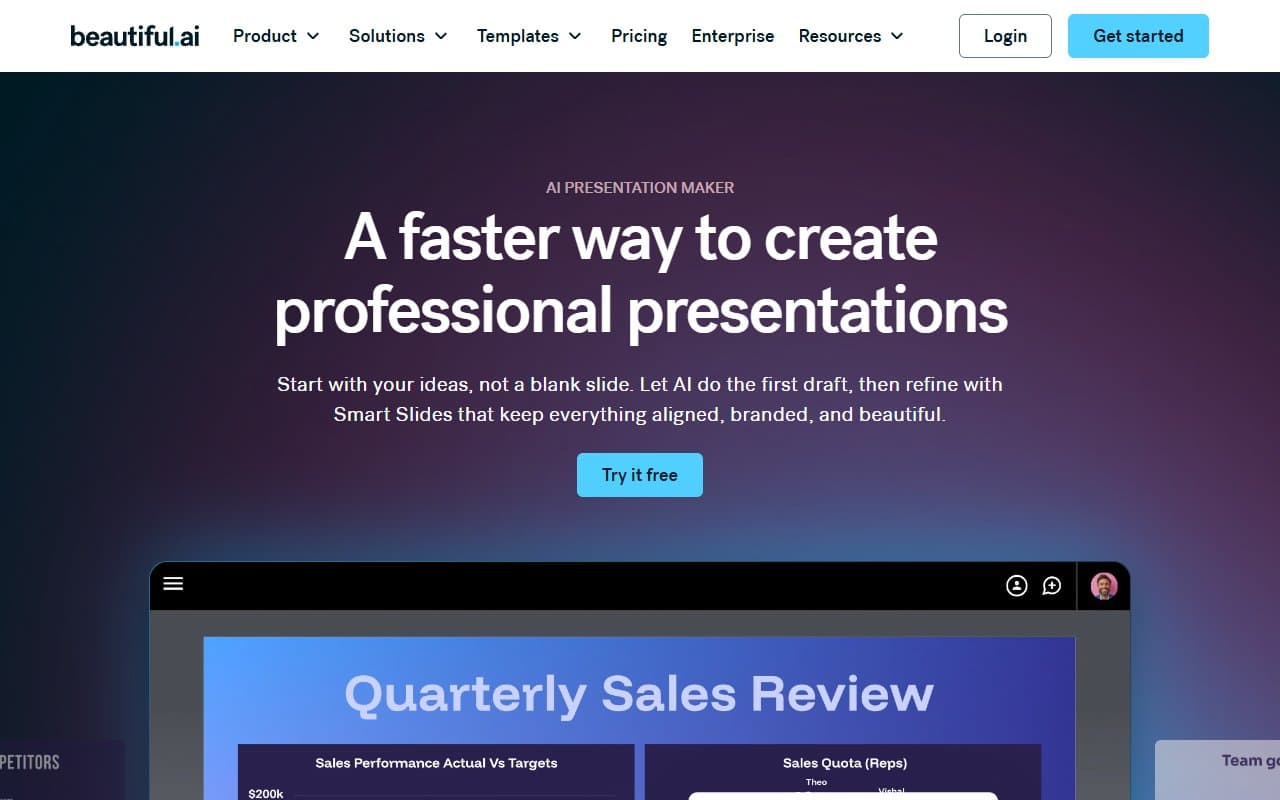
You pick a template and start dropping in your content. The slides actually adjust themselves as you add text and images. Add a fourth bullet point and the layout redistributes. Swap in a longer headline and the font scales down so nothing breaks. It sounds minor until you've spent forty minutes in PowerPoint trying to get six text boxes to align.
The template library covers the scenarios most small businesses face — pitch decks, project proposals, status updates, sales presentations. The presenter view is clean and functional. Real-time collaboration works the way you'd expect, meaning multiple people can work on the same deck without emailing files back and forth.
It doesn't think for you. The content is still yours. It just stops the formatting from being the thing that takes all evening.
Pricing
Pro — $12/month per user. Full access to the template library, smart slide engine, and presenter view. For a solo consultant or a salesperson running their own book of business, buy this tier.
Team — $40/month per user. Adds the shared team template library, which is where the real ROI lives if you have more than two or three people presenting. Keeping your brand consistent across a whole team without a dedicated designer is worth paying for. For agencies and sales teams, this is the tier that makes sense.
No free plan exists, which is genuinely frustrating. A trial period exists, but you can't kick the tires indefinitely without committing. At $40 per user on the Team plan, a ten-person team pays $400 a month. That's not outrageous for what it delivers, but it's not nothing either — make sure your team will actually use it before you roll it out to everyone.
What Works Well
The smart layout engine reduces fiddling time. Most tools claim to be smart. This one actually reduces the time you spend positioning elements. For teams producing decks weekly, the template library alone saves roughly two hours per person per week.
Brand consistency without design police. The team template library means everyone works from the same approved layouts. A new hire on their third week produces slides that look like they came from your senior team. That matters when clients judge your professionalism before the meeting starts.
The presenter view works better than most competitors. You get speaker notes, a slide preview, and a timer in one clean screen. Nothing revolutionary, but it works.
What Doesn't Work
Data visualization hits a wall quickly. If your presentations involve complex charts — anything beyond a clean bar or line chart — Beautiful.ai will frustrate you. You can't do the kind of detailed data storytelling that strategy consultants or financial teams often need. You'll export charts from elsewhere and drop in images, which defeats part of the point.
The per-user pricing punishes growing teams. At the Team tier, adding five new people costs $200 more per month. There's no volume discount that kicks in at a sensible threshold for a small business. If you're a 20-person agency, you're paying enterprise money for a tool that isn't an enterprise tool.
How It Compares
Vs. Canva. Canva is broader — it covers social graphics, documents, video, and more. Beautiful.ai is narrower but better specifically for business presentations. Choose Canva if you need one tool for all your visual content. Choose Beautiful.ai if presentations are your primary output and quality matters more than versatility.
Vs. Google Slides. Slides is free, collaborative, and perfectly adequate. It won't make your decks look good without significant manual effort. If you're regularly presenting to clients who judge your credibility, that effort compounds into real cost.
Vs. PowerPoint. PowerPoint gives you more control. Beautiful.ai gives you better defaults. For small teams without a designer, better defaults win every time.
The Verdict
If you're a consultant, agency owner, or sales lead who sends client-facing presentations at least a few times a month, Beautiful.ai makes a strong case for itself. The time you save on formatting is real. The consistency it brings to a small team is real. At $12 a month for a solo user, the math is easy.
If you're running a 20-person team and need to equip everyone, run the numbers honestly before committing — the per-user cost adds up, and you should make sure your team will actually use it consistently. If your work is data-heavy or you need interactive content, look at other design tools.
Beautiful.ai does one thing — business presentations — and it does it better than almost anything else at this price point.
Common Questions
Does Beautiful.ai work for non-designers?
Yes, and that's the entire point. The smart layout engine means you don't need to understand spacing, hierarchy, or typography to produce a slide that looks professional. If you can write the content, the tool handles how it looks.
Can my whole team use the same templates?
On the Team plan, yes. You can build a shared library of branded templates that everyone works from. This is the feature that justifies the Team tier for any business with more than two or three people making presentations.
Is there a free version?
No. There's a trial, but Beautiful.ai doesn't offer a permanent free tier. If that's a dealbreaker, Canva and Google Slides both have free plans — though neither will match Beautiful.ai specifically for presentation quality.
How does it handle large presentations?
Decently, but not brilliantly. Decks with 40 or more slides can feel slightly sluggish in the editor, and collaboration on very large files occasionally requires a refresh. It's not a dealbreaker, but it's worth knowing if you regularly build long presentations.