Who Should Use SocialBee
A coach running their own brand across LinkedIn and Instagram will get immediate value here. You probably have a handful of evergreen posts — your core message, your client wins, your methodology — that deserve more than one appearance. SocialBee is built around that idea. Instead of burning through content and starting over every Monday, you organize posts into categories and let the tool recycle them on a schedule you control.
A five-person marketing agency managing six to ten client accounts will also find this useful. The category system means you can separate promotional content, educational posts, and testimonials for each client without things bleeding together. Most agencies using this tool get scheduling work down from a half-day task to under an hour.
You'll hit limits if your business relies heavily on social listening, responding to comments at scale, or monitoring brand mentions. A retail brand running active community management across multiple platforms will outgrow SocialBee quickly. It publishes and schedules — that's it.
What It Actually Does
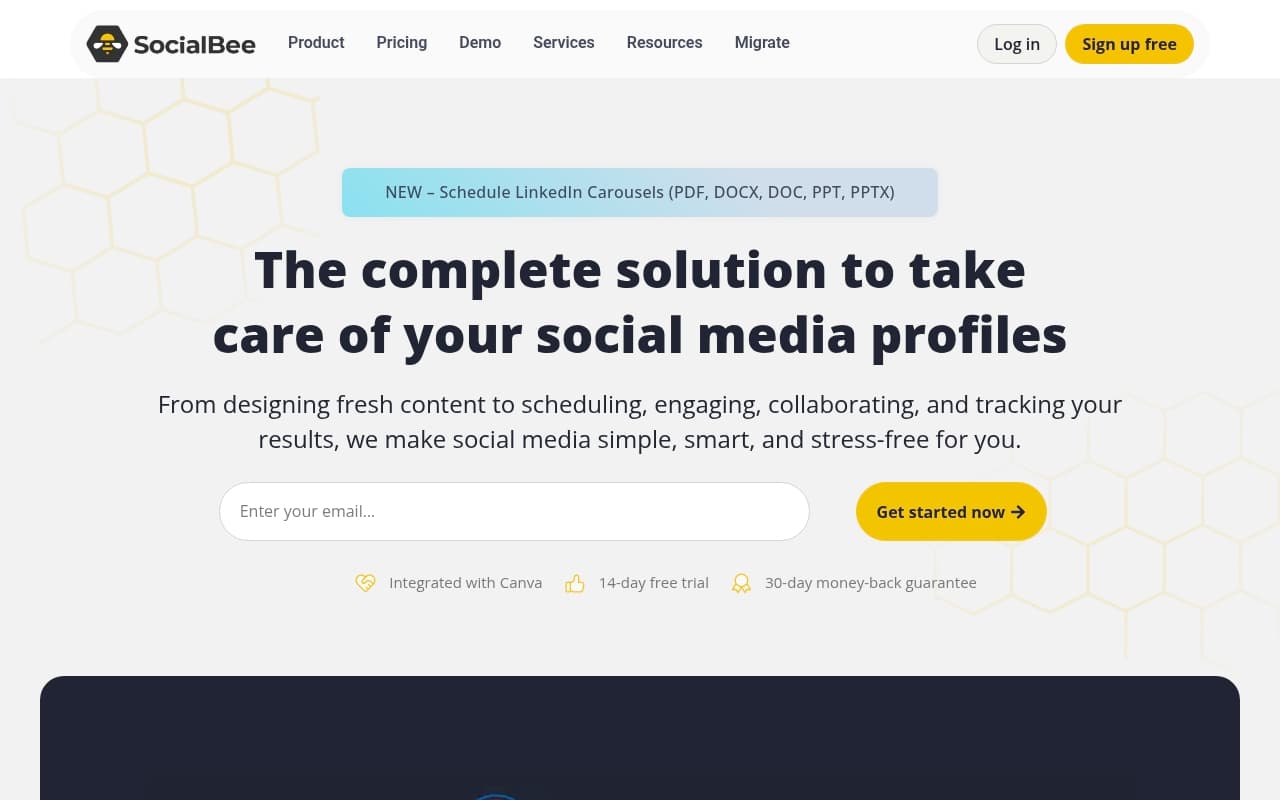
Imagine you have a filing cabinet instead of an inbox for your social content. Every post goes into a folder — "educational tips," "client results," "promotional offers," whatever fits your business. You tell SocialBee how often to pull from each folder and post it to your channels. When a folder runs out of content, it loops back to the beginning instead of going silent.
Around that core system, you get an AI caption generator that writes passable first drafts, a Canva integration that lets you design visuals without leaving the app, and basic analytics showing what performed and what didn't. It connects to all the major platforms — LinkedIn, Instagram, Facebook, X, TikTok, Pinterest, and Google Business Profile.
Nothing here will blow your mind. What makes it work is that the category system changes how you think about content — from disposable to reusable.
Pricing
Bootstrap — $29/month: One workspace, five social profiles, core scheduling features including categories and recycling. The AI tools are included. For a solopreneur managing their own brand, this works, but you'll want more profiles quickly.
Accelerate — $49/month: Ten profiles plus extra scheduling options. This is where most small businesses should start. The jump from five to ten profiles matters more than it sounds if you're active on several platforms or managing client accounts alongside your own.
Pro — $99/month: Five workspaces and up to twenty-five profiles, making this the entry point for small agencies. At $99 it's reasonable for what you get. Don't expect Sprout Social functionality — deep analytics and team collaboration features remain limited.
No free plan exists. The lack of a permanent free tier means you can't test it over several weeks before committing money.
What Works Well
The category system changes behavior. Most scheduling tools encourage you to post and forget. SocialBee's category approach means good content gets reused, which translates to roughly two fewer hours of content creation per week once you build up your library.
The AI caption generator produces workable drafts. Many AI writing tools in this space sound like robots describing sunsets. SocialBee's generator creates editable drafts with reasonable tone — you'll still edit them, but you're editing rather than writing from nothing.
Canva integration removes friction. You open Canva, design your graphic, and it appears in SocialBee without downloading and re-uploading. For solo operators doing their own creative work, this eliminates a tedious step.
What Doesn't Work
Analytics are weak for the price. The dashboard shows reach and engagement, but if you want to understand which content category drives results, you'll analyze manually. For agencies trying to report to clients, this creates real problems.
No engagement management. Comments, DMs, and mentions aren't handled inside SocialBee. You'll switch back to native apps or separate tools for actual conversation. If audience engagement drives your social strategy, this workflow friction adds up fast.
How It Compares
Buffer is simpler and cheaper, but has no recycling system. If you post frequently and want evergreen content to keep working, Buffer will frustrate you. SocialBee wins on content longevity.
Hootsuite covers more ground — listening, engagement, team workflows — but costs significantly more and overwhelms most small businesses under twenty people. Choose Hootsuite when engagement management and reporting depth matter more than scheduling efficiency.
Later is stronger for visual-first brands, particularly on Instagram. If 80% of your social presence lives on Instagram and TikTok, Later's visual planning tools give you something SocialBee doesn't. For mixed-platform strategies, SocialBee pulls ahead.
The Verdict
If you create content regularly and watch good posts disappear after single use, SocialBee solves a real problem most competitors ignore. The $49 Accelerate plan hits the sweet spot for most businesses. If you run larger operations needing social listening, detailed reporting, or inbox-level engagement management, you'll outgrow SocialBee quickly and resent the switching cost. For everyone else, the content recycling system alone justifies the monthly fee within two weeks.
Common Questions
Does SocialBee have a free plan?
No. There's a free trial, but no permanent free tier. The $29 Bootstrap plan is the entry point. The pricing is fair for what you get, but if you need to test slowly before spending money, that absence stings.
Can SocialBee manage multiple clients?
Yes, but you need the Pro plan at $99/month for multiple workspaces. Each workspace keeps client content and scheduling separate. For small agencies managing under ten clients, this works well. Beyond that, analytics limitations become problems for client reporting.
Is SocialBee good for Instagram?
It handles Instagram scheduling including Reels and Stories, and the Canva integration makes visual content creation easier. If Instagram is your primary platform and you want deep visual planning features, Later has a more refined experience for that channel.
How long does it take to set up?
Most users post within an hour. Building a proper content library with organized categories takes closer to half a day, but that investment pays back quickly. The setup isn't technical — if you can organize files on your computer, you can configure SocialBee.