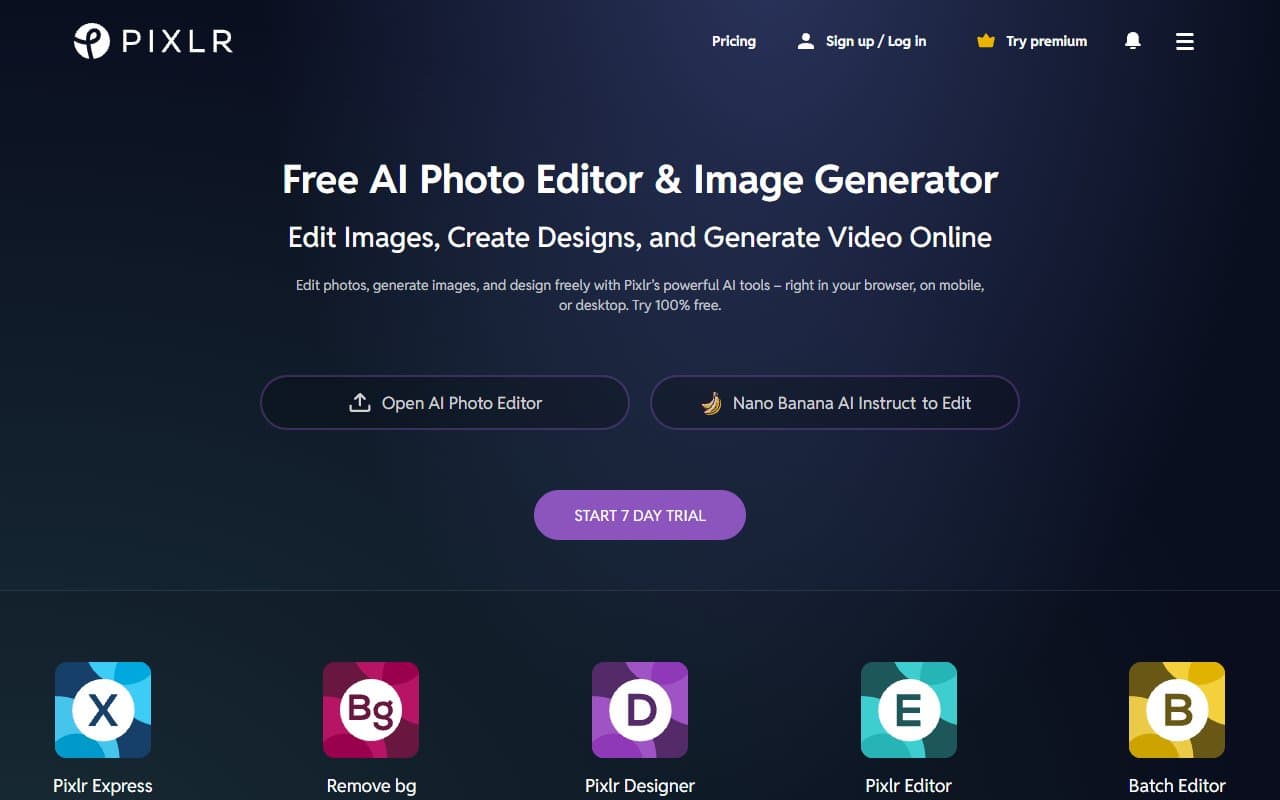
You have a product photo shot on your kitchen table that needs a white background, a blog header due in an hour, and no budget for a designer. Pixlr was built for exactly this situation — and it handles it well enough to matter.
Who Should Use Pixlr
E-commerce sellers with one to three employees get genuine value here. Product photos from your phone rarely look retail-ready. Background removal, basic retouching, and batch processing clean up twenty images in the time you used to spend on five. When you're handling fulfillment and customer service too, that time savings matters.
Bloggers publishing several times weekly will use the template library constantly. Instead of building featured images from scratch, you start with a solid base and customize. Most writers aren't designers — Pixlr gives them just enough structure to create professional headers without a learning curve.
Solo consultants maintaining social media presence fit here too. You need headshots touched up, quote graphics made, and promo banners built quickly. Pixlr handles all three without demanding payment upfront.
What It Actually Does
Batch processing applies the same edit to multiple images at once, saving real time for anyone managing product catalogs. Everything runs in your browser on any machine.
Pricing
Free plan includes the core editor, basic templates, and limited monthly AI tool uses. For occasional users, it works. Export quality caps and persistent ads create friction during longer sessions.
Pixlr Plus at $8/month removes ads and unlocks unlimited AI tools plus full template access. Most small businesses should buy this tier — it eliminates the main pain points for less than two coffees.
Pixlr Team at $15-20/month per seat adds collaboration and shared assets. Worth it for two-person teams sharing brand assets regularly. Solopreneurs should stick with Plus.
Try the free plan first, but if you're using Pixlr twice weekly or more, upgrade to Plus. The ads alone justify the cost.
What Works Well
Background removal that works. For product photography, one-click background removal succeeds without manual touch-up on most shots. The time savings across a month of product uploads adds up.
Templates for non-designers. Templates are properly sized for current platforms and updated regularly. Starting from a template instead of blank canvas cuts design time — most users create usable social graphics in under ten minutes once they learn the interface.
Zero friction access. Opening a browser tab and editing immediately matters. When you need a quick resize or color fix mid-task, no setup barrier means you actually use the tool instead of postponing the work.
What Fails
Precision work isn't possible. If your business requires serious retouching — editorial photography, detailed product compositing, beauty retouching — Pixlr's toolset will frustrate you quickly. Masking tools are basic, layer management is limited, and export options lack professional control.
No vector or logo work. Pixlr only handles raster images. Need to create or edit logos, resize brand assets without quality loss, or work with vector files? Wrong tool entirely. Looka's brand features or dedicated vector software handle that better.
How It Compares
Canva has stronger templates, better brand kit management, and more polished interface for non-designers. Choose Canva for graphics-first work. Choose Pixlr for editing actual photographs — it handles photo manipulation meaningfully better.
Adobe Express offers tighter Adobe ecosystem integration and better export quality at paid tiers. If your business already runs Adobe tools, Express makes more sense. Pixlr wins on entry-level pricing.
The Verdict
E-commerce stores with modest product catalogs should buy Pixlr Plus at $8/month immediately. Background removal and batch processing justify the cost in week one. Bloggers publishing three times weekly or more need the template library to keep content moving without hiring designers.
Businesses needing brand consistency across teams, logo creation, or professional retouching should look elsewhere. The best design & creative AI tools includes better options for team brand management. Adobe Express handles export quality better. Pixlr isn't trying to be either tool — and at this price, it doesn't need to be.
For solopreneurs and small e-commerce operators who need clean images and quick graphics without steep learning curves or big monthly bills, Pixlr works.
Common Questions
Is the free plan usable for small business?
It works occasionally, but monthly AI tool caps and persistent ads create friction for regular use. If you're editing more than a few times weekly, $8/month Plus removes enough annoyances to justify itself.
Can Pixlr handle product photos for online stores?
Yes, and this is where it performs best. Background removal on clean product shots works reliably, and batch processing means you're not editing one image at a time. It won't replace studio photography but makes decent photos look more professional.
Does Pixlr work on tablets or mobile?
The browser editor works on tablets but the interface expects mouse and keyboard. Mobile use handles simple edits but gets clunky for precision work. Laptops or desktops provide much better experience.
How does Pixlr handle file formats?
It imports and exports standard formats including JPG, PNG, and PSD. Free tier limits some export options. If you need high-resolution exports or specific file types for print work, check Plus tier capabilities before committing.