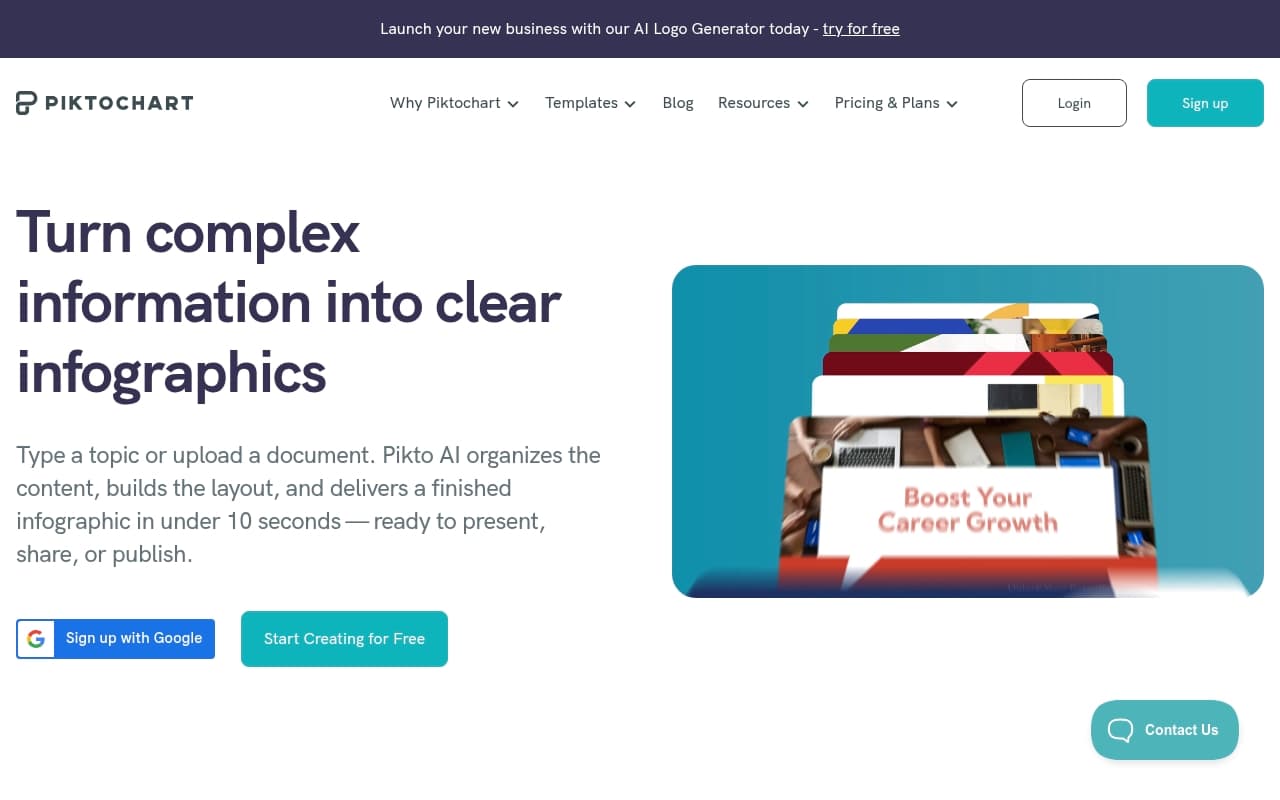
You have a quarterly report full of numbers that matter. The problem: a Word document with tables won't get read. Making something that looks designed feels like someone else's job. Piktochart bridges that gap.
Who Should Use Piktochart
Consulting firms sending monthly client reports get immediate value. If your deliverables live in spreadsheets that nobody finds engaging, this gives you a faster path to something that looks considered.
Training teams fit well here too. HR managers building onboarding decks, safety coordinators creating briefings, workshop leaders preparing materials — all can produce professional content without fighting PowerPoint for three hours.
Marketing managers at small agencies should consider it for data-heavy content: campaign results, industry statistics, client summaries. Skip it if your output is primarily social media graphics. Canva handles that better.
What It Does
Piktochart makes information look good. You start with a template — hundreds available for reports, infographics, and presentations — then swap in your content. The AI text-to-visual feature takes raw text and returns structured layouts, which helps when you're staring at bullet points that need to look presentable.
The report builder works like a document editor, not a design canvas. Non-designers can use it without constant interface battles. Set up your brand colors and fonts once; every new document pulls them automatically. Export to PDF, PNG, or presentation formats.
Pricing
Free plan — Templates and basic exports, but project limits and no brand kit make it impractical for regular use.
Pro at $14/month — Choose this tier. Brand kit, unlimited projects, and AI features included. If it saves two hours monthly on report design, it pays for itself.
Business at $24/month — Adds team features and shared folders. Worth it only if multiple people produce client materials and consistency matters.
What Works
Template library covers real use cases. Most design tools offer three layouts disguised as thirty. Piktochart's templates span project proposals to annual reviews — you rarely start from scratch.
Brand kit stays consistent. Upload your colors and fonts, and they actually stick across templates. Documents look like they came from the same business.
AI text-to-visual saves time. Paste text, get structured layout. You'll still edit, but it solves the blank-canvas problem that kills design momentum.
What Doesn't Work
Presentation mode lacks depth. Animation options are minimal. If you need complex live presentations, you'll hit limits fast. Google Slides handles this better.
Collaboration is clunky. Real-time co-editing frustrates users. Comment workflows don't match modern tool standards. Multiple people working simultaneously will struggle.
How It Compares
Canva covers more territory but treats data visualization as an afterthought. Choose Piktochart for reports and infographics. Choose Canva for general visual content.
Visme edges Piktochart on interactivity and presentations. Piktochart wins on simplicity and price. Skip the bells and whistles? Take the leaner option.
The Verdict
Consultants, agency owners, and team managers producing regular reports or training materials will see immediate improvement over Word documents and basic PowerPoint. Time saved on formatting justifies the cost within weeks. Need social media content or rich animation? Go to our design tools roundup. Piktochart knows its lane and stays in it. For non-designers communicating data professionally, few tools work this practically at this price.
Common Questions
Does Piktochart work without design experience?
Yes. Templates are structured enough that you make content decisions, not design decisions. Most users produce usable work in their first session.
Can teams share one account?
Pro plan works for single users. Multiple people accessing same projects need Business plan. Login sharing creates version conflicts.
Is the free plan useful?
For testing, yes. For regular business use, project limits and missing brand kit become problems within weeks. Pro at $14/month is where the tool becomes practical.
How does AI work in practice?
Paste talking points, data summaries, or key findings. Piktochart structures them into visual layouts. Works better with organized input than raw prose. You still review and adjust output.