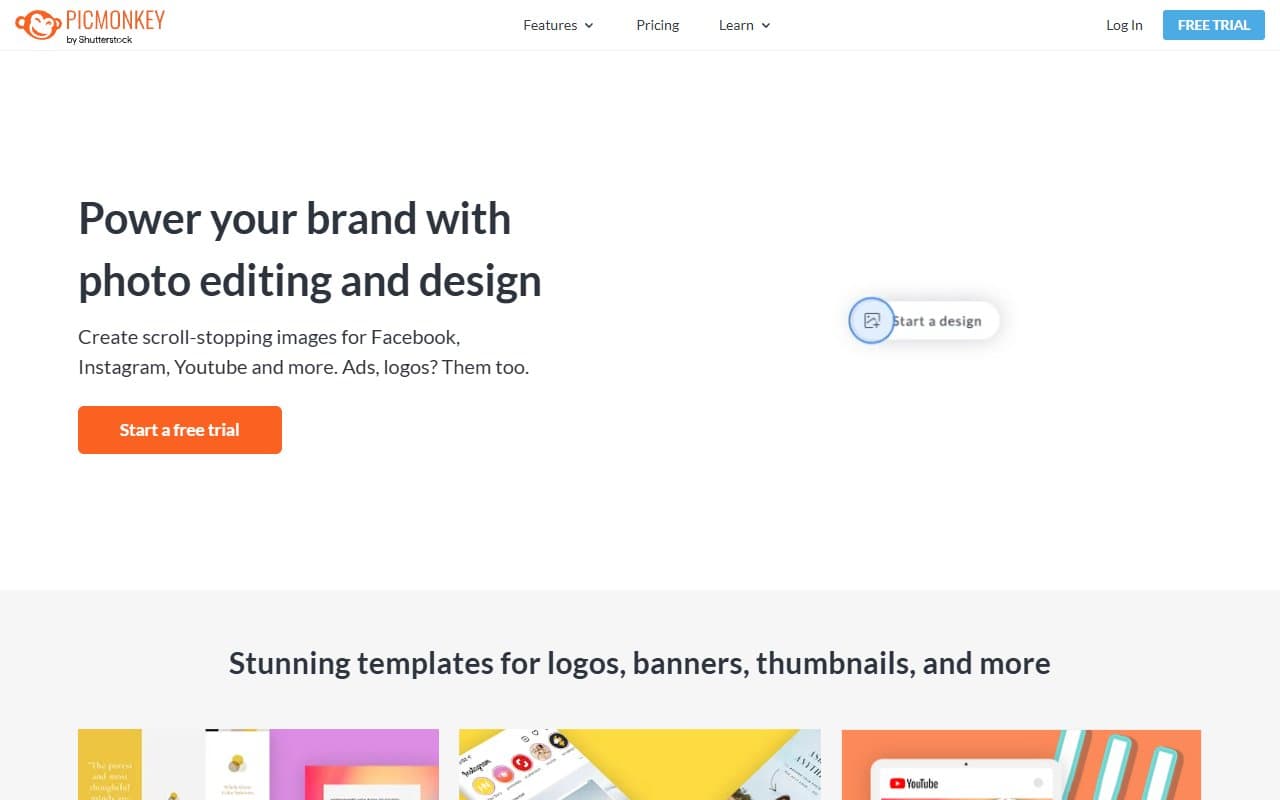
Who Should Use PicMonkey
If you run a Shopify store and spend forty minutes weekly resizing product photos for Instagram, Pinterest, and email newsletters, PicMonkey was built for you. The social media resizing feature eliminates tedious busywork, and the Brand Kit loads your logo, fonts, and colors instantly instead of making you hunt through Google Drive folders.
Bloggers who earn through sponsored content get real value here. Brands expect consistent imagery, and PicMonkey's templates make this practical without a designer. A solo blogger producing three posts weekly can cut content prep time by an hour or more.
Social media managers handling two or three clients should note the team storage feature. It won't replace enterprise collaboration tools, but it works for small agencies sharing brand assets without emailing files constantly. Beyond five clients or with complex revision needs, you'll outgrow it quickly.
What It Does
PicMonkey sits between your phone's photo editor and Photoshop's complexity. Upload a photo or start from a template, then edit — adjust brightness, remove blemishes, add text, overlay graphics, crop to platform requirements. The interface runs in your browser.
The template library covers formats you actually use: Instagram posts and Stories, Facebook covers, Pinterest graphics, email headers, basic print formats. Your Brand Kit stores visual identity elements so you won't re-enter brand colors every session. Teams store assets in shared folders — basic but functional. Export in whatever format you need and move on. Most people become productive in their first session.
Pricing
PicMonkey offers three tiers. Creator at $7/month includes core editing tools and templates. Solo bloggers needing clean graphics can make this work, but anyone running a business with brand consistency requirements will hit its limits.
Business at $23/month is the right choice for most small businesses. You get the Brand Kit, team storage, and background removal. The price jump pays for itself through time saved — the Brand Kit alone eliminates repetitive setup work.
Team at $33/month adds storage and user seats. Reasonable for a two-person social media team sharing assets regularly. Solo operators can't justify the cost.
No free plan exists. This costs PicMonkey users to Canva.
What Works
Templates reflect current design trends. Unlike tools with 2019 templates that never got updated, PicMonkey's library looks current. Finding professional starting points without heavy customization saves real time.
Brand Kit eliminates friction. Once brand assets load, producing on-brand content requires noticeably less effort. E-commerce sellers pushing new products weekly see meaningful time savings compound over months.
Photo editing tools cover practical needs without complexity. Touch-ups, background removal, and exposure adjustments handle 90% of what small business owners need for marketing imagery — no photography or design background required.
What Doesn't Work
Serious photo editing hits a wall fast. Product photography needing color grading, detailed retouching, or professional post-processing will frustrate you quickly. The editing suite handles marketing needs but has clear limits. Photographers and premium visual sellers will slam into that ceiling.
No free plan creates real friction. Requiring payment before users can evaluate workflow fit matters. Canva lets you build entire projects before asking for money. PicMonkey puts trust burden entirely on the trial period rather than product experience.
How It Compares
Canva wins on accessibility — generous free tier, larger template library, basic video capability. Choose Canva for widest creative range at lowest entry cost. Choose PicMonkey for photo editing quality over Canva's graphic design breadth.
Adobe Express offers similar functionality with stronger Creative Cloud integration. If your team already pays for Adobe, try Express first. PicMonkey makes more sense without Adobe relationships when you want standalone functionality.
The Verdict
If you run an e-commerce store, manage social media for one or two clients, or blog professionally needing consistent graphics weekly — PicMonkey's Business tier at $23 creates genuine workflow improvement, not marginal gains.
Need video content, sophisticated photo retouching, or free entry testing? Use Canva instead. PicMonkey doesn't try being everything, which is both limitation and honesty.
The $7 Creator plan works for individuals with minimal brand requirements, but most small business owners hit its limits within a month. Budget for Business and you get a tool that earns its cost.
PicMonkey does what it promises — and knowing exactly what it doesn't do matters most.
Common Questions
Does PicMonkey work for e-commerce product photos?
It handles basic product photo editing well — background removal, brightness adjustments, marketplace resizing. It won't replace professional editing software for color-accurate, studio-quality results, but most Shopify or Etsy sellers get essential coverage.
Can multiple people use one PicMonkey account?
The Team plan supports multiple users and shared storage, workable for small teams. Don't expect project management or version control — it's asset sharing, not collaboration software. For two or three people coordinating social content, it's sufficient.
Is PicMonkey worth it if I already use Canva?
Probably not. If Canva already fits your workflow and meets needs, adding PicMonkey creates duplication rather than value. Switch only if you find Canva's photo editing lacking — PicMonkey handles that better.
How does PicMonkey handle social media sizing?
It covers major platforms and updates formats reasonably well. Resize designs to multiple platform dimensions without rebuilding from scratch — the biggest time-saver for anyone posting across Instagram, Facebook, and Pinterest simultaneously.