Who Should Use MailerLite
You run a Shopify store with under 5,000 customers and you're still copying email addresses into Gmail. You're a freelance consultant managing a newsletter. You own a yoga studio sending monthly class updates. You're an independent bookshop trying to stay in front of regulars. MailerLite fits anywhere email is the main channel and simplicity matters more than bells and whistles.
A two-person food brand launching a product, a self-published author building a reader list, a local accountant nurturing referrals — these scenarios justify the 9/10 score. You don't need a marketing hire to run it. Most owners send their first campaign within an afternoon of signing up.
Skip MailerLite if you manage a 30-person sales team that needs deep CRM functionality, pipeline tracking, or complex behavioural segmentation across thousands of contacts. MailerLite will frustrate you within a month. It's not trying to be HubSpot, and that restraint is mostly a virtue — except when you actually need HubSpot CRM.
What It Actually Does
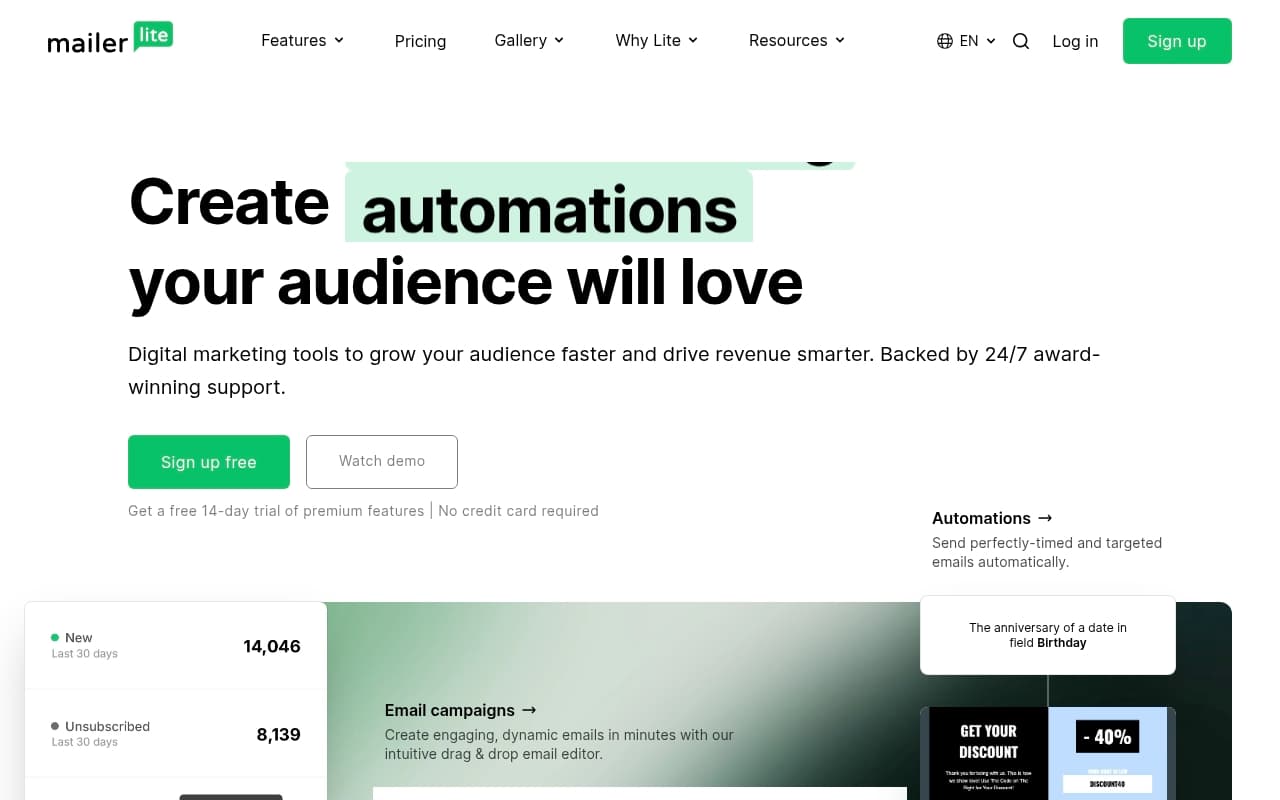
MailerLite lets you build an email, make it look good, send it to your subscriber list, and shows you who opened it and what they clicked. The core works exactly as advertised.
But it goes beyond basic broadcast emails. You can build automated sequences — new subscribers get a welcome email immediately, then a follow-up three days later, without you touching anything. You can create landing pages to collect those subscribers. There's a basic website builder if you need one. It connects to Shopify and WooCommerce, so abandoned cart emails and purchase confirmations run automatically.
Nothing requires a developer. The drag-and-drop editor is genuinely one of the cleaner ones I've tested — no fighting with spacing, no mysterious padding issues that eat twenty minutes. The automation builder uses a visual flowchart that most people figure out in under an hour.
Pricing
Free plan (0–1,000 subscribers): Email campaigns, automation, landing pages, and a website builder. No credit card required. For a business just starting to build a list, this is unusually generous. The catch is a MailerLite logo in your footer and no live chat support — tolerable trade-offs at zero cost.
Growing Business ($9/month billed annually, up to 1,000 subscribers): Removes the branding, adds priority support, auto-resend campaigns, and email scheduling by timezone. This is where most small businesses should land. Nine dollars a month isn't worth agonising over.
Advanced ($18/month billed annually): Adds Facebook custom audiences, a custom HTML editor, and promotional pop-ups. Worth considering if you're running e-commerce seriously. For everyone else, it's overkill.
Enterprise (custom pricing): For high-volume senders. If you're asking whether you need this, you don't.
What Works Well
The template library saves hours. The design quality sits noticeably above average — clean layouts that look professional without requiring design skill. For a small retailer or blogger, the template library eliminates what used to be a two-hour design job per campaign.
Automation that doesn't require tutorials. Setting up a welcome sequence or post-purchase follow-up takes fifteen minutes. The visual workflow builder is intuitive enough that you won't hunt through help articles just to add a second step.
The free plan actually works. Most free tiers exist to frustrate you into upgrading. MailerLite's free plan gives you enough functionality to run a real email programme, which explains its foothold with early-stage businesses.
What Doesn't Work
Segmentation hits a ceiling fast. Basic filtering works fine. Once you want to segment by specific purchase behaviour, multi-condition logic, or anything resembling a proper customer journey map, the toolset feels thin. Growing e-commerce businesses notice this limitation within their first year.
Support on the free plan crawls. Email-only support means waiting. When something breaks on the morning of a planned send, that's a problem. Paying customers get faster responses, but the service quality gap between free and paid users is wider than it should be.
How It Compares
Mailchimp: Better known, worse value. Mailchimp's free plan drops to 500 contacts and its pricing scales aggressively. Choose Mailchimp only if you need its deeper integration ecosystem and can justify the cost.
Klaviyo: The serious e-commerce choice. Klaviyo's segmentation and revenue attribution are genuinely more advanced. If your store turns over serious volume and email drives real sales, Klaviyo earns its higher price. Below that threshold, it's overkill.
ConvertKit: Strong for creators and newsletter operators. If your entire business model is a paid newsletter or content audience, ConvertKit's creator-focused tools edge ahead. For everyone else, MailerLite matches it at a lower price.
The Verdict
If you're a solopreneur, blogger, or small retailer who wants professional email marketing without an agency, a specialist, or a steep learning curve, use MailerLite. Start on the free plan, hit 1,000 subscribers, and upgrade to Growing Business for nine dollars a month. The decision will take longer than the implementation.
If you run a scaling e-commerce operation pushing serious monthly revenue through email, use Klaviyo instead. The segmentation and attribution data will pay for itself. If CRM matters as much as email, look at HubSpot before committing here.
MailerLite doesn't try to do everything, and that restraint is most of its value.
Common Questions
Is MailerLite really free?
Yes. Up to 1,000 subscribers and 12,000 emails per month at no cost. You keep the MailerLite logo in your footer and give up live chat support, but the core features work without a credit card.
Can I use MailerLite for e-commerce?
Yes, with limitations. The Shopify and WooCommerce integrations handle basics like abandoned cart emails and order confirmations well. It falls short on advanced purchase-based segmentation — if that matters to your business, our guide to choosing an e-commerce tool will help.
How does MailerLite compare to Mailchimp?
MailerLite is cheaper at every comparable tier and easier to use. Mailchimp's brand recognition doesn't translate into better functionality for most small businesses. Unless you have a specific integration that only Mailchimp supports, MailerLite is the stronger choice.
Is MailerLite hard to learn?
No. If you can use Google Docs and have sent a professional email before, you can use MailerLite. Most owners complete their first campaign without touching a help article.