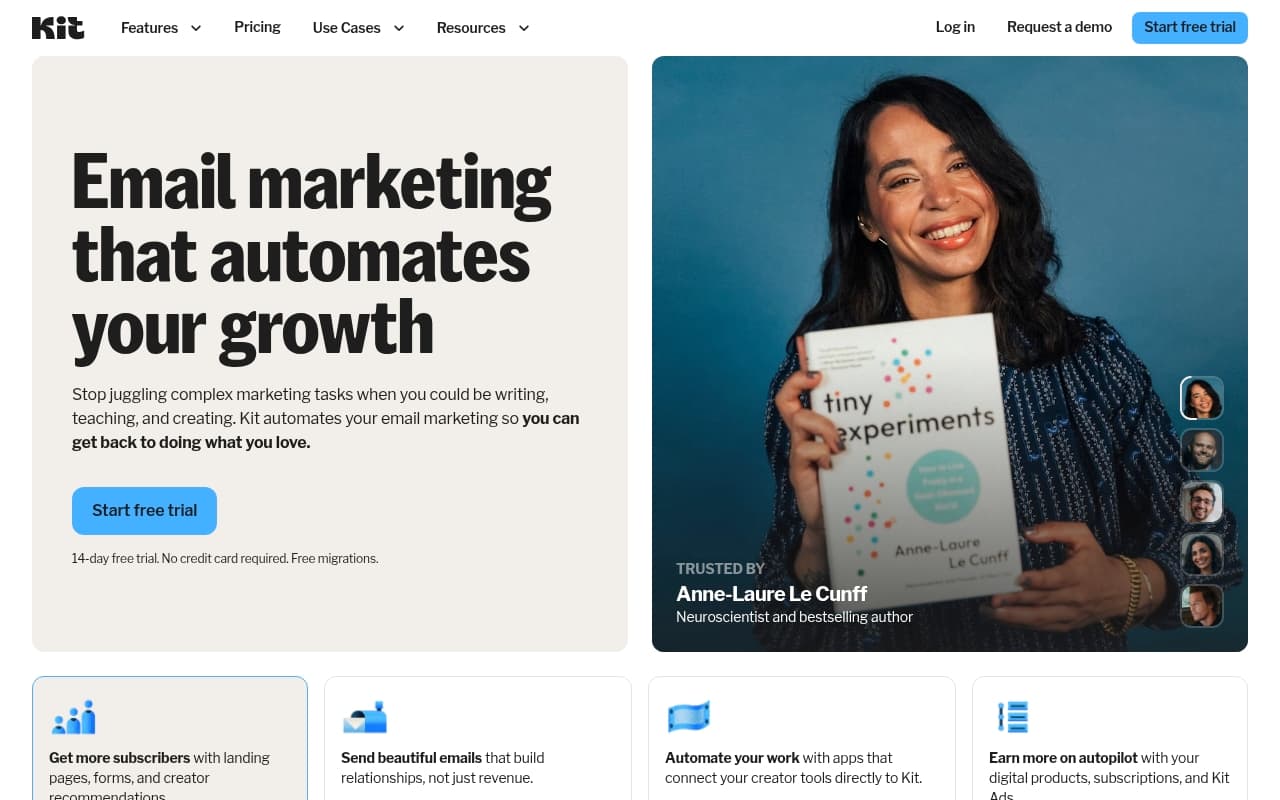
Mailchimp built its reputation on small businesses. ConvertKit looked at that market and said no — we own creators instead. That focus explains why ConvertKit destroys Mailchimp for anyone selling courses, coaching, or content. Mailchimp serves everyone poorly. ConvertKit serves you specifically.
Who Should Use ConvertKit
You run a newsletter, sell an online course, or coach clients. You've been taping together a free email tool, a landing page builder, and a payment processor. ConvertKit replaces all three. A health coach with 800 subscribers selling a 12-week program, a freelance copywriter building a paid newsletter, a solo educator running webinars — ConvertKit was built for you.
Small teams work too. A two-person education business launching their first membership will find ConvertKit handles operations cleanly. The automation builder is visual enough that your non-technical partner understands what happens without explanation.
Where it fails: you run an online shop with product catalogs and need cart abandonment tied to purchase history. ConvertKit handles digital product sales through creator commerce, but skip it for physical inventory, variant management, or serious e-commerce segmentation.
What It Does
ConvertKit builds email lists, sends the right message at the right time, and sells your products. You tag subscribers based on clicks, purchases, or form submissions. Those tags trigger automated email sequences without further input.
The visual automation builder is the centerpiece. Map out a journey — someone downloads your guide, gets three emails over two weeks, then receives your course pitch — and ConvertKit runs it automatically. Landing pages capture subscribers without separate tools. Commerce features handle payment processing for digital products and paid newsletters. If you can draw a flowchart, you can build an automation.
Pricing
Free plan (up to 1,000 subscribers): Core email sending, landing pages, basic tagging. Limited automations, ConvertKit branding stays on forms. Most creators outgrow it within six months.
Creator plan (scales with list size): Full automations, no branding, third-party integrations. Buy this tier. Price scales with subscriber count — expect meaningful costs around 10,000 subscribers.
Creator Pro: Adds subscriber scoring, newsletter referrals, priority support. Skip it at launch. Revisit once you actively grow through referrals.
What Works
The automation builder actually works. Most visual automation tools look clean in demos and feel impossible in practice. ConvertKit's builder works as advertised. First-time users build functional five-step welcome sequences in under an hour.
Tagging replaces multiple lists. Other platforms force separate lists for separate audiences, creating duplication headaches. ConvertKit uses tags on single subscriber records. One person belongs to ten segments without counting against subscriber limits multiple times. This saves hours as audiences grow.
Creator commerce removes tool sprawl. Sell digital products — ebooks, courses, paid communities — and take payment directly through ConvertKit. No Gumroad, no ThriveCart connections required. Sales page templates are functional rather than flashy, but they work.
What Fails
Reporting is weak. You get open rates, click rates, unsubscribe data. Want revenue per subscriber, lifetime value by segment, or detailed funnel conversions? ConvertKit leaves you building spreadsheets.
The interface feels dated. The automation builder is clean, but the broader dashboard has problems — settings buried in unexpected places, navigation that takes weeks to feel natural. Not a dealbreaker, but frustrating.
How It Compares
Mailchimp has better e-commerce integrations and more email templates. For retail businesses or designed HTML newsletters, Mailchimp wins. For audience-building and automated sequences, ConvertKit destroys it.
ActiveCampaign offers more segmentation and CRM features, but the complexity is real — expect days configuring settings before it runs smoothly. Solo creators and small teams rarely need that overhead.
The Verdict
Sell knowledge — courses, coaching, consulting, newsletters — and ConvertKit is the best tool available. Automation works without specialists, commerce features eliminate tool sprawl, tagging scales properly as lists grow. Solo educators sitting on patchwork free tools typically consolidate three subscriptions into one and save several hours weekly in manual work.
Run an e-commerce store with physical products? Buy Klaviyo. Need deep CRM functionality alongside email? Try ActiveCampaign. But for creators building businesses on expertise and audience trust, ConvertKit remains the obvious choice.
ConvertKit does one thing — email marketing for people who sell knowledge — better than anyone else.
Common Questions
Is ConvertKit worth it for small lists?
The free plan works well up to 1,000 subscribers. Start there. Upgrade when you hit the limit or need full automation.
Can I sell products directly through ConvertKit?
Digital products only. Sell courses, ebooks, paid newsletters without third-party payment tools. Physical products are not supported.
How does ConvertKit compare to Mailchimp for coaches?
ConvertKit wins. Mailchimp's strengths are design templates and e-commerce. For sequences built around content and audience trust, ConvertKit's tagging and automation logic fits how coaching businesses work.
Does ConvertKit get expensive as lists grow?
Yes. Pricing scales by subscriber count. The jump to 25,000+ subscribers is noticeable. Run numbers for projected growth before committing to annual plans.