Who Should Use Loomly
If you run a five-person marketing agency juggling Instagram, LinkedIn, and Facebook for four different clients, Loomly was built for you. The approval workflow alone changes how your team operates — clients review and sign off inside the platform instead of through chaotic email threads and screenshots. That single feature saves agencies hours every week and eliminates the "I never approved that" conversation.
Brand managers inside small businesses will find this genuinely useful. When you have a marketing coordinator creating content but a founder who needs to approve before anything goes live, Loomly handles that handoff cleanly without over-engineering the process.
Solo operators will find $42 a month hard to justify. The tool is built around collaboration and volume. Without those, you're paying for features that sit idle. Buffer works better for that scenario.
What It Actually Does
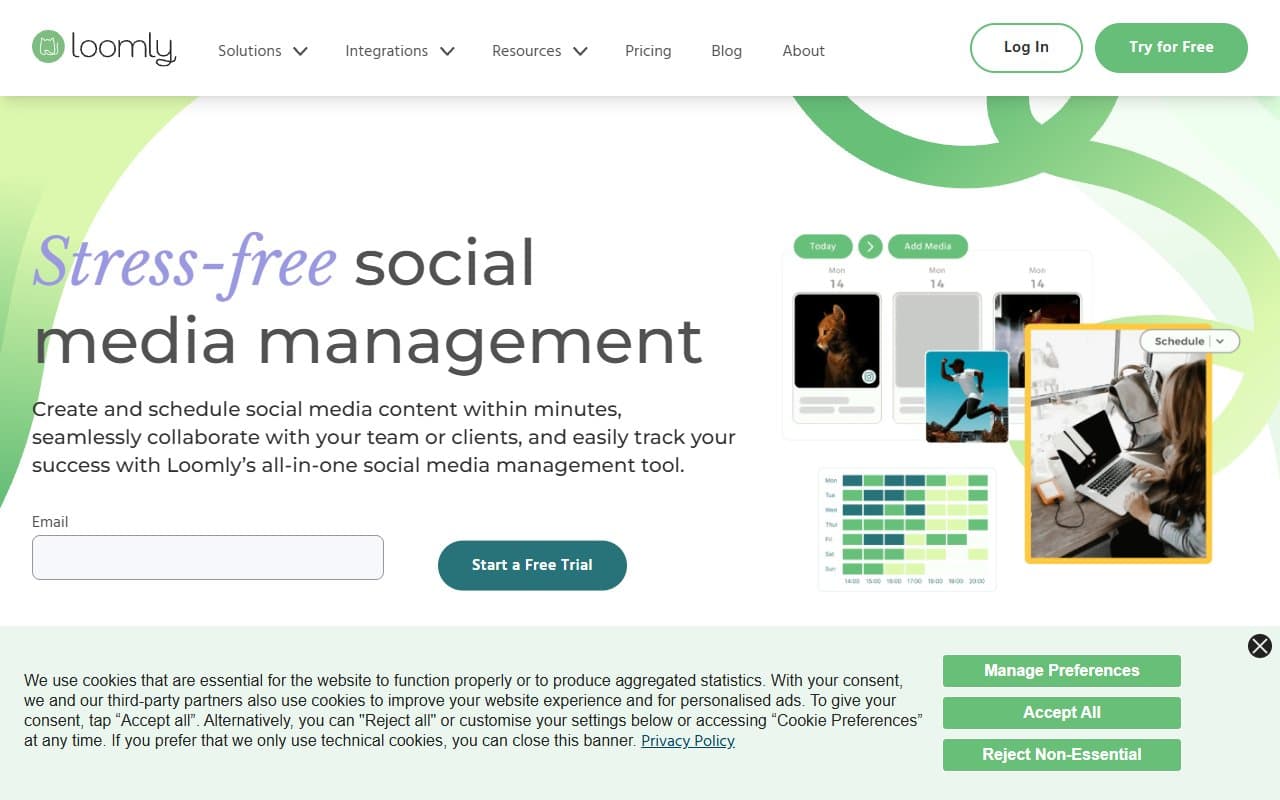
Loomly gives you a content calendar that actually functions like one. You see every scheduled post across every platform in a single view, drag things around, and know exactly what's going out when. Plenty of tools get this wrong.
The post inspiration engine suggests content ideas based on trending topics and calendar events. Not magic, but useful when your team stares at a blank screen Wednesday afternoon. You build posts inside the platform, add media, preview how they'll look on each network, then route them through your approval chain. Analytics come back once posts are live. The whole loop — ideation, creation, approval, publishing, review — lives in one place.
Pricing
Skip the Base plan at $42/month. It covers two users and ten social accounts but lacks approval workflows — the main reason to choose Loomly. This is bait-and-switch pricing.
Buy the Standard at $80/month. Six users, twenty accounts, proper approval workflows. This is where Loomly becomes the tool it markets itself as. Most small businesses should start here.
Advanced at $175/month makes sense for growing agencies managing ten-plus clients. For a single small business, it's overkill.
Premium at $369/month is enterprise territory. Skip it unless you're running a sizeable agency.
What Works Well
The approval workflow is clean. Most tools bolt approval on as an afterthought. Loomly built it into the core. Clients get a link, comment or approve, and posts move forward or back for edits. No account creation required for reviewers. That detail removes a friction point that kills adoption in agencies.
The calendar view helps you think. Seeing a month of content laid out visually makes gaps obvious that list views miss. Teams report feeling less reactive about content — you spot that missing product launch content two weeks out before it becomes a crisis.
Post previews are accurate. What you see is what gets published, which matters when image cropping and character counts differ across platforms.
What Does Not Work
The Base plan is bait-and-switch. Marketing a collaboration tool without collaboration features at the entry price earns bad reviews from people who didn't read the fine print. You'll sign up at $42 and discover the approval workflows you wanted cost $80.
Analytics are shallow. You get engagement rates, reach, and post performance. No competitive benchmarking or audience demographic breakdowns that Sprout Social offers. Fine if you just need to know what content works, but insufficient if client reporting is part of your job.
How It Compares
Buffer is simpler and cheaper at $6 per channel. Choose Buffer for solo operators or two-person teams without approval needs. Loomly wins when a second person needs to review content before publishing.
Hootsuite covers similar ground but feels heavier and costs more. Still feels designed for large social media teams. Loomly is easier to onboard for small teams without dedicated social media managers.
Sprout Social is the premium alternative. Better analytics, better listening tools, much higher price. Choose Sprout if client reporting is central to your business. Choose Loomly if content workflow and calendar management matter more.
The Verdict
For small agencies or brands where multiple people touch content before publishing, buy Loomly at the Standard tier. The approval workflow removes the messiest part of the content process, the calendar keeps everyone aligned, and your team will actually use it. Learning curve is days, not weeks.
Solo operators should start with Buffer and upgrade later if their team grows. If you need serious reporting for agency clients, Sprout Social is worth the extra cost.
Loomly solves a real, specific problem for small teams without making you feel like you need an IT department to run it.
Common Questions
Does Loomly have a free plan?
No free tier, limited trial period. The Base plan at $42 is your entry point, though you'll likely need Standard to access the features that make Loomly worthwhile.
How many social accounts can you connect?
Base plan covers ten accounts, two users. Standard bumps to twenty accounts, six users. For a small agency managing five clients with two to three channels each, Standard covers you.
Can clients review posts without creating an account?
Yes, on Standard and above. Clients receive a shareable link and can comment, request changes, or approve directly. One of Loomly's strongest features and a main reason agencies choose it over simple scheduling tools.
Is Loomly worth it for two or three platforms?
Depends on whether multiple people create or approve content. Platform count matters less than team size. One person posting to three channels — Buffer works fine. Two or more people with a review process — Loomly pays for itself within a month.