Who Should Use Kustomer
You run a 20-person DTC brand. Customers email about orders, chat during checkout, complain on Instagram, and text about deliveries — sometimes all in the same day. Your support agents spend half their time hunting through systems to figure out who they're talking to.
Kustomer eliminates that hunt. Before your agent types a response, they see the customer's order history, past complaints, subscription status, and lifetime value. All in one view.
Subscription businesses hit the sweet spot here. When half your tickets are "why was I charged again?" having billing history and churn risk data directly in the support view turns 10-minute conversations into 2-minute ones.
Skip Kustomer if you're a 3-person consulting firm handling email support. You'd pay Formula One prices to drive to the corner shop. The platform rewards complexity — if your support is simple, that complexity becomes expensive friction.
What It Does
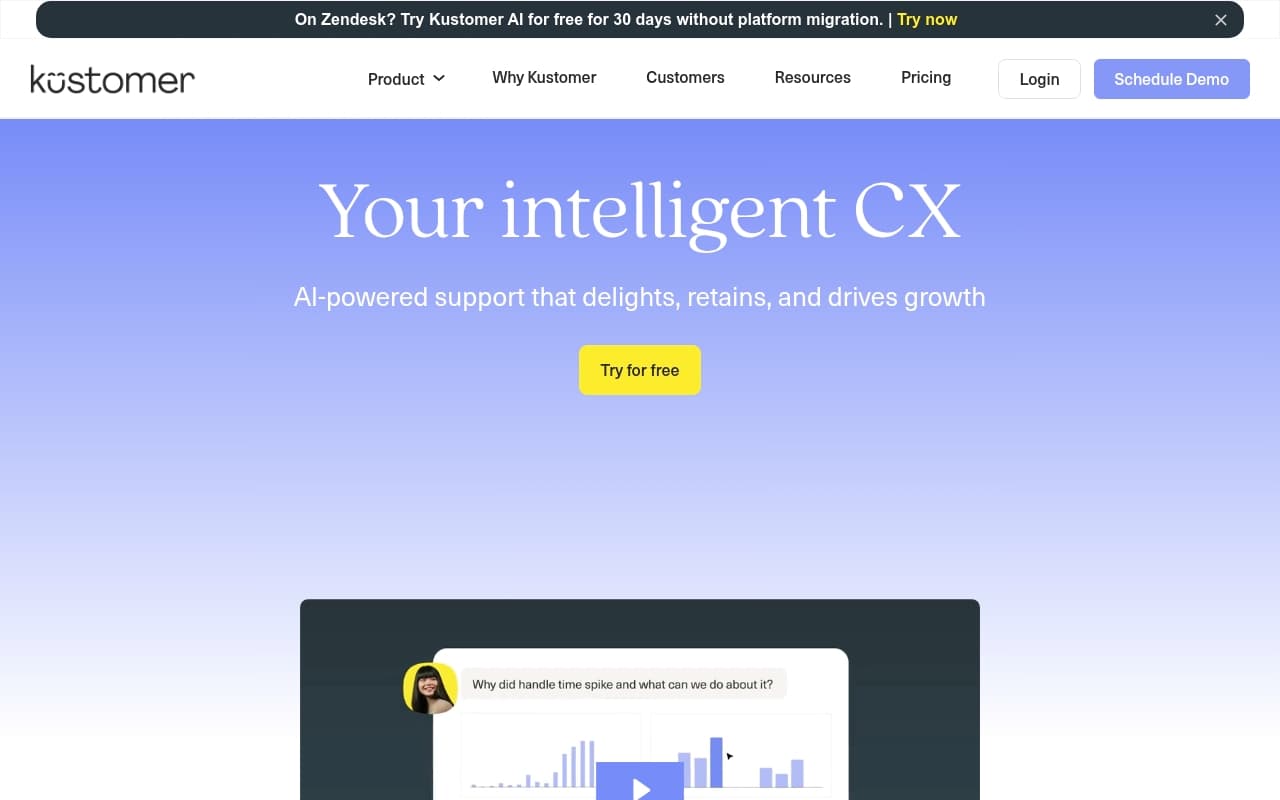
Most helpdesks show you a ticket. Kustomer shows you a person — every interaction they've had with your business, stitched into one scrollable timeline. Your agent sees the angry email from March, the two purchases since then, and last week's five-star review without opening a second tab.
The omnichannel inbox pulls email, chat, SMS, social media, and phone calls into one queue. Automation rules route, tag, and respond to common queries without human intervention. The CRM component tracks relationships, not just case numbers — which matters if your customers are worth knowing by name.
Pricing
Enterprise at $89/agent/month covers most buyers. You get the unified timeline, omnichannel inbox, workflow automation, and standard reporting. Start here unless you know you need the extras.
Ultimate at $139/agent/month adds advanced AI features and enhanced analytics. Skip it unless you have a dedicated support manager who will actually use those reports. Most small business owners won't extract $50/month in extra value per seat.
The math stings for small teams. Five agents costs $445/month before integrations. If you're questioning whether your support volume justifies that spend, it doesn't.
What Works
The unified timeline eliminates tab-switching. Instead of hunting across systems for order history and account notes, everything appears in one view. For e-commerce teams, this saves 2-3 minutes per conversation.
Workflow automation works without developers. The rule-builder is logical enough that an operations manager can create useful automations — auto-routing by topic, auto-tagging by sentiment, proactive messages for delayed orders. They run reliably once configured.
Cross-channel conversations stay coherent. When customers start on chat and follow up via email, Kustomer connects those threads naturally. Most "omnichannel" platforms still feel like separate inboxes bolted together.
What Breaks
Onboarding takes weeks, not days. The configuration depth that makes Kustomer valuable also makes setup slow. Expect 3-6 weeks before your team uses it naturally. Small teams without dedicated ops support will struggle here.
Enterprise tier reporting shows problems without solutions. You get enough data to know something is wrong but not enough detail to fix it. Custom reports require Ultimate tier — leaving base-level users with half-useful analytics.
How It Compares
Zendesk has more integrations and costs less, but thinks in tickets, not customers. Choose Zendesk for high-volume, one-off queries. Choose Kustomer when customer history matters more than ticket volume.
Gorgias costs less and integrates deeper with Shopify. Pick Gorgias if your world is Shopify-centric and support is mostly order-related. Pick Kustomer when you need context beyond order status.
Freshdesk undercuts Kustomer on price and onboarding time. It lacks the unified timeline and CRM depth. Fine for basic helpdesk needs, inadequate when agents need customer context.
The Verdict
Kustomer works for DTC brands and subscription businesses with 10+ support agents handling multi-channel conversations. The unified timeline changes how teams work, automation handles volume well, and the CRM foundation builds customer knowledge instead of just closing tickets.
Use Gorgias or Freshdesk instead if you have under five agents or single-channel support. Upgrade from Zendesk if your team constantly switches tabs and loses context. Stay with Zendesk if you just want more automation.
Kustomer suits businesses serious about customer retention — but only if you're equally serious about implementation.
Common Questions
Does Kustomer work for teams under 5 people?
Technically yes, financially no. The platform's value grows with team size and conversation volume. A 4-person team pays enterprise pricing for capabilities they won't use.
How long does setup take?
3-6 weeks for proper implementation — connecting channels, configuring workflows, training staff. Rushing it creates a misconfigured system that frustrates agents.
Is it good for Shopify businesses?
It integrates with Shopify automatically. But if Shopify is your entire world and support is mostly order queries, Gorgias serves you better for less money. Kustomer makes sense when Shopify is one piece of a bigger operation.
Can it replace your CRM?
For support-related customer data, yes. It handles profiles, history, and attributes well. It won't replace dedicated sales CRMs like HubSpot for pipeline management, but you'll need less overlap between support and CRM tools.