Who Should Use Keap
A solo health coach who books appointments through one tool, invoices through another, and follows up with clients manually via email is exactly who Keap was built for. The platform makes sense when you have a repeatable client journey — consultation, proposal, payment, onboarding — and you're tired of stitching that process together yourself.
A five-person wellness clinic, a solo business consultant, or a small legal firm charging by the hour would each find immediate value here. The combination of appointment booking, automated follow-ups, and invoicing removes the admin layer that eats into billable time. Your team needs capacity to set it up properly in the first weeks — Keap delivers no value on day one without effort.
If you sell physical products, run a SaaS subscription, or watch every dollar closely, stop reading. Keap was not designed for you, and the pricing will sting before the features impress.
What It Actually Does
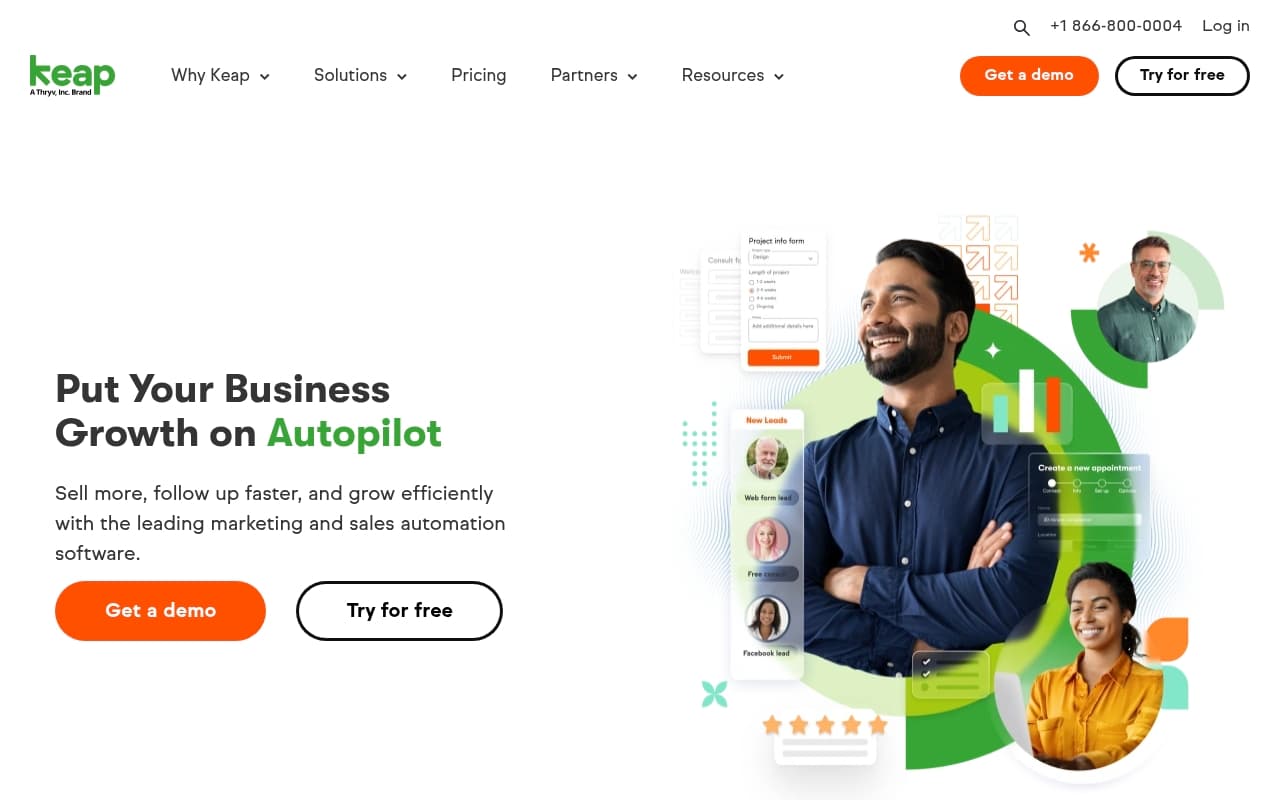
Keap manages your client operation on a single screen. It tracks every contact, what stage they're at in your sales process, and what actions should happen next — automatically. When someone fills out a form on your website, Keap sends them a welcome email, books them into your calendar, and notifies a team member without you touching it.
It handles email marketing, generates invoices, takes payments, and lets clients book appointments directly from a link. The automation builder is where the real time savings live — you set up a sequence once, and it runs every time a trigger fires. For a service business that currently uses four different subscriptions to do what Keap does alone, the consolidation argument is legitimate.
Pricing
Keap starts at $299 per month. There's no way to sugarcoat how that lands. For a solo operator or early-stage business, it's hard to justify before the automation is built and running. At that price, you get the full platform — CRM, email marketing, invoicing, booking, and automation builder — with additional costs as your contact list grows.
There is no free plan and no entry-level tier. The $299 is the floor, not a lite version. For an established service business with consistent monthly revenue, this is defensible — if replacing three tools costs you $250 anyway, the premium is modest. For anyone under that threshold, the price is bad value until automation does real work. Plan for at least 60 days before setup pays for itself.
What Works Well
The automation builder is genuinely sophisticated. Unlike simpler tools where automation means "send an email when someone subscribes," Keap lets you build multi-step sequences that branch based on client behavior. A lead who opens your proposal but doesn't sign gets different follow-up than one who ignores it entirely — none of that requires manual effort after setup.
Invoicing inside the CRM saves real time. Having payment history, client communications, and invoices in one record removes a specific frustration service business owners know well: chasing down what you discussed, what you quoted, and what you were paid across three different tabs.
Appointment booking works without clunky third-party handoffs. Clients book directly, it syncs to your calendar, and confirmation sequences fire automatically. Compared to bolting Calendly onto a separate CRM, the native integration is noticeably smoother.
What Doesn't Work
The learning curve is steep and the onboarding shows it. Keap is not a tool you figure out in an afternoon. The automation logic requires real time investment to understand, and the interface, while functional, rewards patience over intuition. Small business owners who can't dedicate a few hours weekly to setup in the first month will find the tool sitting underused at $299 per month.
The pricing structure punishes growth. As your contact list scales, costs rise disproportionately. When you're already paying a significant monthly base, contact-based overage charges create unpredictable bills — exactly what small business owners don't want.
How It Compares
HubSpot CRM offers a free CRM that makes it the default starting point for most businesses. HubSpot wins on flexibility and integration options, but its service-business features feel less native than Keap's. Choose HubSpot for scalability and budget flexibility; choose Keap for a tighter, more purpose-built experience.
Dubsado targets a similar audience at significantly lower cost and handles contracts and client portals well. Keap's automation is more sophisticated, but Dubsado makes more sense for very small operators watching margins closely.
ActiveCampaign is the better choice if email marketing and automation depth matter most and you want to handle CRM separately. Keap wins when you need invoicing and booking in the same system.
The Verdict
If you run a service business with consistent client pipeline — coaching practice, small consultancy, wellness clinic — and you're currently managing client relationships across multiple disconnected tools, Keap makes a serious case for itself. The automation alone, once built, will recover hours every week.
If you're just starting out, have fewer than ten active clients, or are sensitive to monthly costs, the $299 entry price will cause real pain before the platform delivers returns. In that scenario, start with HubSpot's free CRM and revisit Keap when your revenue supports it.
Keap works for service businesses that have outgrown lightweight tools — just make sure you've actually outgrown them before you pay this price.
Common Questions
Is Keap worth the price for a small service business?
It depends on your current setup. If you're paying for a CRM, email tool, booking app, and invoicing tool separately, Keap can consolidate that cost while adding automation. If you're starting from scratch, $299 per month is a significant commitment before you've proven the model.
How long does it take to set up Keap?
Four to six weeks before core automations run properly. The platform is not plug-and-play. Budget time in your first month specifically for setup, or consider hiring someone to configure it.
Does Keap work for e-commerce businesses?
No. Keap is built around service-based client relationships, not product catalogs or transactional sales. If you run an online store, look at the best e-commerce tools designed for that model.
Can Keap replace my email marketing tool?
For most service businesses, yes. The email marketing functionality handles list segmentation, broadcast campaigns, and automated sequences well enough that a separate tool becomes redundant. It won't replace a dedicated platform if email marketing is your primary revenue channel, but for typical client communications it's more than sufficient. Consider marketing automation tools if you need more advanced email features.