Who Should Use Calendly
If you run a consulting practice, Calendly will be the best $120 you spend this year. The "does Tuesday work for you?" dance looks harmless until you multiply it across thirty prospect calls monthly. One two-person sales consultancy told us they recovered four hours weekly just by killing the scheduling back-and-forth.
Customer-facing service businesses see similar gains. Marketing agencies juggling fifteen client relationships, financial advisors, recruitment firms coordinating interviews — anywhere humans need to meet other humans regularly, Calendly pays for itself within days.
Internal scheduling is where it breaks down. A 40-person operations team coordinating shifts or project check-ins will hit Calendly's limits fast. It excels at external-facing, one-to-many booking scenarios. Internal coordination requires different tools.
What It Actually Does
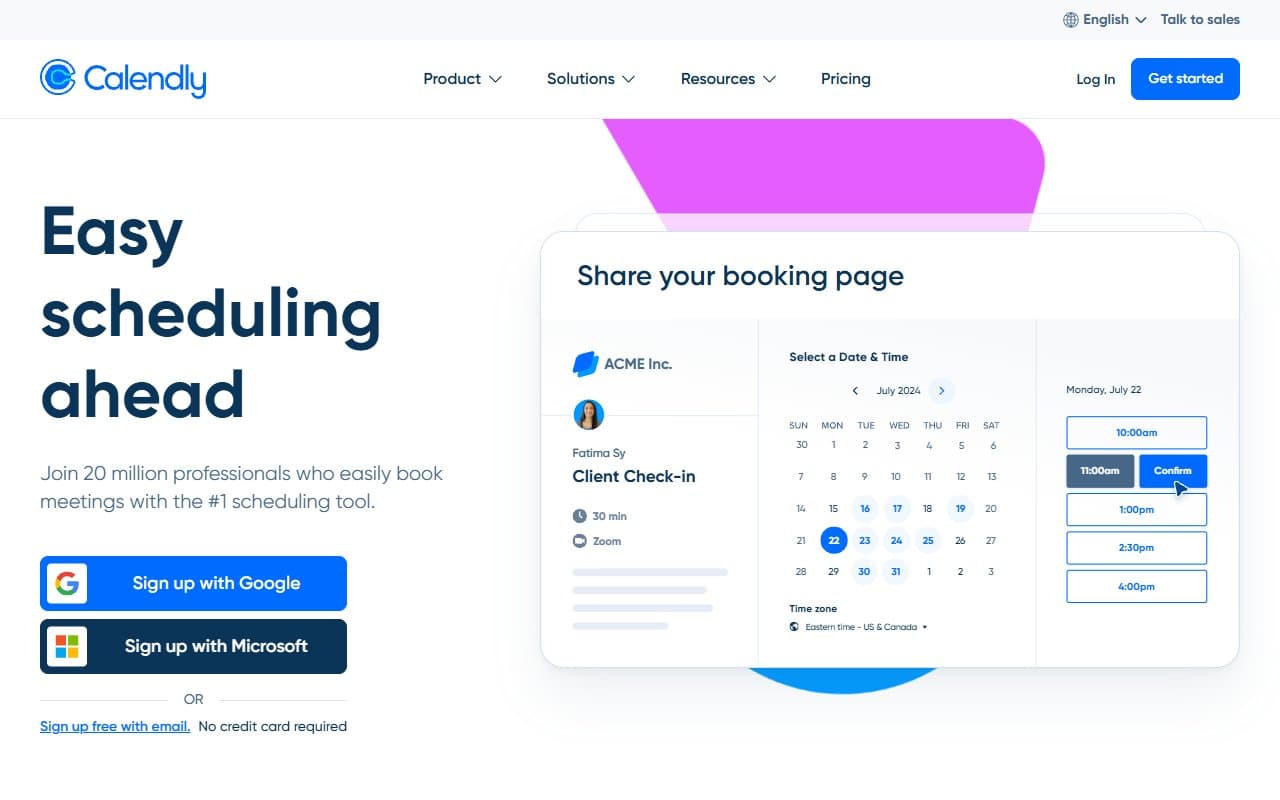
You build a booking page in fifteen minutes and share the link. People click it, see your live availability, pick a slot, and the meeting appears in both calendars automatically. No phone tag. No email chains. No double-booking because someone forgot to update their calendar.
Reminder emails and texts go out before each meeting, cutting no-shows measurably. Team accounts distribute incoming bookings across available reps instead of dumping everything on one person. It connects to HubSpot and Zapier, so bookings can trigger follow-up sequences or update your CRM. Set it up once, then forget about it.
Pricing
Free gives you one event type and basic calendar sync. Good for testing or single-service freelancers. Everyone else outgrows it within a week.
Standard at $10/month per user is what most small businesses should buy. Unlimited event types, custom reminders, HubSpot and Zapier integration. It pays for itself the first day you use it.
Teams at $16/month per user adds round-robin scheduling and reporting. Worth it for sales teams routing leads across multiple reps. Overkill for solo operators or two-person shops.
Enterprise is custom pricing, which means it's not for you.
What Works Well
Setup takes twenty minutes, not twenty hours. Connect Google or Outlook, build your first event type, generate a shareable link. The choices make sense instead of overwhelming you.
Automated reminders kill no-shows. This isn't marketing speak — the difference is measurable. A reminder 24 hours out plus another one hour before drops ghost appointments significantly. For businesses where missed consultations cost real money, this feature alone justifies the subscription.
Round-robin routing eliminates operational headaches. Sales teams stop manually assigning demo requests. Load distributes evenly. Nobody owns that admin task anymore.
What Doesn't Work
Branding hits a hard ceiling. Booking pages look unmistakably like Calendly. Standard plan lets you add a logo and change colors, but you can't create a truly on-brand experience without developer work. Premium service businesses notice this immediately.
Healthcare businesses can't use it. No HIPAA compliance. If you handle patient data — medical, therapy, health coaching — this is a complete non-starter. You need purpose-built healthcare tools.
How It Compares
Acuity Scheduling works better for service businesses collecting payments at booking. Personal trainers and photographers will find it more purpose-built. Calendly wins on speed and CRM integration.
HubSpot Meetings is adequate if you're already paying for HubSpot. It lacks Calendly's depth but removes one subscription.
Doodle solves group polling for one-off meetings. Different problem entirely.
The Verdict
If you book ten or more external meetings weekly, Calendly will recover time you didn't know you were losing. Buy the Standard plan — the free tier is a demo, not a solution. Need payment collection? Choose Acuity. Work in healthcare? This tool won't work regardless of how good it is at everything else. For everyone else, Calendly beats every scheduling tool we've tested. Stop emailing people to find meeting times.
Common Questions
Does Calendly work with Google Calendar and Outlook?
Yes. Sync is reliable and real-time. Changes in your calendar update Calendly availability immediately. Also supports Apple Calendar.
Can multiple team members share one account?
No. Each person needs their own seat at per-person pricing. Teams plan enables round-robin scheduling across those seats, but everyone connects their own calendar.
Is the free plan usable for small businesses?
Only for single-service freelancers. The moment you need multiple event types — 30-minute intro calls plus 90-minute strategy sessions — you need Standard.
Does Calendly send automatic reminders?
On Standard and above, yes. Configure email and SMS reminders at whatever intervals work for you. Default settings work well without tweaking.