Most small businesses don't fail at hiring because they lack ambition. They fail because they're managing candidates in a shared Gmail inbox, losing track of who interviewed whom, and making offers to people who accepted something else three days ago. The problem isn't talent — it's process.
Who Should Use JazzHR
If you run a retail operation with 20 to 80 staff and you're cycling through seasonal hires twice a year, JazzHR will pay for itself in the first month. You post to multiple job boards simultaneously and screen candidates against consistent criteria, which stops the chaos that comes with high-volume, repeating hire cycles. You're not building something novel each time — you're running a process, and JazzHR treats it that way.
Service businesses — landscaping companies, cleaning franchises, HVAC outfits — are another strong fit. These businesses hire similar roles repeatedly, need fast screening, and rarely have a dedicated HR person. JazzHR gives a non-HR person enough structure to run a professional hiring process without needing to understand HR theory.
A five-person consultancy hiring one person a year doesn't need this. The overhead of setting up workflows and templates will outweigh the benefit if your hiring volume is that low. If you have more than 100 employees and complex compliance requirements, you'll hit the tool's ceiling faster than you'd like.
What It Actually Does
JazzHR is an applicant tracking system — which sounds technical, but the reality is simple. It organizes your hiring pipeline the same way a CRM organizes your sales leads. Candidates come in, move through stages you define, and nothing falls through the cracks.
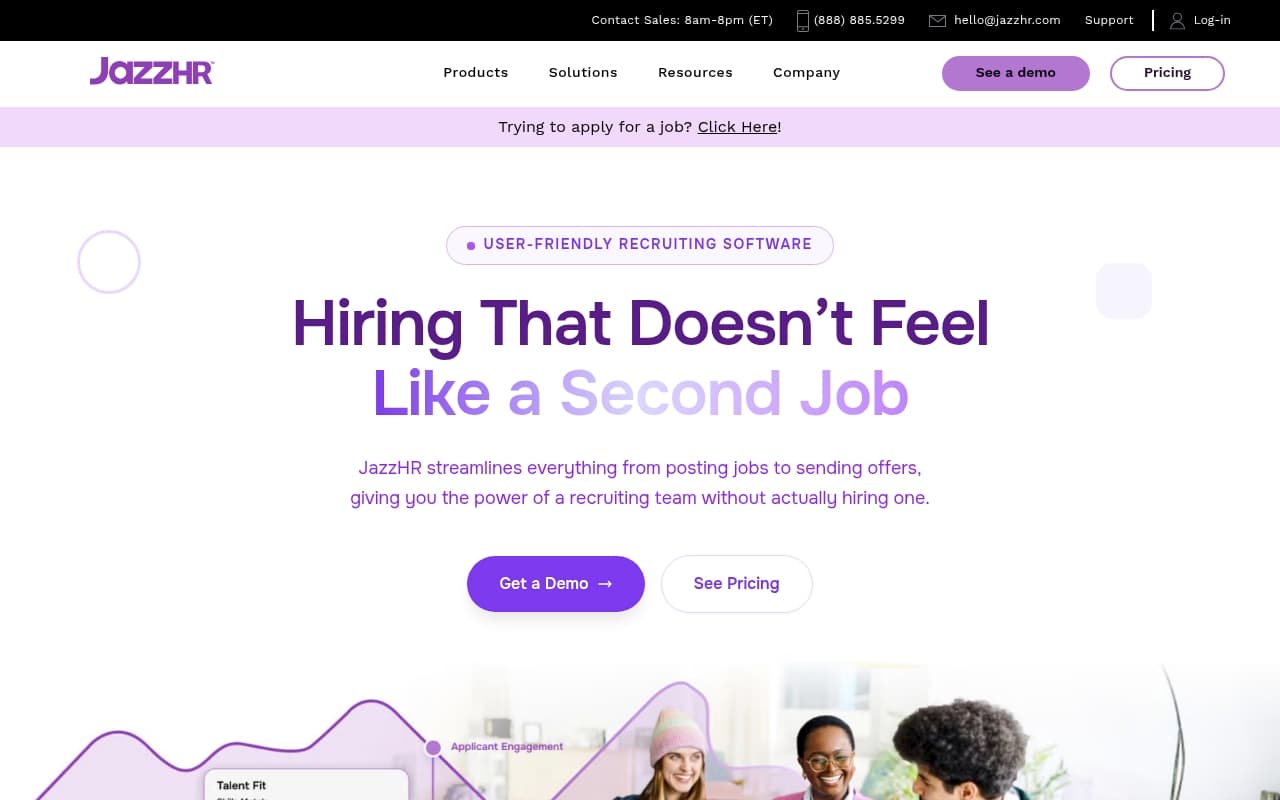
You post a job once, and it goes out to the boards you've selected. Candidates apply, land in your dashboard, and you can screen them using pre-set questions before anyone spends time on a phone call. Your team can leave notes, score applicants, and move them forward without ever opening email. Custom workflows mean a hire for a warehouse supervisor goes through different stages than a hire for a sales rep — because they should. The reporting shows you where candidates are dropping off, which job boards are actually worth the spend, and how long your hiring is taking.
Pricing
Buy the Plus plan at $269/month. That's where most small businesses actually live. You get custom workflows, interview guides, and better reporting — everything you need for any business doing ten or more hires a year.
Hero plan at $75/month
Covers basic ATS functionality — job postings, candidate tracking, basic reporting. It's a reasonable starting point for very small businesses just getting off spreadsheets, but you'll notice the feature constraints quickly if your process has any complexity.
Pro plan at $420/month
Adds advanced analytics and onboarding tools. The jump from Plus is hard to justify unless your HR function is genuinely sophisticated or you're running multi-location hiring at scale. Most SMBs will never use what they're paying for at this tier.
There's no free plan. That's not unusual for this category, but factor a proper trial period into your decision before committing.
What Works Well
Unlimited user seats across all tiers. Most competing tools charge per seat, which quietly doubles your bill as your team grows. JazzHR doesn't, and for a 30-person business where five people touch the hiring process, that matters financially.
The screening question builder. Setting up role-specific knockout questions takes about twenty minutes upfront and saves hours downstream. Candidates who don't meet basic requirements filter themselves out before anyone reads a resume. That's not a small thing when you're a manager who also runs operations.
Job board distribution. Posting to Indeed, LinkedIn, Glassdoor, and ZipRecruiter from one place instead of logging in and out of five dashboards separately is the kind of workflow improvement that sounds minor until you've wasted a Tuesday morning doing it the old way.
What Does Not Work
The mobile experience is genuinely poor. If you're reviewing candidates between jobs on your phone, expect frustration. The interface works, but it wasn't designed for small screens, and that's a real limitation for business owners who aren't desk-bound.
Onboarding is slower than it should be. The product has depth, but finding it requires patience. New users frequently get lost in the settings structure before they've posted their first job. For a tool aimed at time-poor SMB owners, that initial friction costs goodwill fast.
How It Compares
Workable is JazzHR's closest competitor. It has a cleaner interface and better mobile experience, but the per-seat pricing stings once your team grows. Choose Workable if your hiring team is small and you want something polished out of the box.
Breezy HR targets a similar audience and is cheaper at the entry level. It lacks the reporting depth of JazzHR and the workflow customization starts to feel limited beyond basic roles.
Greenhouse is a different category entirely — built for enterprise, priced accordingly, and overkill for anyone under 200 employees.
The Verdict
If you're running a retail, service, or field operations business between 15 and 100 employees, and hiring is happening more than a few times a year, JazzHR will genuinely improve your process. The unlimited seats alone make the Plus plan economically sensible compared to most alternatives. The core product does what it promises, consistently.
If you're a solo operator or a very small professional services firm doing occasional, bespoke hiring, the setup cost won't repay itself. In that case, our guide to choosing HR tools or even a well-structured project management system will serve you better.
JazzHR is not perfect — the mobile experience needs work, and the onboarding asks more patience than busy owners typically have. But if you've been managing candidates over email and wondering why good people keep slipping away, this is probably the reason — and JazzHR is the fix.
Common Questions
Does JazzHR work for businesses with no HR department?
Yes, and it's designed for exactly this situation. The templates and structured workflows mean someone without an HR background can run a consistent, professional process. Most businesses getting the most value from it don't have a dedicated HR hire.
Can I try JazzHR before paying?
There's no permanent free plan. JazzHR offers a demo and, in some cases, a trial period — worth requesting directly before committing to an annual contract.
Is JazzHR good for hourly worker hiring?
It handles high-volume hourly hiring well, which is part of why it fits retail and service businesses. The screening tools and workflow stages work for fast-moving, repeating hire cycles where speed and consistency matter more than lengthy deliberation. Homebase is another option worth considering if you need both hiring and scheduling for hourly staff.
What job boards does JazzHR post to?
It distributes to major boards including Indeed, LinkedIn, Glassdoor, and ZipRecruiter, among others. The specific boards available depend on your plan tier. Check which boards are included at your chosen tier before assuming full coverage.