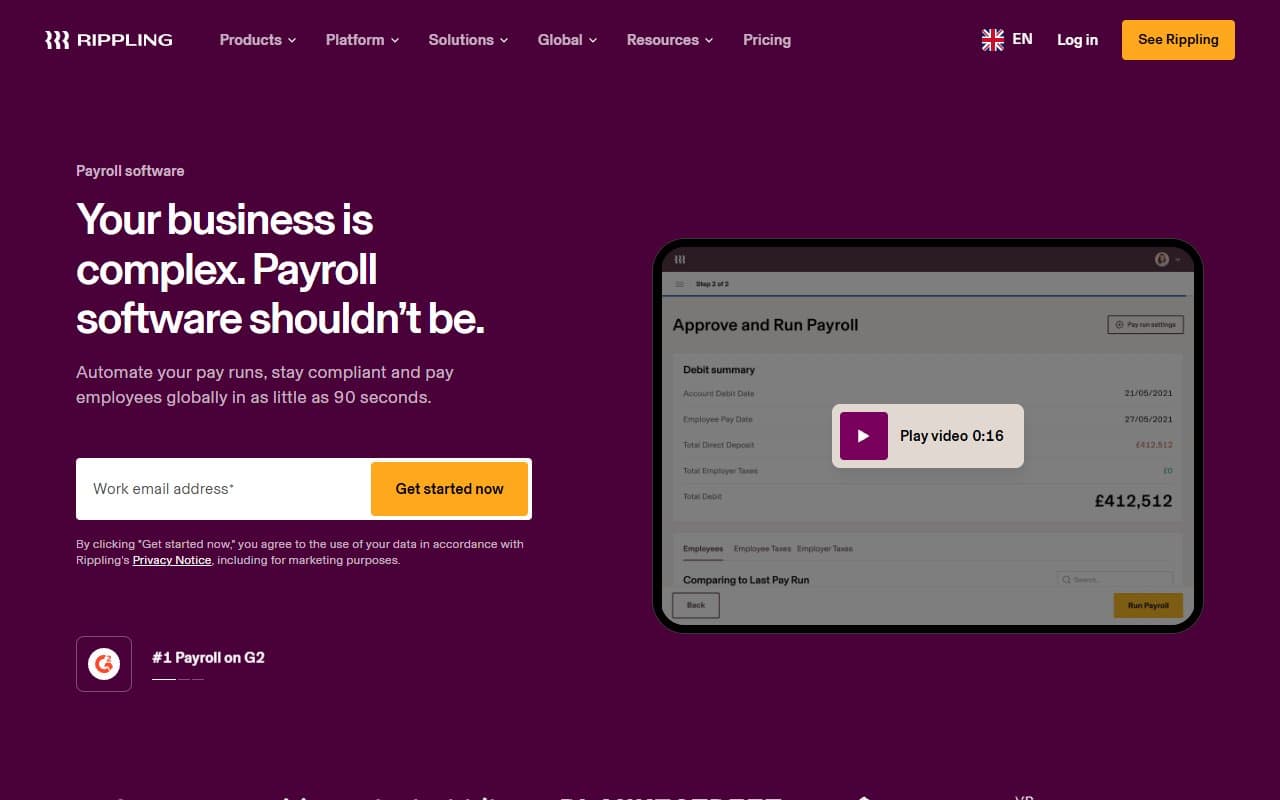
Most small business owners treat payroll software like a commodity—pick one, it pays people, done. Here's what they miss: payroll errors trigger the second-highest number of IRS audits for small businesses. Boring category, expensive mistakes.
Who Should Use Rippling Payroll
Rippling was built for the 15-person tech startup with employees in three states and a contractor in Portugal. Multi-state tax compliance comes standard, not as a $50-per-month add-on like most competitors charge.
It also fits marketing agencies that went remote-first. You have W-2 employees scattered across states, 1099 contractors everywhere, and a founder who refuses to spend Sunday nights on compliance forms. Rippling handles all of it while syncing directly with HR records—no double data entry when someone gets promoted.
Skip Rippling if you run a 12-person restaurant, single-location retail shop, or any business where everyone works at the same address. You'd pay for global infrastructure you'll never touch.
What It Actually Does
Rippling runs payroll automatically on your schedule—weekly, bi-weekly, monthly. It calculates taxes, files them, and pays employees without your involvement after setup. When you need an off-cycle run for a termination or bonus, it processes in minutes instead of forcing you to wait for the next scheduled payroll.
The difference from QuickBooks Payroll is the HR integration. When someone gets hired or changes their salary, payroll knows immediately because everything lives in the same database. Most payroll tools force you to update this information twice, which creates errors.
Tax filing happens automatically at federal, state, and local levels, including year-end W-2s. Global payroll covers employees in 50+ countries with local compliance built in.
Pricing
Rippling starts at $8 per employee monthly, but that's just the platform access fee. Real payroll functionality requires the Unity platform, which means your actual cost depends on which modules you activate.
Most small businesses pay $35-45 per employee monthly once they add necessary features. That's expensive but honest—the alternative costs more when you factor in separate HR tools and integration headaches.
Buy the payroll-plus-HR bundle. The entry tier delivers poor value for standalone payroll, and cheaper options exist for simple needs. The value equation flips once you need multi-state compliance or global payroll.
What Works Well
Tax filing vanishes from your calendar. Federal, state, and local filings happen automatically, including quarterly deposits and year-end forms. This removes 6-10 hours of annual tax administration that most small business owners handle manually.
Off-cycle runs take three minutes. Termination checks and spot bonuses process quickly through a clear workflow. Other platforms treat off-cycle payroll like emergency surgery—Rippling treats it like sending email.
HR and payroll share data instantly. When employees update bank details or you approve salary changes in HR, payroll reflects it immediately. This eliminates the most common payroll errors for growing teams.
What Doesn't Work
Pricing transparency is terrible. You need a sales call to get real costs, and the modular structure makes budgeting impossible without talking to someone. Small business owners shouldn't need discovery calls to understand software pricing.
Onboarding takes forever. Initial setup requires 4-8 hours if you're migrating from another system. For software that promises automation, the path there involves too much manual work.
How It Compares
Gusto is simpler, cheaper, and better for domestic payroll under 25 employees. Choose Gusto if everyone works in one or two states and you want setup finished this afternoon. Choose Rippling for global payroll or deep HR integration.
QuickBooks Payroll makes sense if you already use QuickBooks accounting. It breaks down once you add international employees or need sophisticated HR workflows.
Deel specializes in international contractor and employee payroll with better global coverage. If 80% of your team works internationally, examine Deel closely.
The Verdict
Rippling Payroll works best for remote-first teams of 10-50 people dealing with multi-state compliance or international employees. The automated tax filing alone saves enough accountant fees to cover the monthly cost within one quarter.
Single-location businesses with straightforward domestic payroll should choose Gusto—80% of the functionality at lower cost with easier setup. Rippling rewards businesses whose payroll complexity outgrew simpler tools. If that describes you, the switch pays for itself quickly. If not, you're buying a commercial kitchen to make toast.
Common Questions
Does Rippling handle payroll taxes automatically?
Yes. Federal, state, and local tax calculations, deposits, and filings happen automatically, including year-end W-2s and 1099s. You file nothing manually once configured.
Can Rippling pay employees in other countries?
Yes. Global payroll covers employees and contractors in 50+ countries with local compliance built in. It's among the stronger international payroll options for small businesses without in-house HR teams.
Is Rippling worth the cost for small teams?
For teams under 10 with simple domestic payroll, no. The value improves significantly once you manage multi-state employees, international contractors, or want HR and payroll unified.
How long does Rippling take to set up?
4-8 hours for migrations from other payroll systems, less if starting fresh. The platform guides configuration, but block a full afternoon rather than expecting 30-minute setup.