Who Should Use Integrately
You run a five-person e-commerce shop and manually copy Shopify orders into a Google Sheet every morning. Integrately fixes this. Same for the solo consultant who wants new Typeform leads landing automatically in their CRM, or the small marketing agency tired of posting the same update across three platforms. The tool targets people who know what they want automation to do — they just refuse to spend a weekend figuring out how.
Local service businesses get real value here. Landscaping companies, dental practices, boutique fitness studios — businesses where the owner juggles five jobs and cannot babysit software. The 1-click setup removes the configuration work that makes tools like Zapier feel like a part-time job.
Integrately fails developer-run operations or teams that need conditional branching, custom webhook logic, or workflows with fifteen steps and three decision trees. The ceiling appears fast when you push into that territory. This tool prioritizes accessibility, which creates both its greatest strength and clearest limit.
What It Actually Does
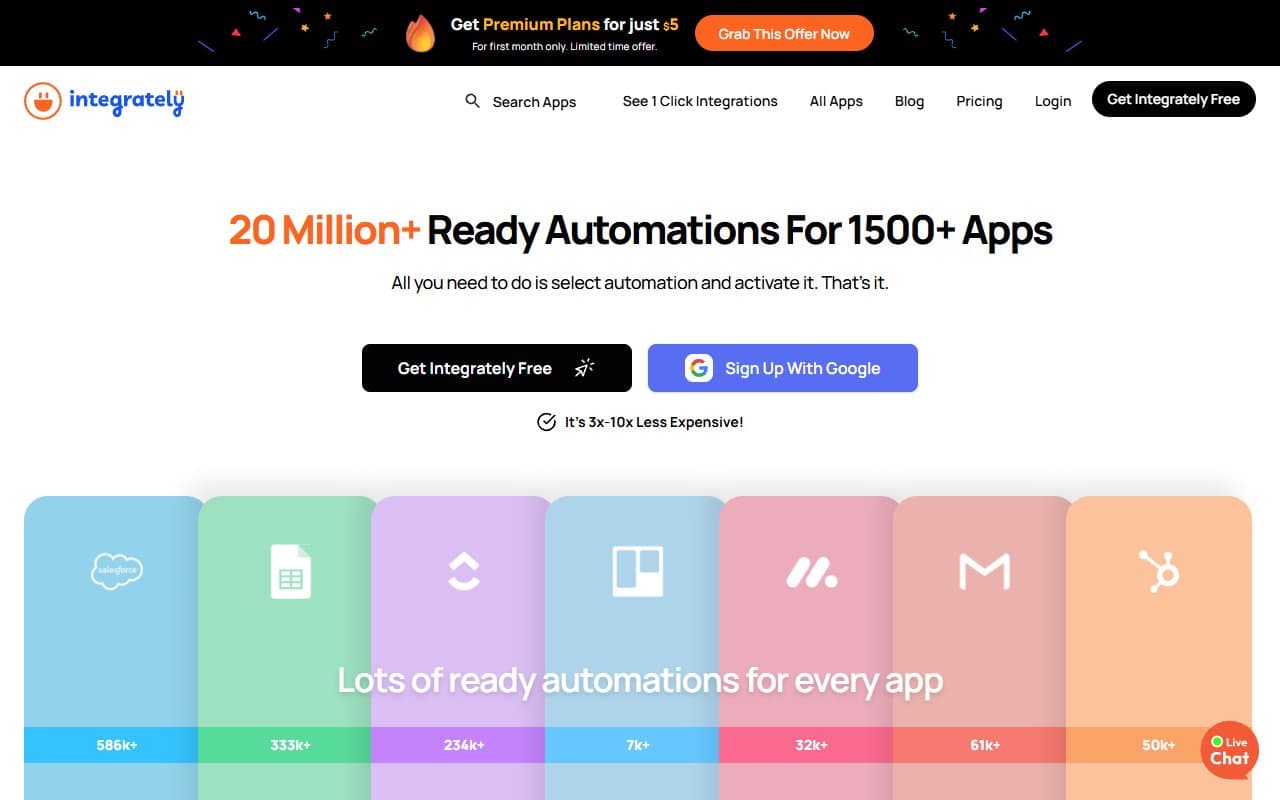
Integrately connects your apps so they talk without you in the middle. Pick two apps — Gmail and Slack — and it shows pre-built automations ready to activate immediately. New email from a client triggers a Slack message. New form submission creates a CRM contact. It covers 1,000+ apps with 20+ million pre-built automation templates.
Most automations require zero configuration. You choose an existing workflow and turn it on rather than building from scratch. Multi-step automations chain actions together: new lead arrives, gets added to your email list, triggers a Slack notification, creates a Trello task — all from one trigger. Support runs 24/7, which matters when automation breaks at 11pm before a big campaign.
Pricing
Free plan: 200 tasks monthly across five automations. Enough to test the tool and confirm it works with your apps. Too limited for real business use. Treat it as a trial.
Starter ($29/month): 2,000 tasks and 20 automations. Small retailers or solopreneurs running basic workflows will find this sufficient. The price is fair for the time saved.
Professional ($49/month): 10,000 tasks and unlimited automations. Most small businesses should choose this tier. The task count is realistic, features are complete for non-enterprise use, and cost is manageable against time savings.
Growth ($99/month): 30,000 tasks plus team features. Unless you run high-volume automations across ten-plus team members, this exceeds your needs. Most owners upgrading to Growth would have been fine staying on Professional.
What Works Well
The 1-click setup delivers genuine speed. Most automation tools promise simplicity and deliver configuration screens requiring three tutorial videos. Integrately actually delivers — first automation goes live in under four minutes. For time-poor business owners, that matters.
The template library is enormous and well-organized. Twenty million pre-built options mean you will find ready-made automation for whatever you need. Browsing by app or use case flows intuitively, and template quality stays consistent — you rarely hit broken or outdated options.
24/7 support actually responds. Live chat at odd hours is something most tools in this price range promise and underdeliver. Response times stayed under ten minutes even late at night — with specific answers, not copy-pasted help articles.
What Fails
The multi-step automation builder hits limits fast. Once you build anything beyond three or four steps, the interface becomes clunky. Adding conditional logic — "only do this if the contact is tagged VIP" — is possible but awkward compared to Zapier or Make at the same price.
Task counting burns through limits faster than expected. Each action in multi-step automation counts as a separate task. A five-step workflow consumes five tasks per run. On lower-tier plans, you exhaust monthly allowances quickly. This feels like intentional design, not oversight.
How It Compares
Zapier remains the better choice for advanced logic, custom code steps, or complex conditional branching. It costs more for equivalent task volumes. Choose Zapier for genuinely complex workflows; choose Integrately for speed and simplicity at lower cost.
Make (formerly Integromat) offers superior visual workflow control and handles complex automation better than either. The learning curve is considerably steeper. Non-technical business owners spend twice as long getting started. If you have technical team members, Make justifies the effort. If not, it does not.
The Verdict
If your current automation strategy involves copying and pasting data between apps, Integrately will change your week immediately. The setup speed alone justifies the Starter plan within a month. Five-to-fifteen-person businesses running standard tools — CRM, email platform, scheduling app, payment processor — the Professional plan at $49 covers almost everything needed.
For complex, conditional workflows with developer input, use Make. If Integrately's task limits frustrate you quickly, Zapier justifies the premium. For everyone else — retailers, consultants, agency owners who need things connected without tutorials — Integrately is correct. It delivers what it promises, at sensible pricing, without requiring part-time software engineering skills.
Common Questions
Is Integrately really beginner-friendly?
Yes, more than most competitors. 1-click setup means you activate common automations without touching settings. If you can use smartphone apps, you can use Integrately.
How does Integrately compare to Zapier for small businesses?
Integrately costs less and sets up faster for standard automations. Zapier wins for advanced logic or niche app integrations. For most small businesses doing everyday workflows, Integrately covers the ground at lower cost.
What happens if I exceed monthly task limits?
Automations pause until next billing cycle or until you upgrade. No automatic overage charges, which beats some competitors — but paused automations mid-month cause real disruption. Monitor usage once you go live.
Is the free plan worth using long-term?
Only for testing. Two hundred tasks across five automations cannot support working businesses. Plan to upgrade to paid tiers within the first month if the tool fits your needs.