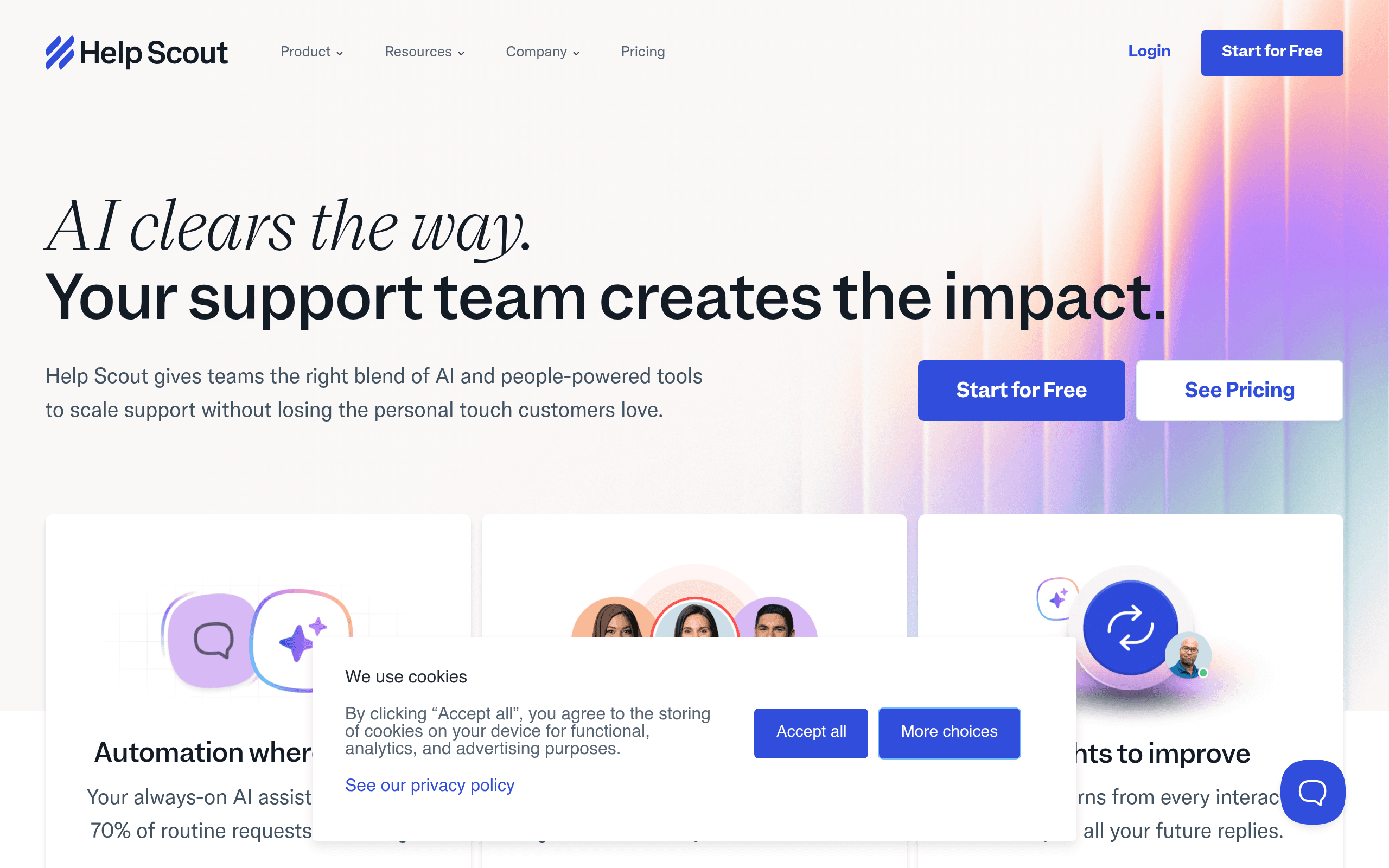
If you are still routing customer emails through a shared Gmail account with colour-coded labels and a prayer, you already know the problem. Things get missed. Two people reply to the same email. A customer waits four days because everyone assumed someone else had handled it. Help Scout exists to fix exactly that — and it does so without burying your team in ticket numbers and SLA jargon that belongs in an enterprise software demo, not a ten-person business.
Who Should Use Help Scout
A five-person e-commerce brand handling thirty to fifty customer emails a day hits Help Scout's sweet spot. You are big enough that a shared inbox causes real problems, but small enough that you do not need a full-blown ticketing system with escalation workflows and shift scheduling.
It also suits remote-first service businesses — think a small software consultancy, a subscription box company, or a boutique agency handling client queries. The ability to leave internal notes on conversations without the customer seeing them works well when your team is spread across time zones and cannot tap each other on the shoulder.
Where it does not belong: if you run an e-commerce store with serious order management needs, you will hit a wall quickly. Help Scout does not connect your customer's email to their order history out of the box. If your support process involves complex routing — different tiers, specialised queues, rules-based escalation — you will be improvising workarounds within about a month.
What It Actually Does
Your support emails arrive in one clean inbox that your whole team can see. Anyone can pick up a conversation, leave a private note for a colleague, and reply — all without the customer ever knowing three people looked at their query before responding. That is the core of Help Scout.
On top of that shared inbox, you get a Docs tool to build a self-service help centre, so customers can find answers before they email you. There is live chat, though it is fairly basic compared to dedicated chat tools like Crisp. Customer profiles show a contact's full conversation history in a sidebar when you open their email, so you are not asking someone to repeat themselves for the third time. Reporting shows you response times and volume trends. The AI Summarize feature condenses long email threads into a quick brief — useful when you are picking up someone else's conversation mid-flight.
Pricing
Standard at $22/month per user gets you the shared inbox, basic reporting, and the Docs knowledge base. For a two or three-person team, this is entirely reasonable. The template library alone — saved replies you can personalise in seconds — saves most small teams around two hours a week on repetitive responses.
Plus at $44/month per user unlocks advanced reporting, custom fields, and more integrations. This is where things start to feel expensive. A five-person team is looking at $220 a month, and the additional features are useful but not transformative. Most small businesses do not need them immediately.
The honest read: Standard is good value if you have two or three seats. The moment you scale to five or more people, run the numbers carefully against competitors before committing. Buy Standard first — you can always upgrade later if you hit specific limitations.
What Works Well
The tone tools actually change how your team writes. Saved reply templates do not feel robotic — the design encourages personalisation. Customers regularly cannot tell the difference between a templated response and a hand-typed one, which is the whole point.
AI Summarize is genuinely useful, not a gimmick. On long threads with five or more back-and-forth messages, the summary is accurate and saves real reading time. It is the kind of feature that sounds like marketing until you actually use it on a messy conversation at 8am.
Onboarding a new team member takes less than a day. The interface is clean enough that someone with no support software experience can handle a live conversation queue within a few hours. That matters when your "support team" is whoever is available.
What Does Not Work
Reporting is thin at the Standard tier. You get volume and response times, nothing more. Want to understand which topics drive the most contacts? Want to track individual agent performance? You need to upgrade or export data manually. For a $22/month tool, this feels petty.
Live chat is an afterthought. The chat widget works, but it lacks the proactive triggers and visitor tracking that tools like Intercom have built their reputation on. If live chat is central to your support strategy rather than a secondary channel, you will find yourself wishing for more within weeks.
No meaningful e-commerce integration. A customer emails about their order, and you are looking at their conversation history, not their purchase history. For online stores, this creates constant friction that competitors like Freshdesk handle better.
How It Compares
Freshdesk offers a free plan and more ticket automation at similar paid price points. Choose Freshdesk if you need routing rules and workflow automation. Choose Help Scout if you want your support to feel like a conversation rather than a ticket queue.
Intercom is more expensive and built around lead capture and product engagement, not just support. If you are handling over 200 conversations a month and want chat, bots, and proactive messaging, Intercom makes sense. For straightforward email support, it is overkill and your budget will feel it.
Zendesk suits teams that have outgrown Help Scout — more complex routing, deeper reporting, and a proper enterprise feature set. Most small businesses find Zendesk overcomplicated and overpriced until they hit around fifteen support staff.
The Verdict
If you are running a small team — two to six people — and customer email is your primary support channel, Help Scout will immediately stop conversations falling through the cracks. The setup takes an afternoon, not a week, and your customers will notice the difference in response consistency within the first month.
If you need order management integration, complex ticket routing, or serious live chat, look elsewhere — Help Scout will frustrate you. Freshdesk handles complexity better at a comparable price. Zendesk handles scale better if you have the budget.
Help Scout is not trying to be everything, and that restraint is mostly a virtue. It does email support well, keeps the interface human, and does not require a dedicated admin to manage it. For the right business, that is exactly enough.
Common Questions
Does Help Scout have a free plan?
No. The lowest tier starts at $22 per user per month. There is a free trial, but no permanent free option. If budget is tight, check Freshdesk's free plan first.
Can multiple people use one Help Scout inbox?
Yes — that is the entire point. The shared inbox lets your whole team see, assign, and reply to customer emails without messages getting duplicated or lost. Internal notes mean your team can coordinate without the customer seeing your back-and-forth.
Is Help Scout good for e-commerce businesses?
For handling customer questions via email, it works well. For connecting support conversations to order data, tracking returns, or managing fulfilment queries alongside customer history, it falls short. You would likely need a separate integration or a different tool built specifically for e-commerce support.
How does Help Scout compare to just using Gmail?
The gap is significant once you have more than one person on support. Gmail has no assignment, no internal notes, no collision detection to stop two people replying to the same email, and no reporting. Help Scout costs money; a missed customer email or a duplicated reply costs you reputation. For most businesses handling more than twenty support emails a day, the switch pays for itself quickly.