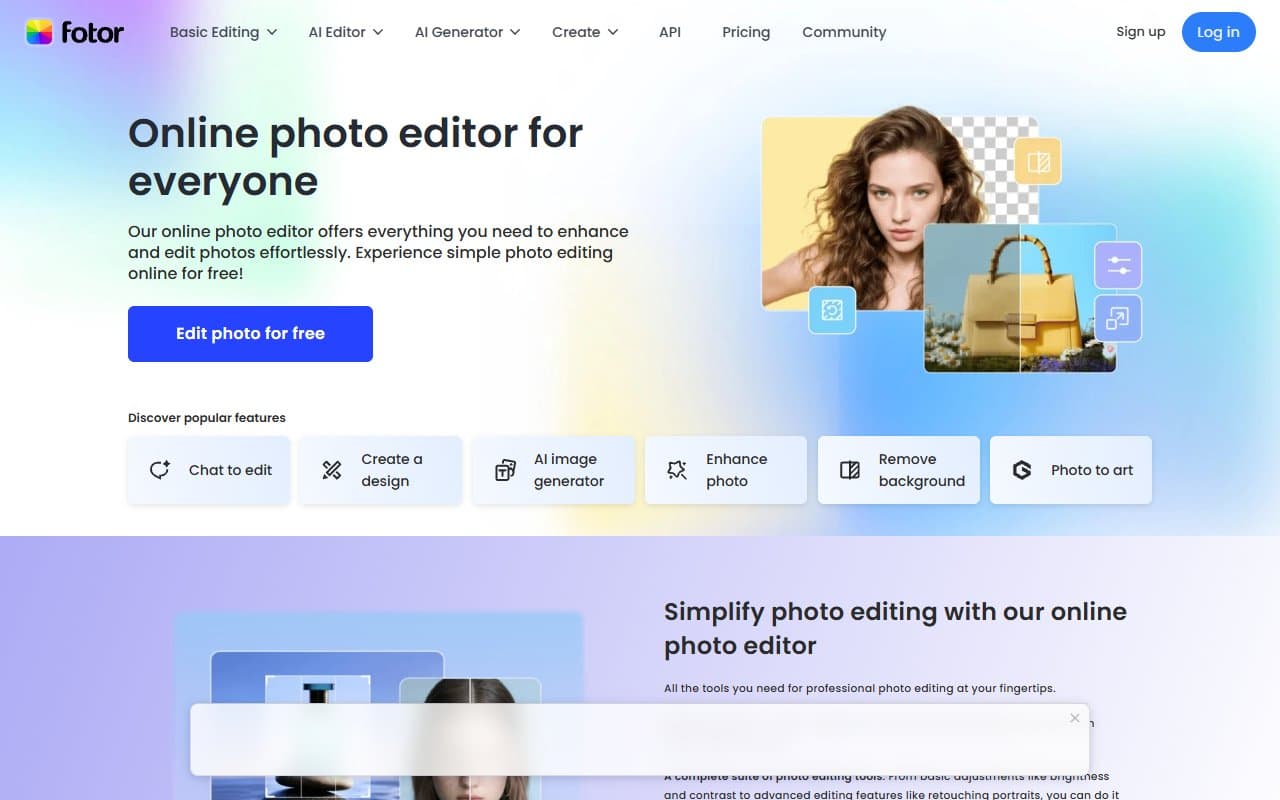
Most design software makes you choose between power and simplicity. Fotor picks simplicity and does it well enough that you won't miss the power until you actually need it.
Who Should Use Fotor
If you run a Shopify or Etsy store and crop product photos in Preview or Paint, Fotor will feel like magic. A seller with 40 SKUs can batch-edit an entire catalog — resize, retouch, remove backgrounds — in the time it used to take to handle a dozen photos manually.
Bloggers and content creators burning hours on featured images and Pinterest graphics will cut that time in half. The templates cover standard formats without looking generic. A two-person lifestyle brand posting three times weekly can stop starting from scratch every time.
Skip Fotor if you do serious visual work. A graphic designer at a branding agency will hit its limits within hours. This tool trades precision for speed — know which one you need.
What It Actually Does
Fotor lives in your browser. Import photos and clean them up — fix brightness, remove backgrounds, reduce noise. Build social posts and marketing graphics from templates without design skills. Generate or modify images using text prompts. Apply the same edits to multiple images at once, which most small business owners use constantly.
No downloads, no configuration. Most people produce useful work within 20 minutes of opening it.
Pricing
Skip the free plan. Basic editing and limited templates, but background removal is locked and export quality is frustrating. Good for testing, useless for real work.
Buy Fotor Pro at $8.99/month. Unlimited background removal, high-resolution exports, full template library, generous AI credits. This is what you actually want.
Fotor Pro+ adds more AI credits and premium assets. Only worth it if you generate dozens of images weekly and constantly hit credit limits. Most small businesses never need it.
What Works Well
Background removal that actually works. Handles jewelry, hair, fine fabric better than most tools at this price. Processes batches without babysitting. For product photography alone, this feature pays for the subscription.
Templates you'd actually use. Most template libraries are full of designs you'd never put your name on. These are clean, current, properly sized for social media and e-commerce. Enough variety that you're not stuck recycling the same three layouts.
Zero learning curve. Someone with no design background creates respectable graphics in their first session. When you're running a business, this matters more than advanced features you'll never touch.
What Doesn't Work
AI image generator produces junk half the time. When it works, you get usable lifestyle images and backgrounds. When it doesn't, you get warped, unsettling output that looks obviously artificial. Generate several versions and cherry-pick — which kills the time-saving benefit.
Customization hits a wall fast. Limited fonts, rigid color systems, inflexible layouts. If your brand has specific typography or tight visual guidelines, you'll fight the tool instead of using it. That's a deal-breaker for businesses where brand consistency matters.
How It Compares
Choose Canva over Fotor if you have multiple people working on design or need brand consistency tools. Canva's template library runs deeper and its collaboration features actually work. Choose Fotor over Canva if photo editing and product images are your primary need — Canva's photo tools are notably weaker.
Adobe Express handles typography better and sits closer to professional territory. Costs more, takes longer to learn, only makes sense if you're already paying for other Adobe tools.
The Verdict
Fotor Pro pays for itself in week one if you sell physical products online and spend real time editing photos. The batch processing and background removal alone justify $9 monthly. If you need social graphics more than photo editing, Canva gives you more flexibility at the same price.
Fotor knows what it is — a focused tool for a specific job. When that job matches yours, it works well. When it doesn't, no amount of useful features compensate for the gaps.
Common Questions
Can Fotor replace a designer?
For product photos and basic marketing graphics, yes. For typography, brand systems, or complex layouts, no. Most small e-commerce businesses can handle daily needs without outside help, but you still need a designer for anything important.
Is the free plan worth trying?
For testing purposes only. Export quality caps and AI credit limits make it impractical for consistent work. Most people outgrow it within days.
Does it work for teams?
No. Pro is single-user and collaboration is limited. If two people need to access and edit assets together, this is a genuine problem.
Worth it for non-product businesses?
If you're a blogger or content creator who needs steady graphics, yes. If you work primarily with video, presentations, or animation, look elsewhere.