Maria makes jewelry at her kitchen table and was losing sales because Instagram followers had no way to buy her pieces. She embedded Ecwid into her existing Facebook page and website. Customers now buy her earrings instantly without her rebuilding anything.
Who Should Use Ecwid by Lightspeed
You're a ceramicist with a Wix portfolio, a yoga studio with a WordPress site, or a bakery with a Squarespace page. You want to start selling without tearing down what you built. Ecwid drops into your existing site in under an hour.
Local businesses with physical locations get real value here. That five-person gift shop wants to sell online but still runs the counter and manages stock across both channels without hiring a developer. The multi-channel selling handles Instagram, Facebook, and Google Shopping from one dashboard.
Artists and makers selling small catalogs round out the sweet spot. Thirty products and a following? Ecwid gives you a clean store without paying for infrastructure you don't need. High-volume merchants processing thousands of monthly orders will hit its ceiling fast. Businesses wanting a dedicated storefront as their web presence should start with Shopify instead.
What It Actually Does
Sign up, get a piece of code, paste it into your existing site. You have a working shop. WordPress, Wix, Squarespace, Weebly — it works across all of them.
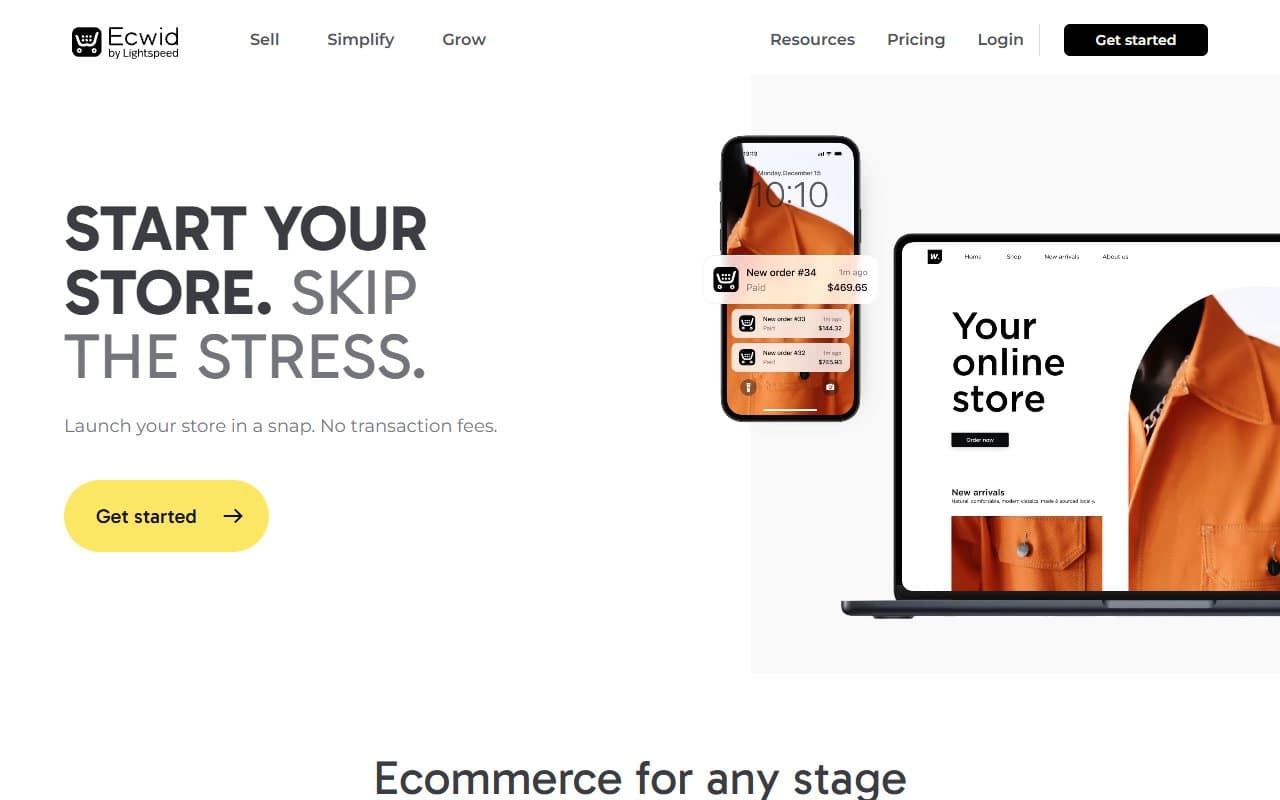
It manages your product catalog, handles checkout, tracks inventory, and sells on social channels simultaneously. The mobile app processes orders and updates stock from your phone, which matters when you're running a Saturday market stall. Everything syncs centrally — no manual spreadsheet juggling when someone buys through Instagram instead of your website.
This isn't Shopify. No massive app ecosystem, no deep customization rabbit hole. What it does, it does cleanly. For small businesses wanting selling capability without a second job managing the platform, that restraint helps.
Pricing
Free gets you five products. Legitimate for testing or selling a single course alongside services, but limiting for actual product businesses.
Venture ($25/month) unlocks 100 products, discount coupons, and phone support. Start here. You get room to grow, honest pricing, and features that cover basics without forcing immediate upgrades.
Business ($45/month) adds abandoned cart recovery, gift cards, and product filters. The abandoned cart feature typically recovers its cost within weeks once you have consistent traffic.
Unlimited ($105/month) removes all limits. Hard to justify unless you're running serious multi-location retail.
What Works Well
Installation takes forty minutes. Copy, paste, done. No developer, no theme conflicts, no support tickets. I tested this across multiple platforms — it worked every time.
Multi-channel selling without chaos. Syncing inventory across your website, Facebook Shop, and Instagram from one place sounds basic. Most tools do it badly. Ecwid keeps everything consistent, saving real time each week.
The mobile app works. Managing orders, checking inventory, and processing refunds from your phone functions properly. For business owners not chained to desks, this beats most features on spec sheets.
What Fails
The free plan wastes your time. Five products isn't a real business. It's an extended trial disguised as a permanent option. You'll upgrade within a month if you're serious.
Design control hits walls fast. The storefront looks clean but customizing beyond basic options requires patience or a developer. Brands with specific visual standards will bump into limitations faster than marketing suggests.
No transaction fees gets asterisked to death. Payment processor fees still apply, and those add up. The "no transaction fees" pitch misleads people who don't understand the difference.
How It Compares
Shopify wins if you're building a standalone store from zero. Better app ecosystem, stronger dedicated storefront infrastructure. Choose Ecwid when you already have a website you want to keep — Shopify expects to be your primary home.
WooCommerce is free and deeply customizable, but it's a WordPress plugin requiring real technical tolerance. Ecwid sets up faster and maintains easier. If you don't want to think about plugins, updates, and hosting conflicts, Ecwid is cleaner.
The Verdict
Already have a website and want to add commerce without rebuilding around it? Ecwid is the most painless way to do that. The free plan proves it works, Venture handles most small businesses comfortably, and multi-channel selling punches above its price.
Building your first web presence from scratch? Start with BigCommerce and avoid eventual friction. Local retailer, artist, or service business wanting to sell online without burning a week on setup? Ecwid earns its place. Business tier's abandoned cart recovery pays the monthly cost back quickly for anyone with steady traffic.
It knows exactly what it is: the fastest way to bolt selling onto what you already built.
Common Questions
Can I use Ecwid on my existing Squarespace or Wix site?
Yes, and it works well on both. You embed it directly without breaking your existing design. Setup takes under an hour with no technical background.
Is the free plan actually usable for a real business?
For testing or selling one or two products alongside services, yes. For product-based businesses, five products feels restrictive immediately. The Venture plan at $25/month is where it becomes a working tool.
How does Ecwid handle inventory across multiple sales channels?
Stock syncs centrally across your website, Facebook, Instagram, and Google Shopping. When something sells on one channel, others update automatically. It's one of the platform's stronger features.
Does Ecwid work for in-person selling?
It has point-of-sale integrations for in-person transactions, so local retailers can sync online and in-store inventory. Not a dedicated POS system, but covers basics well enough for small physical locations.