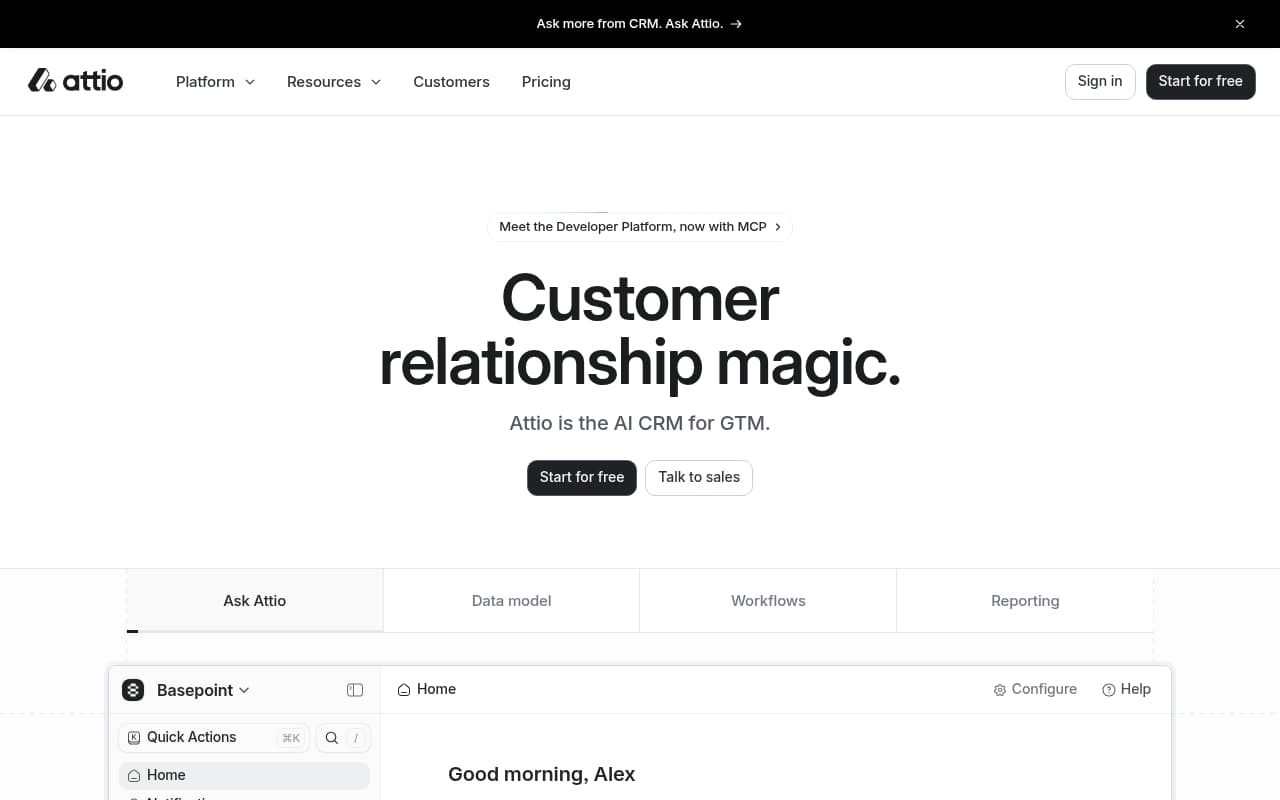
If you run a traditional service business, a retail operation, or anything that relies on newsletter campaigns baked into your CRM, close this tab. Attio was not built for you. This tool targets fast-moving, data-obsessed companies allergic to software that looks like 2009.
Who Should Use Attio
A 10-person SaaS startup running deals through Notion, a shared Gmail inbox, and optimism — that is Attio's sweet spot. You know you need a real CRM, but HubSpot demos leave you quietly furious at the onboarding complexity. Attio feels like someone designed it after 2015.
VC-backed companies and founder-led sales teams extract the most value. The workspace sync connects to your existing tools, so contact records stay current without manual updates. For a five-person team closing high-value B2B deals, that alone justifies the subscription.
It breaks down when you need more than CRM work. A 15-person e-commerce brand wanting CRM plus email automation hits a wall fast. A consultancy eight years deep into Salesforce with complex workflows should not expect clean migration.
What It Actually Does
Attio handles contacts, companies, deals, and tasks through a spreadsheet-style interface that most teams grasp immediately. The AI enrichment pulls in company data, social profiles, and contact details automatically. Custom objects let you track whatever matters to your business — customer health scores, partnership deals, or product feedback — without forcing you into predefined categories.
Pipeline views show your deals across multiple stages. Automations handle routine tasks like assigning leads, updating deal stages, or sending follow-up reminders. The API connects to your existing stack, though the integration library is smaller than HubSpot's.
The workspace sync is the standout feature. It monitors your team's email, calendar, and messaging tools, then updates contact records when someone has a new interaction. This prevents the data decay that kills most CRM implementations.
Pricing
Free plan — Works for one or two people testing the tool. Basic CRM features, limited automations. Not a long-term solution.
Plus ($34/month per seat) — Most small teams land here. Full pipeline views, automations, AI enrichment. Fair value for three-to-five person teams actively closing deals. The per-seat model stings as you grow.
Pro ($69/month per seat) — Advanced automations, higher API limits. Most small businesses will not need this tier. The price jump is hard to justify unless you are building complex workflows or deep integrations.
Enterprise — Custom pricing. Ignore it unless you have an IT department.
Buy Plus. If automation limits become a genuine problem, upgrade then.
What Works Well
The spreadsheet interface reduces friction. Most CRMs force you to learn their logic before you can do anything useful. Attio meets you where you work, so teams adopt it faster and log data consistently.
Custom objects deliver real flexibility. The template library saves most teams two hours weekly on data management. Defining your own record types without a developer sounds boring until you need it — then it becomes why you stay.
Workspace sync keeps records honest. Anyone who inherited a CRM with three-year-old contact data knows the problem. Automatic enrichment and sync mean records degrade slower than in tools depending entirely on human discipline.
What Does Not Work
The automation builder has a steep learning curve. Despite marketing claims, this is not plug-and-play. Expect several hours building moderate workflows, and expect at least one to misfire before you find your footing.
No native email marketing exists. For a tool positioned as a complete GTM platform, the absence of basic campaign functionality is a significant gap. You need separate tools for newsletters, drip sequences, or broadcast campaigns, adding cost and complexity.
Integration library is thin. Compared to HubSpot's marketplace, Attio connects to fewer third-party tools. If your business runs on niche software, check integration availability before committing.
How It Compares
HubSpot CRM — More features, more complexity, genuinely useful free tier. Choose HubSpot for email marketing, landing pages, or ten years of third-party integrations. Choose Attio if HubSpot's interface makes you want to close your laptop.
Pipedrive — Simpler, cheaper at entry level, better for traditional sales teams with linear pipelines. Pipedrive lacks Attio's flexibility but asks you to think less. For a five-person sales team just tracking deals, Pipedrive suffices.
Salesforce — If you are considering Salesforce, this review is not for you.
The Verdict
Attio works for startups and small B2B teams that hate over-engineered software and want CRM that reflects how data actually works. Plus at $34 per seat is fair value, the interface is class-leading, and custom objects matter more than you expect.
If you need email campaigns, extensive integrations, or sales team hand-holding rather than flexibility, choose HubSpot. The feature gap is real. Attio knows what it is — a precision tool for specific teams — and most small businesses are not that team.
If you are, though, it is the best CRM you will actually use.
Common Questions
Does Attio replace HubSpot?
For pure CRM and pipeline work, yes — more elegantly. But HubSpot bundles email marketing, landing pages, and a large app ecosystem Attio does not match. If those matter to your business, they are not equivalent tools.
Is Attio good for non-technical teams?
More intuitive than Salesforce, better designed than legacy CRMs. Getting the most from automations and custom objects requires configuration patience. A non-technical founder can handle it; teams wanting everything ready out-of-the-box may find setup frustrating.
Can I migrate from my current CRM to Attio?
Basic CSV imports work fine for contacts and companies. Complex workflow migrations from Salesforce require manual rebuilding. Budget several days minimum for anything beyond simple contact lists.
Is the free plan actually usable?
For solo evaluation, yes. For teams running live deals, no. Automation and collaboration limits kick in quickly. Treat the free plan as a two-week trial, not a permanent solution.