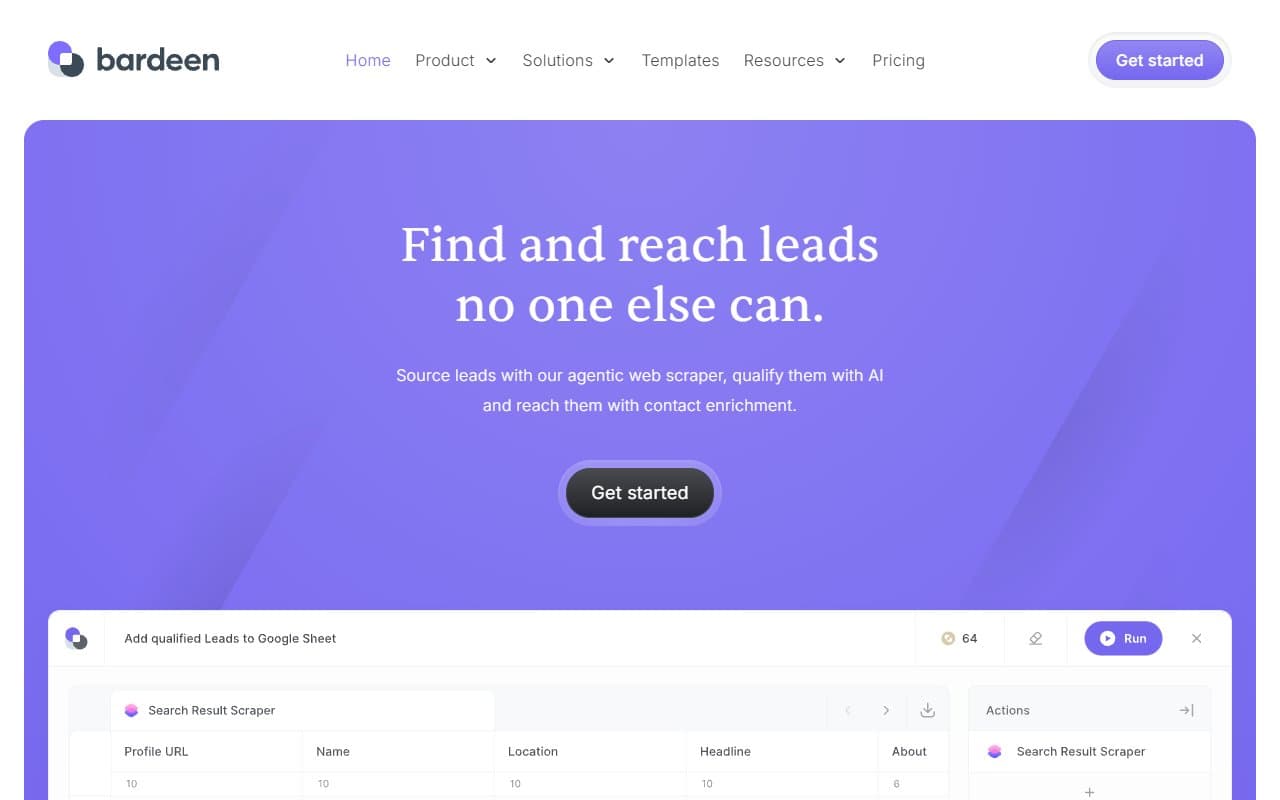
Most business owners think automation means hiring a developer or buying expensive software that takes three months to set up. Bardeen is a Chrome extension that turns "I wish this happened automatically" into "it now happens automatically" — usually in under an hour.
Who Should Use Bardeen
A five-person recruiting firm spending two hours a day copying candidate data from LinkedIn into their ATS should look at this immediately. Bardeen connects directly to your browser, watches what you're doing, and repeats it for you at scale. It literally watches your screen and learns the pattern.
Small sales teams are the other obvious fit. If your reps manually move lead data from websites into your CRM, or copy contact details into spreadsheets before calls, Bardeen cuts that loop entirely. A 10-person SDR team using this correctly can recover 45 minutes per rep per day. Across a month, that's meaningful revenue time returned.
Operations managers at e-commerce businesses or agencies who spend time on routine web data collection — pricing checks, directory monitoring, contact harvesting — will also get genuine value here. The key condition is that the work happens inside Chrome. If your processes live in desktop apps or backend systems, Bardeen won't help you.
What It Actually Does
Bardeen sits inside your browser as a Chrome extension, waiting for you to give it jobs. You can tell it to go to a list of LinkedIn profiles, pull out names, titles, and email addresses, and drop them into a Google Sheet — without you touching a single profile. You can set it to sync that data directly into HubSpot or Salesforce when it's done.
The tool comes with a library of pre-built automations called Playbooks. Most users start there rather than building from scratch. You browse the library, find something close to what you need, and run it. The scraper feature handles most web pages without any configuration. The newer suggestion feature watches your browser behaviour and proposes automations based on what it sees you doing repeatedly — which sounds gimmicky but turns out to be surprisingly useful in practice.
Pricing
Free plan gives you access to the core features with a cap on automation runs per month. It's genuinely usable — not a crippled demo — and a solo operator with modest needs can stay here indefinitely. Try this before spending a penny.
Pro plan unlocks unlimited automation runs, premium Playbooks, and more integration options including deeper CRM sync. This is where most small businesses should land. The monthly cost is reasonable against the time saved, and you'll hit the free tier limit quickly if you're using Bardeen seriously.
Business plan adds team features, priority support, and admin controls. If you're managing a sales or recruiting team of six or more people, this is where you need to be. Below that headcount, it's likely more than you need.
One honest note: the jump from free to paid is a real price increase in proportion to what you get. Max out the free tier before upgrading — many users don't need to move up as quickly as they think.
What Works Well
The Playbook library saves genuine time. There are hundreds of pre-built automations covering LinkedIn, Google Sheets, Salesforce, HubSpot, and more. For most common sales and recruiting workflows, you're running something useful within 20 minutes of installing the extension — no setup required.
The scraper punches above its weight. Most browser scrapers require you to select elements on the page, fiddle with selectors, and then pray it still works next week. Bardeen's scraper handles messy real-world pages better than expected and rarely needs babysitting after the first run.
CRM sync that actually works. Connecting browser-sourced data to HubSpot or Salesforce without a developer used to require Zapier and three hours of troubleshooting. Bardeen handles this natively, and it's stable enough that your reps can rely on it without IT involvement.
What Does Not Work
It stops at the browser edge. If any part of your workflow involves a desktop application, a PDF, an internal tool without a web interface, or any server-side process, Bardeen cannot help you. This is a fundamental constraint, not a missing feature — the tool was built for browser work, period. Teams who need automation across their whole stack will hit this wall fast.
It's Chrome or nothing. Firefox, Safari, Edge — none supported. If your team has a mixed browser environment, or if anyone uses a browser other than Chrome as their primary, Bardeen doesn't exist for them. In 2026, locking to a single browser is a real operational constraint worth factoring into your decision before you commit.
How It Compares
Zapier handles multi-step workflows across hundreds of apps, including server-side processes Bardeen can't touch. Choose Zapier when your automation needs to happen outside the browser or connect tools that don't have web interfaces. Choose Bardeen when the work is browser-based and you want something your reps can run themselves without building a Zap from scratch.
Make offers more complex logic and better value at high automation volumes. It's more powerful but significantly steeper to learn. Bardeen wins on speed-to-value for non-technical users who need something working this week, not this quarter.
PhantomBuster overlaps most directly, particularly for LinkedIn automation and lead scraping. PhantomBuster runs in the cloud rather than your browser, which means it works without your computer being on — a genuine advantage. Bardeen's edge is ease of setup and the broader range of workflows beyond just lead generation.
The Verdict
If you run a sales team or recruiting desk and your people are manually moving data between LinkedIn, websites, and your CRM every single day, Bardeen will pay for itself inside the first month — probably the first two weeks. The free tier is honest, the Playbook library gets you moving without any technical skill, and the CRM integrations are solid enough to trust.
If you need automation that runs overnight without a browser open, or if your processes span desktop tools and backend systems, Bardeen will frustrate you. Move to Make or a proper iPaaS platform instead. Similarly, if your team isn't standardized on Chrome, don't even start the trial — you'll create a two-tier workflow that causes more problems than it solves.
Bardeen is a specialist, not a generalist, and it's a very good specialist. Used in the right context, it quietly removes hours of manual work every week without requiring anyone on your team to think like a developer.
Common Questions
Does Bardeen work without any technical knowledge?
Yes, and that's one of its genuine strengths. The Playbook library means most users never need to build an automation from scratch. If you can use a browser and follow instructions, you can run Bardeen — your IT person doesn't need to be involved.
Can Bardeen run automations when my computer is off?
No. Because it's a Chrome extension, it requires your browser to be open and running. If you need automations that run on a schedule in the background without a machine active, look at PhantomBuster or Make instead.
Is Bardeen safe to use with LinkedIn?
This is a fair concern. Browser-based automation on LinkedIn sits in a grey area in terms of LinkedIn's terms of service. Bardeen includes rate-limiting to reduce the risk, but you should use it at measured volumes rather than scraping thousands of profiles at once. The risk is account restriction, not anything more severe.
What CRMs does Bardeen connect to?
The main integrations cover HubSpot, Salesforce, and Pipedrive, along with Google Sheets as a middle-layer option for other CRMs. If your CRM isn't on that list, you can usually route data through a spreadsheet as a workaround, though it adds a step.